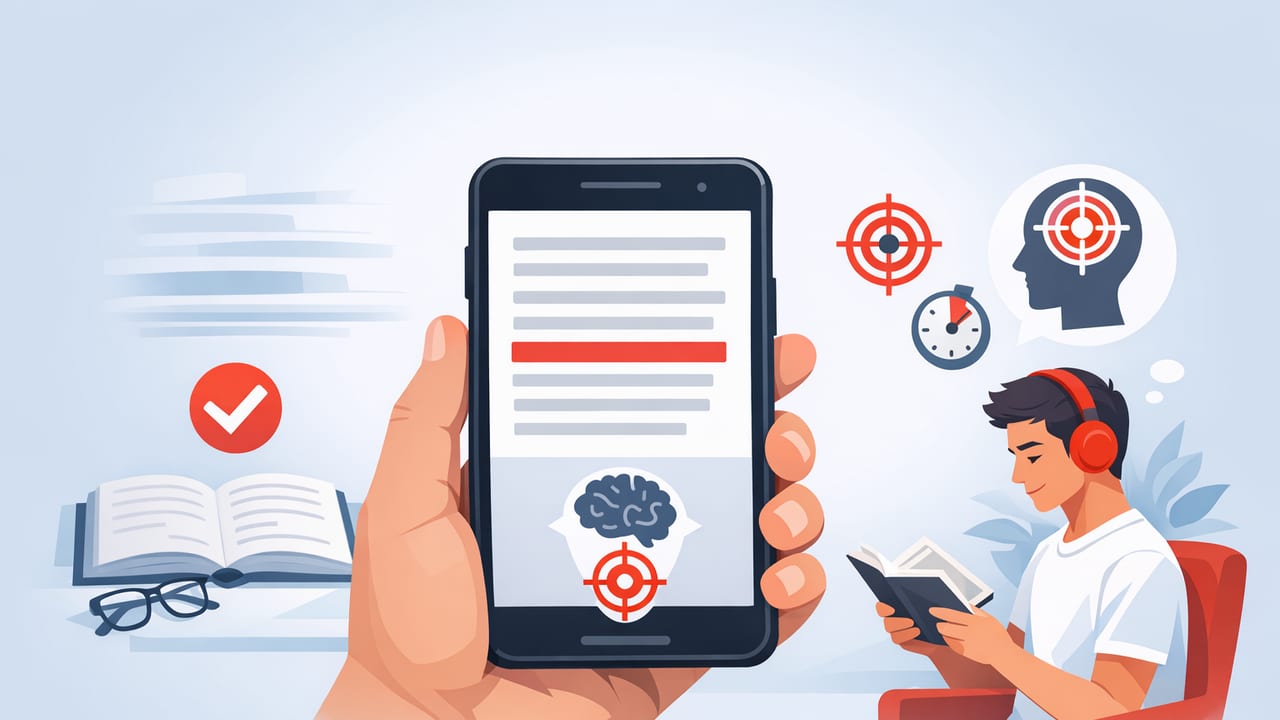
Reading on an iPhone or iPad is convenient—your articles, PDFs, and study notes are always with you. But convenience often comes with a cost: notifications, tabs, and endless scrolling can quietly wreck focus. If you’ve ever reread the same paragraph three times, you’re not alone.
The good news is that you can train focus like any other skill. The most effective approach is a system: a repeatable setup that combines environment, device settings, and an app to improve reading focus so you spend less mental energy fighting distractions and more energy understanding what you read.
This guide breaks down that system step by step—optimized for iOS reading habits, speed reading workflows, and comprehension.
Why digital reading breaks focus (and how to fix it)
Digital reading tends to fail for three predictable reasons:
- Attention switching: notifications, badges, and quick app switching create micro-interruptions that reset your concentration.
- Unstructured pacing: scrolling encourages “skim drift”—your eyes move faster than your brain processes.
- Low friction: it’s too easy to jump to another article, another tab, another feed.
To counter this, your reading system needs three ingredients:
- Fewer inputs (block interruptions)
- Controlled pace (reduce regressions and wandering)
- Active processing (retain meaning, not just words)
What to look for in an app to improve reading focus
You don’t need a complicated tool, but you do want features that support focus + comprehension, not just speed. When evaluating an app to improve reading focus for iPhone or iPad, prioritize these capabilities:
1) Distraction-resistant reading modes
- Clean reading view: removes sidebars, ads, and visual clutter.
- Chunked display or RSVP-style modes: helps you keep your place and reduces eye darting.
2) Adjustable pacing and typography
- Speed control (words per minute) to match difficulty
- Font, size, and line spacing for comfort and reduced fatigue
- Highlighting/emphasis or a focal point to guide your gaze
3) Built-in accountability
- Session timers (short sprints beat vague “read more” goals)
- Progress tracking (streaks, time read, or pages/articles completed)
4) Comprehension support
- Easy replays (quickly review a section without losing your place)
- Note capture or export so you can convert reading into study material
The iOS “Deep Reading” setup: 7-minute checklist
Before you even open your reading material, set up your device so focus is the default.
Step 1: Turn on Focus mode (and make it strict)
On iPhone/iPad, use a dedicated Focus profile for reading or studying:
- Allow notifications from nobody (or only one emergency contact).
- Hide notification badges on distracting apps.
- Use a “Reading” Home Screen page with only your reading tools.
Step 2: Use one source of truth for text
Tab-hopping is the enemy. Instead of juggling Safari tabs, choose one workflow per session:
- Articles: save to a read-it-later list and open in a clean reading view.
- PDFs/Docs: import to your document reader or reading app.
- Study notes: keep them in one place, then read in a consistent format.
Step 3: Set a session length (short and finishable)
Start with 12–20 minutes. Focus improves when your brain trusts you’ll stop on time. Longer sessions can come later.
Focus settings cheat sheet (copy this)
These are starting points, not rules. Adjust based on difficulty and fatigue.
| Goal | Best Reading Mode | Suggested Pace | Tip |
|---|---|---|---|
| Careful comprehension (textbook, dense PDF) | Chunked lines / clean page view | 180–260 WPM | Pause every section to summarize in one sentence |
| General articles (work/newsletters) | Guided focus mode (highlighting/focal point) | 250–400 WPM | Mark 3 key points as you go |
| Speed pass (first exposure) | RSVP-style / rapid display | 350–550 WPM | Do a second slower pass only on hard paragraphs |
| Review (before meeting/exam) | Fast mode + quick back-jump | 400–650 WPM | Focus on headings, definitions, and summaries |
The 20-minute reading sprint (a repeatable protocol)
This is the core of the system. Use it daily to build reading focus and speed without sacrificing meaning.
- Minute 0–2: Preview
- Read headings/subheadings.
- Look for definitions, lists, diagrams, or key claims.
- Decide your purpose: “What do I need from this?”
- Minute 2–15: Focused read (controlled pace)
- Use your app to improve reading focus in a mode that limits wandering (chunked/RSVP/clean view).
- Keep your pace steady; avoid frequent backtracking unless something is truly unclear.
- Highlight or note only what supports your purpose (don’t decorate the page).
- Minute 15–18: Recall (no looking)
- Write 3 bullets from memory: key idea, supporting detail, implication/action.
- If you can’t recall, that’s not failure—it’s feedback to slow down next sprint.
- Minute 18–20: Targeted reread
- Skim back only to confirm or correct your recall bullets.
- Capture one “next step” (apply, share, practice, or save).
Rule of thumb: If you can’t explain it simply, you didn’t read it deeply—you only looked at it.
How to increase focus without slowing down
Many readers assume focus means reading slowly. In practice, controlled speed can increase focus because it prevents your attention from drifting. Try these techniques:
Use “pace brackets” instead of one speed
Set a speed range based on difficulty:
- Easy: 350–500 WPM
- Medium: 250–400 WPM
- Hard: 180–280 WPM
Switch speeds intentionally at section boundaries. This keeps you engaged and reduces frustration.
Reduce regressions (the silent focus killer)
Eye regressions—re-reading the same line—often happen because your brain is bored or distracted. To reduce them:
- Use a guided display mode that keeps your place.
- Turn off auto-scrolling feeds and read in a stable format.
- When you feel the urge to jump back, pause and ask: “What was the point of that paragraph?”
Do “micro-summaries” at natural breaks
At the end of each section, think one sentence: “This section argues that…” That single sentence is a powerful comprehension anchor.
A simple comprehension self-test (30 seconds)
After a session, answer these three questions without looking at the text:
- Main claim: What is the central point?
- Support: What evidence or reasoning was used?
- Use: How will you apply this (decision, summary, task, or insight)?
If you can answer all three, your speed is probably appropriate. If not, slow your pace bracket or increase recall time.
Automate your reading ritual on iPhone/iPad (optional)
Automation reduces friction. If you use Apple Shortcuts, you can create a one-tap “Reading Sprint” routine that turns on Focus mode and opens your reading tool.
// Pseudocode for a Shortcuts routine
// 1) Set Focus: Reading (On)
// 2) Set Timer: 20 minutes
// 3) Open App: your reading app / saved article list
// 4) (Optional) Start background sound: white noise
The point isn’t fancy automation—it’s consistency. A repeatable start cue trains your brain to enter focus faster.
Common mistakes (and quick fixes)
- Mistake: Reading fast to “get it over with.”
Fix: Define a purpose and do a 3-bullet recall. Speed without recall is just scrolling. - Mistake: Highlighting everything.
Fix: Limit yourself to 3 highlights per section or 10 per article. - Mistake: Using the same pace for everything.
Fix: Use pace brackets and slow down on definitions, arguments, and dense examples. - Mistake: Blaming “low attention span.”
Fix: Make interruptions harder (Focus mode) and keep sessions short enough to win daily.
Putting it together: your weekly focus-building plan
Here’s a lightweight plan that improves reading habits without burning willpower:
- 3 days/week: 1 sprint (20 minutes) on medium material (articles, work docs)
- 2 days/week: 1 sprint on hard material (textbook/PDF) at a slower bracket
- 1 day/week: Review sprint (fast pass + recall) to strengthen memory
Track only two metrics: sessions completed and recall quality (good/okay/poor). You’ll naturally find the best speed for comprehension.
Conclusion: focus is a system, not a personality trait
Deep reading on iPhone and iPad is absolutely possible—if you design for it. Combine a strict Focus mode, a controlled pacing method, short sprints, and an app to improve reading focus that reduces visual clutter and supports steady progress. The result is not only faster reading, but clearer thinking and better retention.
If you’re exploring iOS tools that support this kind of guided, distraction-resistant reading workflow, an app like FocalRead can fit neatly into the sprint-and-recall system described above.
