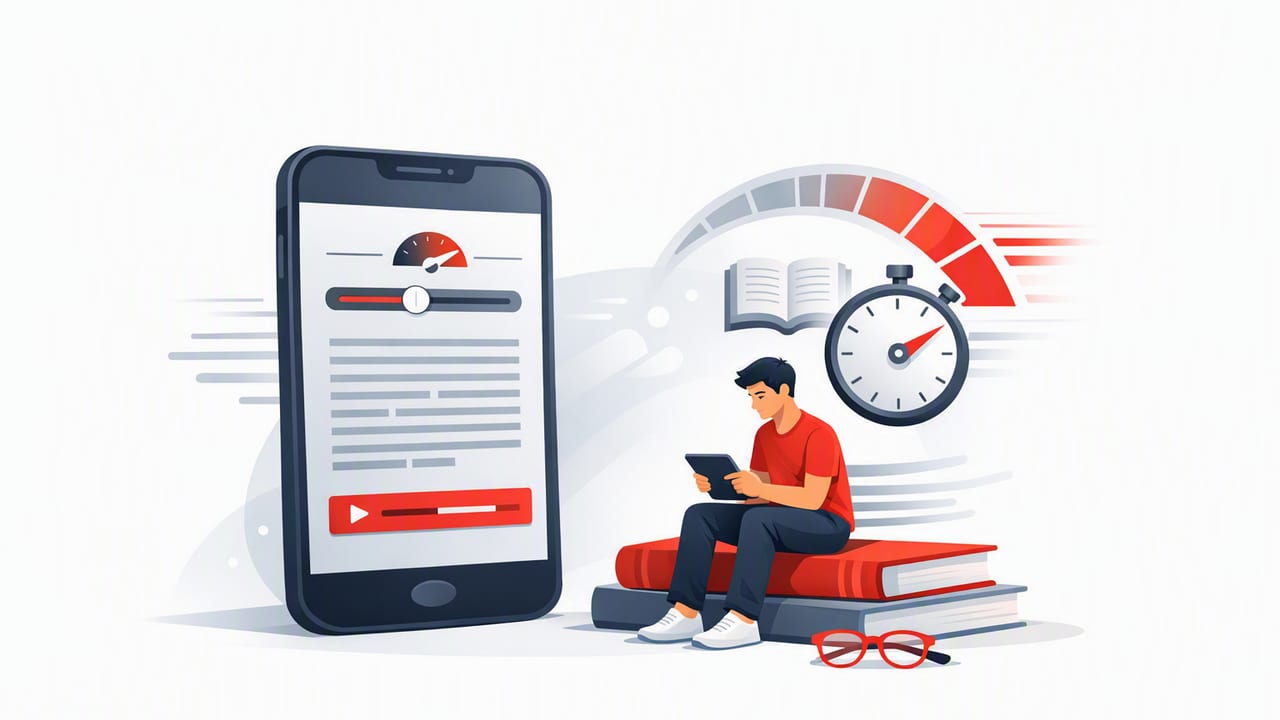
If your reading pile keeps growing—articles, PDFs, research papers, newsletters—your problem may not be motivation. It may be friction: distractions, inefficient eye movements, and reading habits that were never designed for modern digital overload. The good news is that a well-designed app to increase reading speed can help you train faster, cleaner reading while protecting comprehension—especially on iPhone and iPad, where you already do much of your daily reading.
This guide explains what actually makes you faster, how to pick the right features, and how to follow a simple week-long plan that builds speed without turning reading into a blur.
What “reading faster” really means (and what it doesn’t)
Reading speed isn’t just about moving your eyes quicker. Most people slow down because of a few common bottlenecks:
- Subvocalization: silently pronouncing every word in your head.
- Regression: re-reading lines due to distraction or uncertainty.
- Poor pacing: inconsistent rhythm, often caused by notifications or multitasking.
- Weak previewing: starting cold without a mental map of the text.
Speed-reading tools work best when they reduce these bottlenecks while keeping you accountable to comprehension. You’re not aiming to “skim everything.” You’re aiming to match your speed to the material: faster for familiar or straightforward text, slower for dense or technical sections.
Rule of thumb: Speed is a skill, not a setting. The best results come from short, consistent drills plus deliberate comprehension checks.
How a reading-speed app helps (when it’s designed well)
A quality iOS reading app can be more than a place to store text. Look for tools that change your reading behavior in measurable ways:
1) Pacing that prevents wandering attention
When words flow at a steady rate (or your eyes follow a guided highlight), your brain has fewer chances to drift. This is especially helpful for:
- students pushing through long assignments,
- professionals reading reports,
- anyone who loses focus mid-paragraph.
2) Reduced regression (accidental re-reading)
Many people re-read without noticing. Guided reading modes, clean layouts, and distraction-reduction features can cut regression dramatically, which often increases speed without feeling harder.
3) Training loops (not just a reader)
If an app includes drills, progress tracking, and adjustable difficulty, it supports skill-building—not just consumption. The difference is like using a gym program versus just owning shoes.
Features to prioritize in an app to increase reading speed
Not every “speed reading” feature is useful for every person. Here’s what tends to matter most on iPhone and iPad.
RSVP / rapid word presentation (optional but powerful)
RSVP (Rapid Serial Visual Presentation) shows words or small phrases in a fixed position. Benefits include:
- less eye movement,
- more consistent pacing,
- excellent for drills and shorter texts.
Tip: RSVP can feel intense at first. Start with short sessions (3–5 minutes) and build tolerance.
Adjustable WPM with quick controls
Look for easy WPM adjustments (sliders or step controls). Your ideal speed varies by content:
- Newsletters / blog posts: often 300–500 WPM
- Nonfiction books: often 250–450 WPM
- Dense academic material: often 180–300 WPM
Comprehension checks (simple is fine)
The fastest way to build usable speed is to verify you understood what you read. Useful options include:
- quick quizzes,
- prompts (“Summarize in 2 sentences”),
- highlighting and exporting notes.
Clean import options for real-world reading
Training on random sample text helps, but you’ll improve faster if you practice on what you actually need to read. Useful import methods:
- copy/paste from Safari,
- share sheet import,
- PDF/text import where possible.
Distraction control and layout tools
On iOS, small distractions add up. Favor apps that support:
- custom fonts and spacing,
- dark mode,
- minimal UI while reading,
- session timers.
A 7-day plan to increase reading speed (without losing comprehension)
This plan takes 15–20 minutes per day. The goal is not a temporary burst—it’s a repeatable system you can keep using.
| Day | Session (15–20 min) | Goal |
|---|---|---|
| 1 | Baseline test + 2 short drills | Find starting WPM and comprehension |
| 2 | Pacing drill (guided mode/RSVP) + recap | Reduce regression; keep accuracy |
| 3 | Increment drill (add 25–50 WPM in steps) | Build speed tolerance safely |
| 4 | Preview + read + 3-bullet summary | Improve comprehension at higher speeds |
| 5 | Mixed materials (easy + medium) + notes | Learn when to speed up vs slow down |
| 6 | Longer read (10 min continuous) + self-quiz | Boost focus endurance |
| 7 | Retest baseline passage + compare results | Measure progress and set next target |
Day 1: Get a real baseline
Pick a passage you haven’t read before (600–900 words). Read normally for 3–5 minutes and calculate WPM. Then answer:
- What’s the main claim?
- List 3 key details.
- What would you do differently based on what you read?
If you can’t answer these clearly, your baseline speed is too high—or your focus is too fragmented.
Day 2: Use pacing to eliminate regression
Use your app’s guided mode or RSVP and set WPM to baseline + 10%. Keep sessions short (two rounds of 4 minutes). After each round, write a 1–2 sentence recap. You’re training your brain to trust forward motion.
Day 3: Speed increments (the safest way to grow)
Run a “ladder”:
- 3 minutes at baseline
- 3 minutes at +25 WPM
- 3 minutes at +50 WPM
- 2 minutes back at baseline (cool-down)
This teaches control. You’ll often notice baseline feels easier after the higher-speed intervals.
Day 4: Preview before you read
Previewing is a hidden multiplier. Before reading, spend 60–90 seconds on:
- headings and subheadings,
- first sentences of paragraphs,
- any charts or bolded terms.
Then read at baseline + 10–20% and end with a 3-bullet summary. Previewing reduces surprise, which reduces re-reading.
Day 5: Mix difficulty on purpose
Read two short pieces: one easy (familiar topic), one medium (newer topic). Target speeds:
- Easy: baseline + 20–40%
- Medium: baseline + 0–15%
This trains a key real-world skill: adaptive speed.
Day 6: Build endurance (focus is part of speed)
Do one continuous 10-minute session with notifications off. If you lose focus, don’t restart—mark the moment and keep going. Afterward, write 5 “micro-notes” (single-line takeaways). The goal is sustained attention, not perfection.
Day 7: Retest and set a realistic target
Retest using the same type of passage (similar length and difficulty) and compare:
- WPM change
- quality of your summary
- how tired you feel afterward
A strong outcome is often +10–25% speed with equal or better comprehension. If speed rose but recall dropped, keep training at the new speed until comprehension stabilizes.
How to track WPM and comprehension (simple template)
You don’t need complex analytics—just consistent notes. Paste this into Notes, Numbers, or any spreadsheet:
Date,Material,Mode,WPM,Minutes,Comprehension(1-5),Notes
2026-03-01,Article (900w),RSVP,320,10,4,Good focus; missed 1 detail
2026-03-02,PDF (report),Guided,280,12,3,Too fast on charts; slow down there
Comprehension rating tip: Use “3” as “I got the gist but would struggle to teach it,” and “4–5” as “I could explain it clearly.”
Common mistakes that make speed reading backfire
- Chasing a number: If you only raise WPM, you’ll eventually outrun comprehension. Train both.
- Skipping previewing: Diving in cold increases regression.
- Practicing only on easy text: You’ll feel fast but won’t improve where it matters.
- Long sessions too early: Early progress comes from short, high-quality reps.
- Ignoring fatigue: When tired, slow down intentionally. Sustainable reading beats heroic bursts.
Quick iPhone & iPad setup for faster reading sessions
Before you start a session in any app to increase reading speed, do a 30-second setup:
- Turn on Focus mode (silence notifications).
- Set brightness and text size so you’re not squinting.
- Choose one goal: “extract 5 takeaways” or “summarize in 3 bullets.”
- Use a timer (8–12 minutes is plenty for training).
What results you can realistically expect
Most readers can increase speed meaningfully, but outcomes depend on consistency and material difficulty. A realistic progression looks like:
- Week 1–2: smoother pacing, less re-reading, modest WPM gains
- Week 3–4: faster “easy material” speed, better endurance
- After that: stronger control—knowing when to accelerate and when to slow down
The biggest win is often not raw speed. It’s finishing readings with less friction, more focus, and better recall.
Final thought
If you want to read more without sacrificing understanding, focus on pacing, previewing, and short daily drills. Once you know which features support those habits, choosing an iOS reading tool becomes straightforward. If you’re exploring options, FocalRead is one example of an iPhone and iPad speed-reading app that supports structured practice and distraction-light reading.
