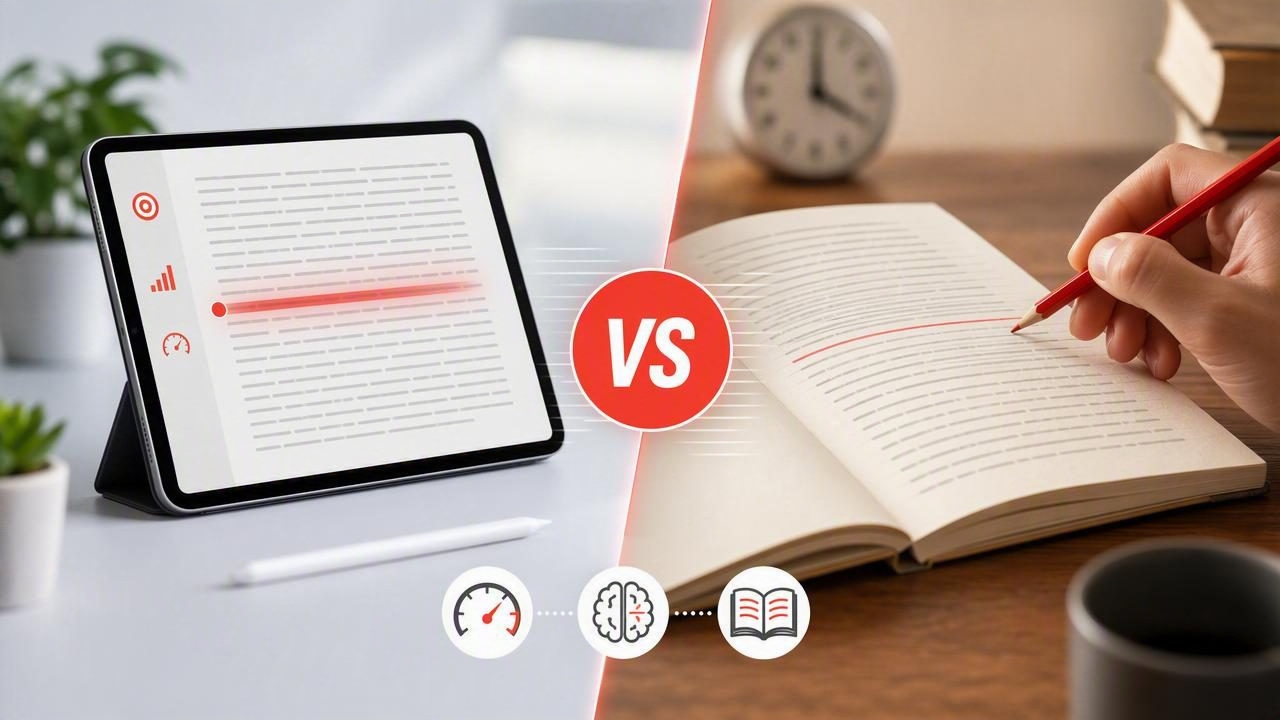
When you want to read faster, the first question is often simple: should you train with printed pages or use a digital tool? The focus reading app vs paper speed drills comparison matters because both methods can improve reading habits, but they train different parts of the reading process.
Paper drills offer a low-tech, distraction-free way to practice pacing, eye movement, and sustained attention. A reading app can add adjustable speed, timed sessions, progress tracking, and focused display modes for the articles and documents you already read on an iPhone or iPad. Neither format is automatically better for every person or every task.
The most useful approach is to understand what each method does well, where it falls short, and how to use it without sacrificing comprehension. This guide compares paper speed drills and focus reading apps, then provides a practical plan for choosing the right training method.
What Are Paper Speed Drills?
Paper speed drills are structured exercises completed with printed material. They may involve reading a passage under time pressure, marking the point where you stop, calculating words per minute (WPM), and answering a few questions afterward. Some readers use a finger, index card, or pen as a visual guide to maintain a steady pace.
A typical drill has three elements:
- A measured passage: You need an approximate word count or a known page length.
- A time limit: Short sessions, such as two to 10 minutes, make pace visible.
- A comprehension check: A summary, recall questions, or notes reveal whether speed was meaningful.
These drills can be especially useful for students who work with textbooks, readers who prefer print, and anyone trying to notice habits such as rereading every sentence or pausing too frequently.
What Is a Focus Reading App?
A focus reading app is a digital reading tool designed to make reading on a phone or tablet more intentional. Depending on the app, it may present text in a clean, minimal interface; help you set a pace; display text in chunks; reduce visual clutter; or track a reading session over time.
The goal is not simply to push words faster across a screen. A useful app creates a repeatable environment for practicing attention and reading pace with digital text, including web articles, saved notes, and documents. This is relevant because many people now do most of their professional, academic, and recreational reading on screens.
Common features include:
- Adjustable pace or words-per-minute settings
- Timers for short, focused reading sessions
- Text display modes that reduce competing visual elements
- Progress logs or session history
- Portrait and landscape support for iPhone and iPad reading
Focus Reading App vs Paper Speed Drills: A Direct Comparison
| Factor | Focus Reading App | Paper Speed Drills |
|---|---|---|
| Setup | Fast once text is imported or opened | Requires printed material, a timer, and often word counts |
| Pace control | Can be adjusted precisely during each session | Usually self-paced and measured after the drill |
| Distraction control | Depends on device settings and app design | Usually very strong; no notifications or browser tabs |
| Progress tracking | Often built into the reading workflow | Requires a notebook or spreadsheet |
| Best fit | Digital articles, PDFs, commuting, daily practice | Printed study material and screen-free practice |
| Comprehension review | Needs a deliberate pause for notes or recall | Easy to annotate directly on the page |
Where Paper Drills Have an Advantage
1. They reduce digital interruptions
Paper has a major practical advantage: it does not buzz, refresh, or invite you to check another app. If notifications, messages, and the temptation to switch tasks regularly interrupt your reading, printed drills provide a cleaner attention environment. For some people, this alone improves comprehension more than any speed technique.
You can protect a digital session by using Do Not Disturb, turning off notifications, and reading in a single-purpose app. Still, a physical page removes the option to jump to social media or email with one tap.
2. They support annotation and spatial memory
Many readers remember where an idea appeared on a page. They may recall that a definition was in the top-left corner, a diagram followed a heading, or an important claim was underlined near the end of a chapter. Paper makes this kind of spatial reference easy.
Printed material is also convenient for margin notes, highlighting, and comparing pages side by side. For dense academic reading, legal documents, or material that requires close analysis, paper drills can complement careful study very well.
3. They make you practice deliberately
Because paper drills require more setup, they can feel more formal. You choose the passage, set the timer, record a result, and review what you understood. That structure can prevent the common mistake of mistaking casual scrolling for reading practice.
Where a Focus Reading App Has an Advantage
1. It fits the text you actually need to read
If your reading queue is mostly digital, training only with print creates a mismatch. Professionals often read reports, emails, briefs, knowledge-base articles, and PDFs on screens. Students may read course material in learning platforms. An app-based practice routine lets you train with the same format you use in real life.
This matters for habit formation. A training method is more likely to last when it fits naturally into a morning commute, a break between meetings, or a 15-minute study block on an iPad.
2. It makes gradual pacing easier
Effective speed reading practice is usually progressive rather than extreme. Instead of trying to double your reading speed overnight, increase pace in small steps while checking recall. Digital controls make this simple: read one passage at a comfortable pace, increase slightly for the next, then compare comprehension.
A good rule is to treat speed as a variable to test, not a score to chase. If you cannot state the main idea, identify key evidence, or explain the author’s conclusion, the setting was too fast for that text and purpose.
3. It provides repeatable data
Paper users can absolutely track results, but a digital tool can lower the friction. Consistent session records help you notice patterns: perhaps you read fastest in the morning, retain less after long workdays, or need a slower pace for technical material. These observations are more useful than comparing yourself with someone else’s WPM.
Track at least three measures: reading time, estimated pace, and comprehension. A simple record might look like this:
Date: Tuesday
Text type: Research article
Pace: 260 WPM
Session length: 12 minutes
Recall: 4/5 key points
Adjustment: Keep pace; add a one-sentence summary
Speed Without Comprehension Is Not the Goal
The biggest risk in either method is treating reading as a race. Reading rate matters when you need to process routine material efficiently, but not all text deserves the same pace. A news update, familiar business article, or light nonfiction chapter can often be read faster than a difficult scientific paper, contract, poem, or chapter you must later discuss in detail.
The best reading speed is the fastest speed that still serves your purpose.
Before each session, decide why you are reading. Are you scanning for an answer? Building broad familiarity? Preparing for an exam? Evaluating an argument? Your purpose determines both your pace and your review method.
- For scanning: Look for headings, names, dates, and specific facts.
- For general understanding: Focus on the central claim and supporting points.
- For learning: Slow down, take notes, and use active recall afterward.
- For critical analysis: Question evidence, assumptions, and gaps in the argument.
A Practical Hybrid Plan for Better Reading Focus
You do not have to choose one method forever. A hybrid routine can combine the convenience of an iOS reading tool with the deep-focus benefits of print. Try this four-part weekly structure:
- Do three short digital sessions. Read for 10 to 15 minutes using a focused display. Increase pace only slightly when recall remains solid.
- Do one paper drill. Use a printed passage for 15 minutes. Mark distractions, rereading habits, or places where you lost the thread.
- Finish every session with recall. Close or cover the text and write three points you remember. Then check what you missed.
- Review once per week. Notice which text types, times of day, and settings produced both speed and understanding.
This routine keeps practice realistic. Digital tools build skill in the environment where many people work, while paper offers a valuable screen-free benchmark for attention.
How to Choose the Right Method for You
Choose paper speed drills if you are easily pulled away by your phone, regularly study printed books, or need extensive annotation. Choose a focus reading app if your daily workload is mostly digital, you want flexible practice on an iPhone or iPad, or you benefit from structured pacing and simple tracking.
For most readers, the deciding factor is consistency. A method that you can use four times a week will likely produce better results than a theoretically perfect method you use once a month. Start with short sessions, keep the material relevant, and protect comprehension at every stage.
If you want a focused way to practice with digital text, FocalRead is one option for building a more intentional speed-reading routine on iPhone and iPad. Whatever tool you choose, measure progress by what you can understand, remember, and apply—not just how quickly you turn pages.
