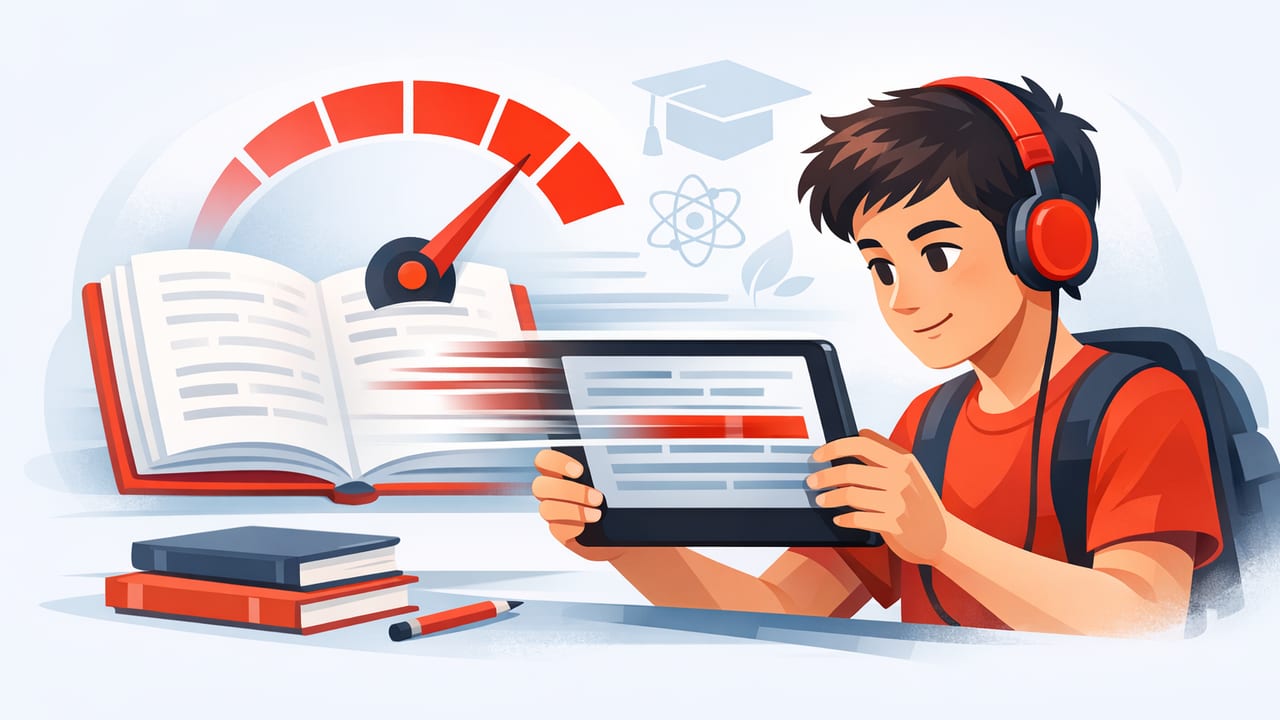
Between lectures, assignments, and nonstop notifications, students often face the same problem: too much reading, too little time. A well-designed speed reading app for students can help you move through digital text faster—without turning your brain into a skim machine. The key is using the app as a study tool, not just a “read fast” button.
This guide explains how speed reading apps work, what features matter for coursework, and how to build a routine that increases speed and comprehension on iPhone or iPad.
What a speed reading app actually changes (and why it helps students)
Most students don’t read slowly because they’re “bad readers.” They read slowly because academic text triggers habits that waste attention:
- Regression: re-reading the same line again and again “just to be safe.”
- Subvocalization: saying every word in your head at speaking speed.
- Low attentional control: your eyes move, but your mind is thinking about something else.
A speed reading app for students helps by shaping the visual presentation of text and giving you tempo control. Instead of relying on pure willpower, you use structure—timed pacing, chunking, and focus-friendly layouts—to reduce wasted eye movements and keep attention on track.
Speed vs comprehension: the trade-off is real (but manageable)
In studying, the goal isn’t “fastest possible.” The goal is fast enough to finish while keeping enough comprehension to perform on quizzes, essays, and exams. Speed reading should be treated like adjusting gears:
- 1st gear (slow): dense theory, proofs, primary sources, unfamiliar vocabulary.
- 2nd–3rd gear (medium): textbooks, lecture notes, assigned articles.
- 4th gear (fast): review reading, familiar topics, lighter articles.
Rule of thumb: Increase speed until comprehension drops, then back off slightly. That “sweet spot” is where learning improves without turning into shallow skimming.
Features that matter most in a speed reading app for students
Not every reading app supports academic work. When your goal is studying, prioritize features that protect understanding and reduce distractions.
1) Adjustable pacing (WPM) with quick changes
You should be able to change speed quickly—because different sections require different pacing. If you’re locked into one speed, you’ll either rush hard parts or crawl through easy parts.
2) Reading modes that reduce eye strain and wandering attention
Common study-friendly modes include:
- RSVP / one-word-at-a-time: boosts focus by controlling pacing and reducing eye travel.
- Chunked text: shows short phrases or groups of words to keep flow while improving meaning.
- Clean reading view: removes clutter and lets you focus on the text itself.
3) Import and compatibility for real coursework
Students don’t only read web articles. You’ll want easy ways to bring in:
- PDFs and exported readings
- Copied text from LMS pages
- Articles from Safari (where permitted)
- Notes or outlines you wrote
4) Tools that support comprehension (not just speed)
Look for features or workflows that make it easy to:
- Pause and recap sections
- Highlight or mark key definitions
- Track progress and time spent
Which reading mode should you use? (A quick comparison)
| Mode | Best for | Watch out for |
|---|---|---|
| RSVP (one word at a time) | Staying focused, beating regression, short study bursts | Harder for graphs/equations; may feel intense at first |
| Chunked phrases | Textbooks, reading with meaning, smoother comprehension | Too-large chunks can overwhelm beginners |
| Clean page / reflowed text | Long readings, comfortable scanning, annotation-friendly | Still easy to drift mentally without pacing |
| Traditional PDF view | Citations, figures, tables, original formatting | Slowest; line breaks and columns can disrupt flow |
A student-friendly setup on iPhone/iPad (fast to implement)
Before you start “training,” set up your environment so focus isn’t optional.
Recommended settings
- Start speed: 250–350 WPM for dense academic text; 350–450 WPM for lighter material.
- Session length: 10–15 minutes (short enough to maintain intensity).
- Breaks: 1–2 minutes between sessions.
- Display: comfortable brightness + dark mode if it reduces fatigue.
- Notifications: enable Focus mode or Do Not Disturb while reading.
A simple iOS Focus automation (optional)
If you use Shortcuts, you can create a minimal routine that reduces distractions when you open your reading app. Here’s a conceptual example:
// Pseudo-Shortcut steps
When app is opened:
  Turn on Focus: Study
  Set brightness: 45%
  Start timer: 15 minutes
You don’t need automation to succeed—but students who remove friction tend to practice more consistently.
The 3-pass method: the best way to speed read for exams
For studying, speed reading works best as a system. Use a three-pass approach that matches how memory forms: preview → understand → consolidate.
Pass 1: Preview (2–5 minutes)
Your goal is to build a mental map. Skim headings, subheadings, bold terms, and summaries. Write down 2–4 questions you expect the reading to answer.
- “What problem is this chapter solving?”
- “What definitions are likely testable?”
- “What would I need to explain in a short answer?”
Pass 2: Paced reading (main speed reading pass)
This is where a speed reading app for students shines. Read at a controlled pace (not maximum speed). The job is to capture the main argument, key steps, and definitions.
Use micro-pauses intentionally: after each section, stop for 10–20 seconds and summarize out loud or in a note. These “retrieval pauses” dramatically improve retention compared to reading straight through.
Pass 3: Recall + targeted re-read (5–15 minutes)
Close the text (or scroll away) and recall:
- Write 5 bullet points from memory.
- List 3 terms and define them without looking.
- Identify 1 confusing part and re-read only that section slowly.
This pass is where comprehension becomes grades.
A 7-day training plan for students (realistic and repeatable)
Most students improve quickly when they practice short, focused sessions. Here’s a one-week ramp-up you can repeat:
- Day 1: Baseline. Read 10 minutes at a comfortable speed. Note comprehension (0–10).
- Day 2: Add pacing. Increase speed by 25–50 WPM for easier sections only.
- Day 3: Add retrieval pauses. Stop after each subsection and summarize in 1 sentence.
- Day 4: Add vocabulary capture. Save/record 5 unfamiliar terms with quick definitions.
- Day 5: Mixed gears. Slow down for hard sections, speed up for examples and review.
- Day 6: Exam simulation. Read a full assigned article with the 3-pass method.
- Day 7: Reflection. Compare time saved and quiz yourself on the main ideas.
After a week, most students can sustain a meaningful speed increase on familiar material while keeping comprehension stable.
Common mistakes students make (and how to fix them)
Mistake 1: Chasing a WPM number
High WPM is motivating, but academics reward accurate recall. Fix: track comprehension scores (0–10) and only increase speed when comprehension stays ≥7.
Mistake 2: Using one mode for everything
RSVP can be incredible for focus, but some content needs layouts, formulas, or citations. Fix: switch modes by task (see the table above).
Mistake 3: Reading longer instead of smarter
Reading is not studying unless you retrieve and apply. Fix: add retrieval pauses, self-quizzes, and short summaries.
Mistake 4: Trying to speed read brand-new, technical material
If you’ve never seen the concepts, you need slower “first contact” reading. Fix: preview first, then pace-read once you know what you’re looking at.
How to know it’s working: simple metrics that matter
You don’t need complicated analytics. Track just three things:
- Time-to-finish: minutes to complete the assigned reading.
- Immediate recall: after reading, write 5 bullets from memory.
- Next-day retention: the next day, write 3 bullets without re-reading.
If time decreases and recall stays steady (or improves), your speed reading practice is doing what it should.
When a speed reading app is the right tool (and when it isn’t)
A speed reading app for students is especially useful when:
- You have heavy weekly reading loads (humanities, social sciences, law, business)
- You struggle with phone distractions and need paced focus
- You read lots of digital text (articles, notes, PDFs)
It may be less helpful when:
- Your material is equation-heavy and requires step-by-step derivations
- You need deep literary analysis where slow rereading is part of the method
- Your assignments demand annotation on original page layout
Even then, pacing tools can still help for previewing and review—two phases where speed matters most.
Putting it all together
The best way to use a speed reading app for students is to combine paced reading with comprehension behaviors—previewing, retrieval pauses, and targeted re-reading. Done right, you’ll finish readings faster, stay more focused on iPhone/iPad, and walk into class with clearer recall.
If you’re looking for a lightweight iOS option built around faster, more focused reading, you can experiment with an app like FocalRead and apply the methods above to your next assignment.
