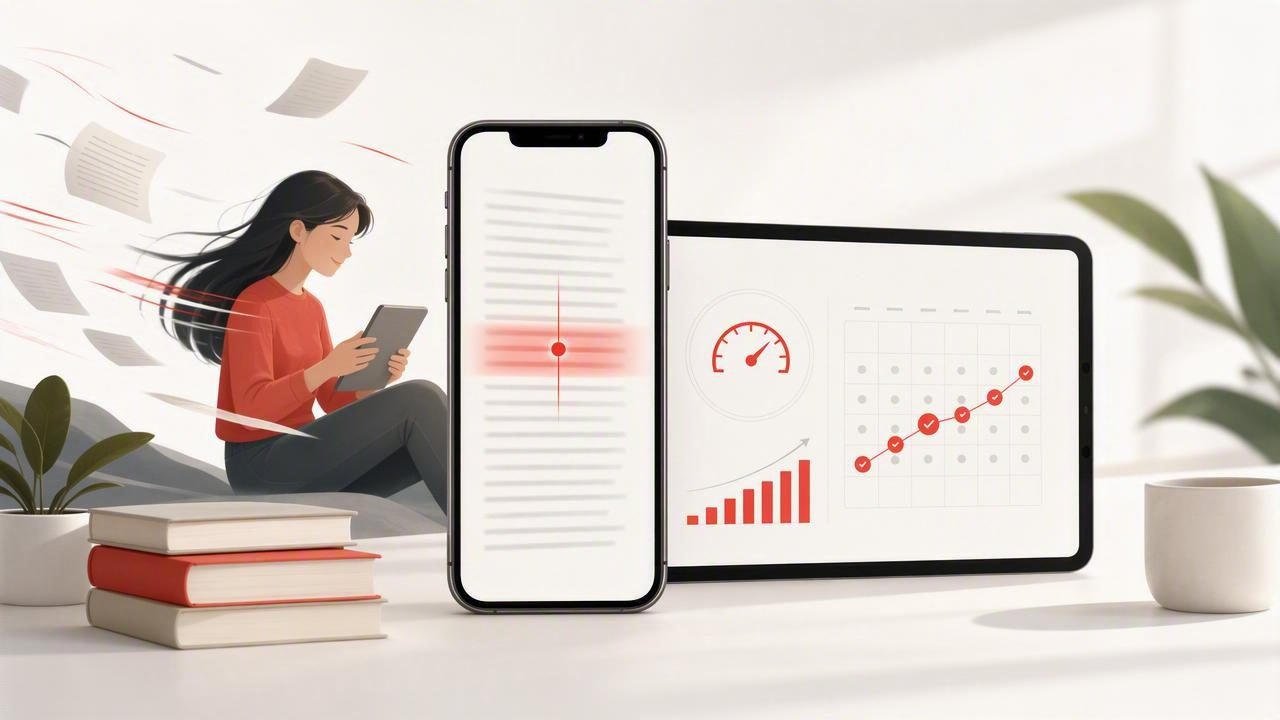
Most people download a speed reading app, try it for a day, crank the words-per-minute setting way up, and then conclude that speed reading “doesn’t work.” The truth is simpler: reading faster is a skill, not a switch. And like any skill, it improves fastest with the right constraints, short practice blocks, and a feedback loop for comprehension.
This guide shows you how to build a sustainable routine on iPhone and iPad that improves speed and focus without turning reading into a stressful game. You’ll learn which settings matter, how to practice, how to test comprehension quickly, and how to adapt the approach for studying, work documents, and long-form reading.
What a speed reading app actually trains
When people say “speed reading,” they often imagine skimming carelessly. A good speed training routine is different: it’s about reducing time lost to inefficient eye movements and attention drift while keeping meaning intact.
- Fewer regressions: less backtracking to reread lines because focus slipped.
- Wider visual intake: taking in phrases rather than single words where appropriate.
- Stronger attention control: staying with the text instead of multitasking.
- Better pacing: choosing a speed that matches difficulty and your goal.
Key idea: You don’t read everything at the same speed. Skilled readers adjust pace based on complexity, purpose, and familiarity.
Step 1: Choose the right “mode” for the right task
Most speed reading tools for iOS offer multiple ways to display text (or guide your eyes). The best mode depends on what you’re reading and how much comprehension you need.
| Reading mode | How it works | Best for | Watch out for |
|---|---|---|---|
| RSVP (one word at a time) | Words flash sequentially at a set WPM | News, familiar topics, quick drafts | Harder to reread a sentence; can hurt deep comprehension if speed is too high |
| Guided highlighting | A marker/pacer guides line-by-line reading | Reports, articles, dense paragraphs | Can feel slow at first; needs a steady pace |
| Chunking (phrases) | Shows groups of words to reduce fixations | Most general reading once you’re comfortable | Too-large chunks can overload working memory |
| Spritz-style focus point | Emphasizes a focal letter/center point | Short bursts, warming up | Not ideal for technical material with symbols/notation |
Rule of thumb: Use RSVP for speed practice and lighter material; use guided highlighting or chunking for comprehension-heavy reading.
Step 2: Set a baseline that protects comprehension
Before you try to go faster, find the speed you can sustain while accurately summarizing what you read. That number is your baseline. You’ll build from there.
A simple baseline test (7 minutes)
- Pick one piece of text you haven’t read (about 700–1,000 words). Choose something moderately challenging (not a simple blog post, not an academic paper).
- Read normally for 3 minutes and note how far you got (many apps show word count; otherwise estimate by paragraphs).
- Switch to your speed reading app and set a speed that feels slightly challenging but not stressful.
- Read for 3 minutes using the app mode you plan to practice with.
- Write a 60-second summary in Notes: the main point + 3 supporting details.
If you can’t produce the main point and a few details without looking back, you’re going too fast (or you chose text that’s too dense for that mode).
Step 3: Use iPhone and iPad settings to reduce distraction
Speed gains disappear if your attention is fragmented. Your device can either help you focus or constantly interrupt you.
- Use Focus mode: create a “Reading” Focus that blocks notifications and allows only essential apps.
- Turn on Do Not Disturb during short practice sprints.
- Adjust text size and line spacing so you can read comfortably without squinting or “micro-pausing.”
- Use Night Shift or a warm theme if eye strain is pulling you out of the text.
- On iPad: consider Split View with Notes for quick summaries, but avoid keeping messaging apps visible.
Step 4: Follow a 2-week training plan (15 minutes/day)
You don’t need marathon sessions. You need consistent, low-friction repetition with a small amount of stretch. Here’s a plan that works for students, professionals, and avid readers.
Daily structure (15 minutes)
- 3 minutes: warm-up at an easy pace (confidence + rhythm).
- 7 minutes: main set at a challenging pace (the “growth zone”).
- 3 minutes: comprehension set at a slightly slower pace with deeper focus.
- 2 minutes: quick summary + one question you still have.
Progression rules
- Increase speed by 5–10% only when you can summarize accurately.
- For difficult texts, slow down intentionally. Skill includes pacing control.
- If comprehension drops, reduce speed for the next session and focus on consistency.
Example schedule
| Days | Goal | What to change |
|---|---|---|
| 1–3 | Stability | Choose one mode; lock your baseline speed; focus on summaries |
| 4–7 | Gentle stretch | +5–10% speed on the main set; keep comprehension set slower |
| 8–10 | Endurance | Add one extra 7-minute main set (only if summaries stay strong) |
| 11–14 | Adaptation | Practice on two text types (e.g., articles + work docs) with different speeds |
Step 5: Use “micro-drills” that build real reading speed
These drills are short, measurable, and easy to rotate. Add one drill per session to keep training targeted.
Drill A: No-regression passes (focus drill)
Read a short section and do not go back. If you miss something, keep moving and rely on context. This trains attention and reduces the habit of rereading.
Drill B: Punctuation pacing (comprehension drill)
Increase your pause slightly at commas and periods (many apps support punctuation delays). This keeps meaning intact at higher speeds.
Drill C: Chunk-size calibration (efficiency drill)
If your app supports chunking, test 2–4 word chunks first. Go bigger only when you can still paraphrase each sentence.
Drill D: “Preview then sprint” (study drill)
- Preview headings/subheadings for 30–60 seconds.
- Sprint read the section faster than usual.
- Slow down for definitions, formulas, or key arguments.
Step 6: Check comprehension quickly (without killing momentum)
You don’t need a long quiz after every session. You need a fast feedback loop that tells you whether your speed is productive.
The 3-2-1 comprehension check
- 3: Write 3 key points.
- 2: Write 2 supporting details or examples.
- 1: Write 1 takeaway you can apply.
If you struggle to produce the “2” details consistently, your speed is likely too high for that text type, or you need a mode that supports rereading (like guided highlighting).
A reusable Notes template
Title:
Main claim (1 sentence):
Key points (3 bullets):
Evidence/examples (2 bullets):
One question I still have:
One action/idea to use:
Common problems (and fixes)
“I can read faster, but I don’t remember anything.”
- Lower speed by 10–15% and add punctuation delays.
- Switch from RSVP to chunking or guided highlighting for denser content.
- Do the 3-2-1 check immediately after reading (memory fades fast).
“My eyes feel tired or I get headaches.”
- Increase font size and line spacing; reduce session length.
- Use an iPad for longer reads if possible (larger visual field).
- Ensure adequate lighting; avoid extreme contrast settings.
“I keep losing focus halfway through.”
- Cut sessions to 7–10 minutes, then add time gradually.
- Remove notifications and use a dedicated Reading Focus mode.
- Choose content you actually need or want to understand—motivation affects attention.
How to use speed reading for different goals
For students (textbooks, lectures, research)
- Preview headings and end-of-chapter questions first.
- Use a slower comprehension pass for definitions and key frameworks.
- Convert summaries into flashcards or short Q&A prompts.
For professionals (emails, reports, proposals)
- Start with a “purpose question” (e.g., “What decision does this support?”).
- Use faster modes for context, slower modes for risk/requirements.
- Write a 2–3 sentence executive summary as your comprehension check.
For avid readers (articles, nonfiction, long-form)
- Use speed modes for momentum, but slow down for beautiful or complex passages.
- Track only one metric weekly (WPM or minutes read), not everything at once.
What to measure (so you don’t fool yourself)
Words per minute is useful, but it’s not the whole story. Track performance like an athlete: speed plus outcome.
- Effective speed: WPM at which you can still summarize accurately.
- Completion: how often you finish what you start.
- Retention: can you explain the main point later the same day?
- Consistency: number of days practiced per week.
FAQ
Is a speed reading app good for deep reading?
It can be, if you treat it as a pacing tool. Use faster modes for easier sections and slow down intentionally for arguments, concepts, and anything you’ll need to recall.
Do I need to eliminate subvocalization?
No. Some internal voice is normal. Instead of trying to “turn it off,” focus on reducing regressions and improving attention. Many readers naturally subvocalize less as speed increases gradually.
How fast can I realistically get?
It varies by person and material. A practical goal is improving your effective speed (fast reading with accurate summaries) rather than chasing a single high WPM number.
Putting it all together
A speed reading app works best when you use it like a training plan: short sessions, small speed increases, and a quick comprehension check. Start with one mode, protect focus with iOS settings, and build the habit before you chase big numbers.
If you’re looking for an iPhone and iPad tool to support this routine, FocalRead is one option—whatever you choose, the method above is what turns a reading feature into measurable progress.
