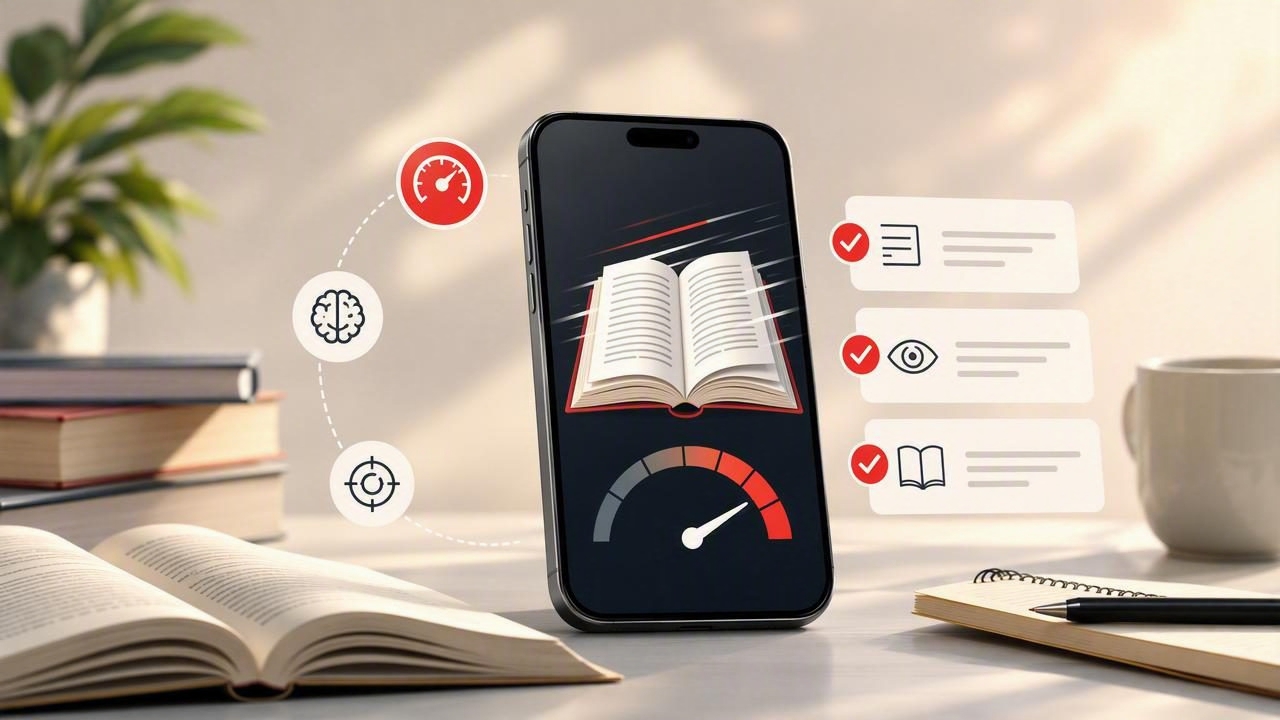
Finding the best app to improve reading speed is not simply about choosing the one with the highest words-per-minute setting. A useful reading app should help you spend less time fighting distractions, make practice easier to repeat, and give you a way to check whether you still understand what you read.
That distinction matters. Reading quickly through a short article is one skill; reading a chapter for class, a technical report, or a work document and remembering the important points is another. The right tool can support both, but only when it fits your goals, material, and current reading habits.
This guide explains what to look for in a reading-speed app, how to test one with a realistic routine, and which limitations to keep in mind before treating speed as the only measure of progress.
Start With Your Real Reading Goal
Before comparing features, identify what you want to read faster. Different types of content require different approaches. A student reviewing lecture notes may need frequent pauses and recall checks. A professional reading industry updates may value focus and fast article review. An avid reader may want a more immersive way to move through ebooks without constant notifications.
Write down one specific goal rather than choosing a vague target such as “read faster.” For example:
- Finish assigned articles before a weekly seminar without rushing the main arguments.
- Review long PDFs more efficiently before a meeting.
- Build a 20-minute daily reading habit on an iPhone or iPad.
- Reduce the urge to reread every sentence of a familiar news article.
- Read digital books with fewer interruptions from other apps.
A clear goal helps you decide which features matter. Someone who mostly reads PDFs should prioritize reliable document import and navigation. Someone practicing visual pacing may care more about a distraction-reduced presentation mode and adjustable reading speed.
Look for Speed Controls You Can Adjust Gradually
A reading-speed app should let you control the pace rather than forcing you into a preset level. There is no single ideal words-per-minute number for every reader, text, or task. Dense academic writing, unfamiliar vocabulary, legal language, and technical instructions often require a slower pace than a simple article on a familiar topic.
Adjustable speed is especially helpful when using an RSVP reader. RSVP, or Rapid Serial Visual Presentation, displays words sequentially in one focal area. This can reduce the amount of eye movement across a line of text and make pacing more deliberate. It can be useful for practice, but it is not automatically the best format for every reading situation.
A practical app should make it easy to slow down for difficult passages, increase speed for easy material, pause at a key point, and restart when needed. Small adjustments are more useful than dramatic jumps because they help you notice when comprehension begins to weaken.
Use a “comfortable challenge” pace
Choose a pace that feels slightly demanding but not chaotic. If you can follow the main idea but occasionally need a pause, you may be practicing at an appropriate challenge level. If every sentence feels like a blur, lower the speed. If the content feels effortless and your attention keeps wandering, increase it modestly.
The aim is not to prove that you can tolerate a high number. The aim is to build a reading process you can repeat.
Prioritize Comprehension, Not Just Speed
The strongest sign that an app supports better reading is not a faster timer alone. It is whether you can explain what you read after the session. Speed without comprehension may be useful for scanning headlines, but it is not enough for studying, decision-making, or learning.
Use a short comprehension check after each practice session. You do not need a formal quiz. Ask yourself:
- What was the author’s main point?
- What are two details that support it?
- What term, idea, or example would I need to revisit?
- Could I summarize the passage in two sentences?
If you cannot answer these questions, reduce the pace next time or divide the material into smaller sections. This is not failure; it is useful feedback about the match between the text and your current setting.
Fast reading is only productive when it leaves you with enough understanding to use the information.
Choose an App That Works With Your Actual Files
The best app to improve reading speed should fit into your existing reading workflow. If your material stays trapped in another app, a browser tab, or a file format you cannot open, you are less likely to practice consistently.
Consider what you read most often: web articles, PDFs, EPUB books, class documents, reports, or plain-text notes. Check whether a tool supports the formats you already use and whether importing a document is straightforward. Also think about where you read. iPhone convenience may be ideal for short sessions during a commute, while an iPad can provide more comfortable space for longer documents and study materials.
File support is not a minor detail. A reader who regularly works through reports will have different needs from someone who reads short articles. Avoid selecting an app based solely on a polished demo using a few paragraphs of sample text.
| Reading need | Helpful app capability | What to test |
|---|---|---|
| Study PDFs | Document import and easy pausing | Open a real assigned reading and summarize one section |
| Long ebooks | Format support and comfortable pacing controls | Read a complete chapter, not only a preview |
| Articles and newsletters | Quick access and focused reading mode | Finish an article without switching to another app |
| Work documents | Flexible speed and reliable navigation | Find and explain three action items afterward |
Evaluate Focus Features in Everyday Conditions
Many people do not read slowly because they lack ability. They read slowly because their attention is repeatedly interrupted. A notification, open browser tab, incoming message, or habit of checking another app can turn a ten-minute article into a half-hour task.
Reading apps can help by presenting text in a focused, simple environment. However, no tool can remove every source of distraction by itself. Test an app during a normal day, not only in a quiet moment when you are already highly motivated.
For a more realistic test, place your phone in Do Not Disturb mode, set a 15-minute reading window, and choose a document you genuinely need to finish. Notice how often you pause for reasons unrelated to the text. If the app’s interface makes it easy to resume after a break, it may support your routine better than one that feels cluttered or difficult to navigate.
Try a Seven-Day Reading-Speed Experiment
You do not need weeks of complicated tracking to compare reading tools. Use a short, consistent experiment with similar material. The purpose is to observe your focus and understanding, not to chase a perfect statistic.
- Choose one content category. Use comparable articles, textbook sections, or work documents throughout the week.
- Set a fixed session length. Fifteen to twenty minutes is enough for most people to notice patterns.
- Begin at a manageable pace. Avoid starting at an extreme speed simply to create a dramatic result.
- Record a brief note afterward. Write the topic, pace used, focus level, and a two-sentence summary.
- Change only one variable. Adjust speed gradually while keeping the session length and material type similar.
- Review the pattern on day seven. Look for the pace at which you remained focused and could still explain the content.
Here is a concrete example. Maya is preparing for a sociology seminar and has seven articles to read. On day one, she uses a comfortable pace for 15 minutes and writes down the article’s thesis plus two supporting examples. On day three, she increases the pace slightly but finds that she cannot recall the research method. Instead of continuing upward, she returns to the earlier setting for research-heavy sections and uses the faster setting only for the introduction and conclusion. By the end of the week, she has not discovered a universal speed. She has created a more useful strategy for different parts of an academic article.
Understand the Limits of Speed Reading Apps
Apps can make practice more structured, but they cannot replace active learning. Reading speed may vary from day to day depending on sleep, stress, prior knowledge, text complexity, screen size, and the purpose of the reading session.
Some materials should be read slowly. Instructions for medication, contracts, unfamiliar research methods, financial documents, and emotionally important messages deserve careful attention. A faster presentation mode is not a substitute for annotation, discussion, note-taking, or rereading when accuracy matters.
It is also normal for RSVP reading to feel unfamiliar at first. Some readers prefer it for short sessions and focused article review, while others prefer conventional page-based reading for longer texts. Treat this as a preference to test, not as a problem to overcome at all costs.
Make Your Choice Based on a Repeatable Routine
The right reading-speed app is the one you can use consistently without sacrificing the reason you are reading in the first place. Look for adjustable pacing, compatibility with your real material, a focus-friendly experience, and a simple way to reflect on comprehension. Then test it with a small routine instead of relying on a single fast session.
For iPhone and iPad readers exploring an RSVP reader with adjustable speed and support for common document formats, FocalRead’s guide to reading faster offers additional practical context on building a deliberate reading practice.
