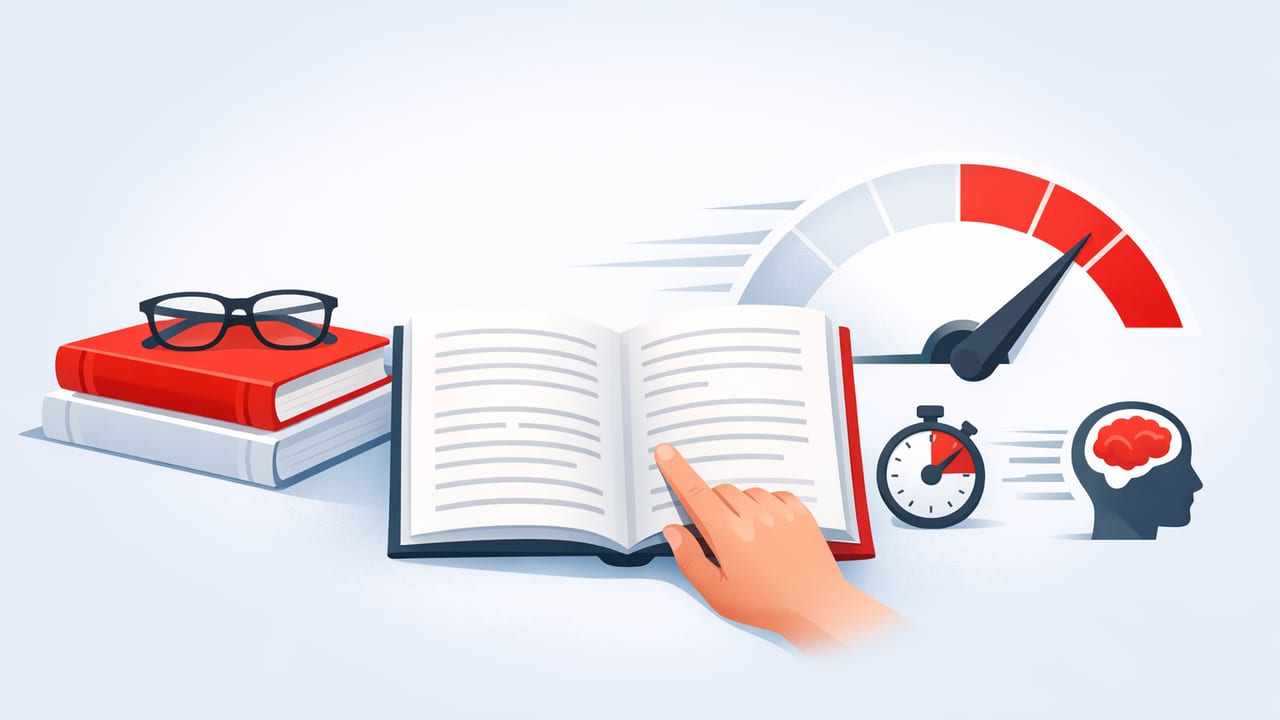
Improving reading speed is less about “skimming harder” and more about removing friction: wasted eye movements, low focus, and unclear purpose. The goal isn’t to race through every page—it’s to move faster when speed makes sense, while keeping comprehension high enough for what you need (studying, professional reading, or everyday articles).
This guide breaks down how to measure your current reading speed, what typically slows people down, and a practical training plan that works especially well for digital reading on iPhone and iPad.
1) What “good” reading speed actually means
Most adults read in the rough neighborhood of 200–300 words per minute (WPM) with decent comprehension. But “good” depends on the material. A dense contract, a medical paper, and a news article don’t deserve the same pace.
| Reading speed (WPM) | What it usually feels like | Best for |
|---|---|---|
| 150–220 | Careful, detail-first | Technical docs, tough textbooks, legal text |
| 220–320 | Comfortable “normal” pace | Most articles, non-fiction, work emails |
| 320–450 | Fast but still controlled | Familiar topics, review reading, broad scanning |
| 450+ | High-speed intake (variable comprehension) | Previewing, sorting relevance, re-reading known content |
Key idea: Your best reading speed is the fastest pace that still delivers the outcome you want—accurate recall for studying, correct decisions for work, or simply understanding the gist.
2) Measure your baseline reading speed (and comprehension)
Before training, get a baseline. You’ll improve faster when you track two numbers: WPM and comprehension.
Quick baseline test (10 minutes)
- Pick a text you would normally read on your iPhone/iPad (800–1,200 words is ideal).
- Set a timer and read at a comfortable pace.
- Record time in minutes.
- Write a 3–5 sentence summary from memory (no peeking).
Calculate WPM:
WPM = total_words / minutesThen grade comprehension (simple and practical):
- 5/5: You can explain the main point and supporting ideas accurately.
- 3/5: You got the gist but missed key details or structure.
- 1/5: You remember fragments but not the argument.
“Speed is only useful when you still understand. Otherwise you’re just moving your eyes.”
3) The biggest reading speed killers (and what to do instead)
A) Subvocalization overload
Most readers “hear” words internally. That’s normal—and not something you need to eliminate. The issue is when your inner voice becomes the speed limit.
Fix: Increase pace in small steps (10–20 WPM at a time) while keeping comprehension checks. For easier text, try guiding your eyes with a steady rhythm (more on pacing below).
B) Regression (re-reading without a reason)
Many people bounce back to previous lines because attention drifted. This is often a focus problem, not a memory problem.
Fix: Read in slightly shorter “chunks” and pause intentionally at paragraph ends to summarize one sentence in your head.
C) No clear purpose
If you don’t know what you’re looking for, everything feels equally important, so you slow down.
Fix: Before you read, decide: Are you learning, reviewing, or sorting relevance? Your reading speed should match the goal.
D) Digital distractions
Notifications and app-switching fragment attention. Even tiny interruptions can force re-reading.
Fix: Use Focus/Do Not Disturb during reading sessions and keep your reading material in one place (one tab/app per session).
4) A practical approach: train three gears of reading
Instead of trying to read everything fast, build three gears you can switch between on iPhone/iPad:
- Gear 1 — Deep reading: slower pace, heavy comprehension (hard textbooks, contracts).
- Gear 2 — Standard reading: your “daily driver” pace (most articles, work docs).
- Gear 3 — Preview/scan: fast sorting (headings, intros, topic sentences).
This alone improves real-world reading speed because you stop using deep-reading pace for everything.
5) iPhone/iPad-friendly drills that improve reading speed
You don’t need marathon sessions. Short, consistent drills work best—especially on mobile where you can practice in small windows.
Drill 1: The 2-minute preview (Gear 3)
Goal: Reduce “warm-up time” and set a purpose.
- Read the title, headings, and first sentence of each section.
- Ask: “What question is this trying to answer?”
- Decide what you will extract (key points, evidence, steps, definitions).
Drill 2: Pacing for stability (Gear 2)
Goal: Stop random slowing and regression.
Use a steady visual pace. On iPad, your finger or Apple Pencil can act as a guide. On iPhone, scroll smoothly so the text movement is consistent. The point is not to “force” speed—it’s to stabilize attention.
Drill 3: Sprint + summarize (Gear 2 → Gear 1)
Goal: Increase reading speed while protecting comprehension.
- Choose a short section (200–300 words).
- Read it ~10% faster than comfortable (a controlled sprint).
- Stop and write a 1–2 sentence summary.
If your summary is wrong, reduce speed slightly and repeat. This “closed loop” is one of the fastest ways to train speed and understanding.
Drill 4: Vocabulary friction log (Gear 1)
Goal: Remove slowdowns caused by unknown terms.
When a word stops you, don’t spiral into repeated re-reading. Highlight it (or note it) and keep going. Later, define 3–5 key terms in one batch. Your reading speed improves when fewer words create speed bumps.
6) A simple 14-day reading speed plan (10 minutes/day)
Consistency beats intensity. Here’s a compact plan you can run on your iPhone or iPad.
Days 1–3: Baseline + stability
- 1x baseline WPM test + summary.
- Daily: 2-minute preview + 6-minute steady reading + 2-minute recap.
Days 4–7: Controlled speed increases
- Daily: Sprint + summarize (2 rounds of 250–300 words).
- Keep sprints modest: aim for 10–15% faster, not double.
Days 8–11: Add complexity
- Read one piece you find “slightly hard.”
- Use Gear 3 preview, then Gear 2 speed, then Gear 1 for the densest paragraph.
Days 12–14: Re-test + lock in habits
- Repeat your baseline test with a similar difficulty text.
- Compare WPM and summary quality.
- Keep the drills that improved comprehension, not just speed.
7) Track sessions with a simple log (template)
Tracking keeps training honest. You can paste this into Notes, a spreadsheet, or any journaling app.
Date,Text type,Words,Minutes,WPM,Comprehension(1-5),Gear used,Notes
2026-06-01,Article,950,4.0,237,4,Gear 2,2 regressions; better after preview
After a week, look for patterns: Do you lose comprehension past a certain WPM? Do some topics let you push speed safely? That’s how you personalize reading speed instead of guessing.
8) Common mistakes when trying to read faster
- Trying to double speed overnight: it usually collapses comprehension and creates frustration.
- Training only on easy content: you’ll get fast at easy text but stall on real work/study material.
- Ignoring comprehension checks: if you can’t summarize, your “speed” isn’t usable.
- Reading without breaks: short breaks reduce regression and help memory consolidation.
9) FAQ: reading speed and comprehension
Is speed reading the same as skimming?
No. Skimming is a strategy for previewing and sorting relevance. Speed reading is training your eyes and attention to process text efficiently. You need both, but they’re different gears.
Can I improve reading speed without losing comprehension?
Yes—if you increase pace gradually and use summaries or questions as feedback. Comprehension is a skill you can protect while you train speed.
What’s a realistic improvement?
Many readers can gain 10–30% in reading speed over a few weeks with consistent practice, especially by reducing regression and improving focus. Bigger jumps are possible for certain content types, but they’re not uniform across all reading.
Conclusion: faster reading is a focus skill
Improving reading speed is ultimately about making attention more stable and reading more intentional. Measure your baseline, train the three gears, and use sprint-and-summarize loops to keep comprehension honest. With daily 10-minute practice, you’ll build speed you can actually use—on your iPhone, iPad, and beyond.
If you prefer practicing with dedicated mobile reading tools and paced modes, an iOS speed reading app like FocalRead can support structured drills—just keep the focus on comprehension-first progress.
