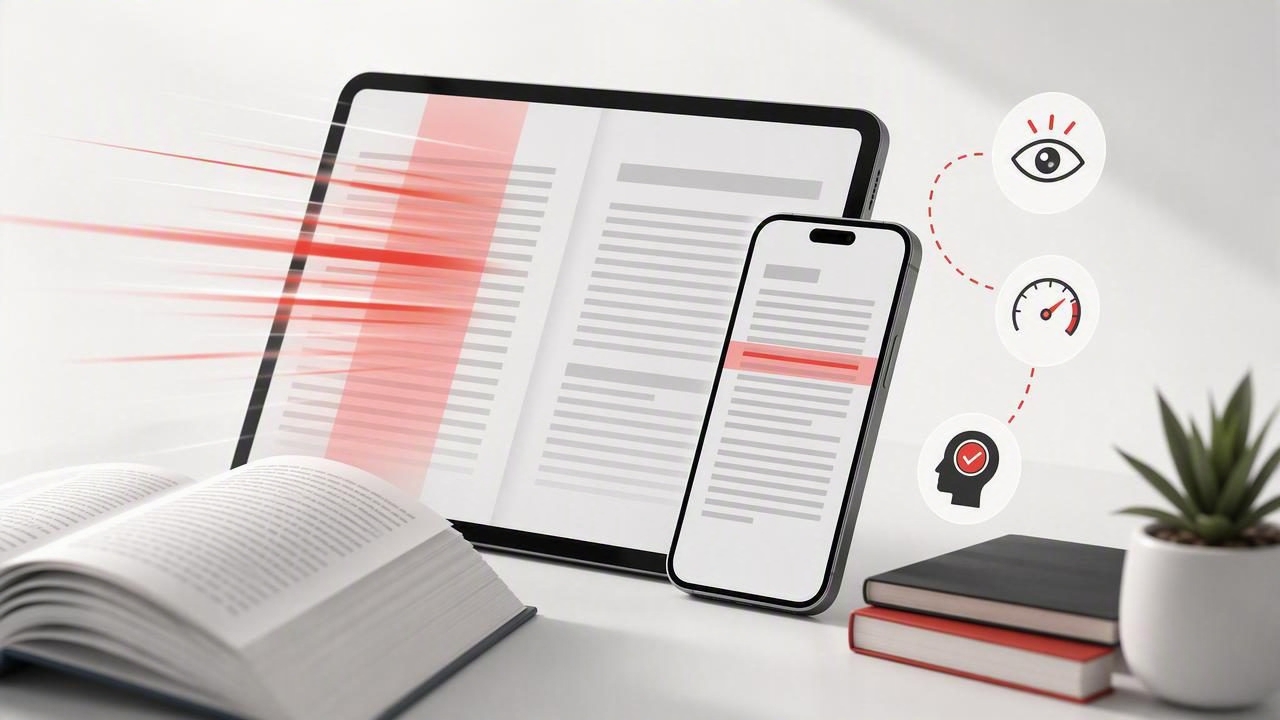
Most people try to read faster by forcing speed—cranking up words per minute and hoping comprehension keeps up. That usually backfires. The more reliable path is to build focus + structure first, then increase pace in a controlled way. This matters even more on iPhone and iPad, where notifications, multitasking, and visual fatigue can quietly slow you down.
This guide gives you a practical, repeatable system for reading digital text faster while protecting comprehension. You’ll learn how to set up your iOS environment, use previewing to reduce rereading, apply simple pacing methods, and track progress without obsessing over numbers.
Why speed drops on screens (and how to fix it)
Screen reading often feels “fast,” but many readers lose time to invisible friction:
- Micro-distractions (banners, badge counts, quick app switching)
- Unstable attention (reading while tired, multitasking, or “checking”)
- Regression loops (jumping back to re-read because the purpose wasn’t clear)
- Visual inefficiency (tiny text, cramped line spacing, poor contrast)
The fix isn’t willpower. It’s a system that makes focus the default and removes common causes of regression.
Speed is a result, not a tactic. When your eyes have a clear path and your brain has a clear goal, faster reading becomes sustainable.
The Focus-First Speed Reading System (4 parts)
This system works for articles, reports, textbooks, and PDFs. Treat it like a loop: Prepare → Preview → Pace → Prove.
1) Prepare: set conditions that make focus easy
Before you read, take 30–60 seconds to set up your environment on iPhone or iPad:
- Turn on Focus mode (e.g., Do Not Disturb or a custom Reading Focus). Allow only urgent calls if needed.
- Silence visual noise: hide notification previews on the lock screen during reading sessions.
- Choose a comfortable text layout: slightly larger font, more line spacing if available, and a clean background (Sepia or Dark Mode if it reduces glare).
- Use a stable posture: sitting upright and holding the device at a consistent distance reduces eye fatigue.
Why this helps: faster reading requires a steady rhythm. Interruptions break rhythm, and regaining it can take longer than the interruption itself.
2) Preview: create a mental map before you read
Previewing is the most underused tool for people who want to read faster. It reduces rereading because you know what you’re looking for.
Use this 90-second preview sequence:
- Read the title and subheadings to see the structure.
- Scan the first sentence of each section (often the claim or topic sentence).
- Look for visuals: charts, bullet lists, key definitions, summaries.
- Ask one purpose question: “What do I need from this?” (e.g., decision, summary, exam points, actionable steps)
Now you’re not “reading words.” You’re collecting answers. That change alone can increase effective speed dramatically because it cuts hesitation.
3) Pace: use a gentle constraint to stop regressions
Most slow reading isn’t slow decoding—it’s regression (eyes jumping back). Pacing gives your eyes a track to follow.
Option A: The finger/thumb pacer (works anywhere)
As you scroll, lightly guide your eyes with your thumb or finger just below the line you’re reading. On iPad, a stylus or fingertip works well. The goal isn’t to “point at every word,” but to keep forward motion consistent.
Option B: The “chunk” method (best for dense text)
Instead of reading word-by-word, train yourself to read in chunks of 2–5 words. Practice by consciously grouping:
- “The primary cause” (3 words)
- “of the delay was” (4 words)
- “unclear ownership.” (2 words)
This reduces the number of eye fixations per line—one of the most direct ways to increase speed without sacrificing meaning.
Option C: Timed sprints (best for building speed safely)
Do short bursts where you read slightly faster than comfortable, then recover.
- Read fast for 2 minutes (a controlled push, not panic).
- Read normally for 1 minute (recover while staying engaged).
- Repeat 3 rounds (9 minutes total).
This trains speed like intervals train fitness—without turning every session into a strain.
4) Prove: check comprehension quickly (so speed is real)
If you don’t measure understanding, you may just be skimming. Use a lightweight comprehension check after each section:
- One-sentence summary: “This section argues that ___ because ___.”
- 3 key bullets: facts, steps, or claims you’d tell someone else.
- One application: “How would I use this?”
These take under a minute and prevent “fast reading” from becoming “fast forgetting.”
A simple benchmark: what changes as you get faster?
Speed is personal, but patterns are common. Here’s what typically improves first as readers train:
| Stage | What it feels like | Main limiter | Best tactic |
|---|---|---|---|
| Stability | Less rereading, smoother flow | Distraction + regression | Focus mode + pacing |
| Efficiency | Fewer “stuck” sentences | Unclear purpose | Preview + purpose question |
| Acceleration | Noticeable WPM increase | Word-by-word habits | Chunking + timed sprints |
| Retention | Faster and you remember | No recall loop | One-sentence summaries |
Notice how speed comes after stability and efficiency. That’s the point: fix the system first, then your pace rises naturally.
A 12-minute daily practice you can actually stick to
If you want a consistent routine, use this compact session on iPhone or iPad:
- 1 minute — Prepare: Focus mode on, choose a comfortable text view.
- 2 minutes — Preview: headings + first sentences + purpose question.
- 6 minutes — Timed sprints: 2 min fast / 1 min normal (x2).
- 3 minutes — Prove: one-sentence summary + 3 bullets.
Do this five days a week. Your goal is not maximum WPM; it’s consistent forward reading with understanding. That’s what compounds.
Common mistakes that keep people from reading faster
- Chasing speed without a purpose: if you don’t know what you’re looking for, your brain will slow you down to feel safe.
- Reading everything at the same depth: some paragraphs deserve a slow read; others are just supporting detail.
- No recovery strategy: when comprehension slips, people restart the paragraph. Instead, pause, restate the last clear idea, and continue.
- Over-highlighting: highlighting too much adds friction and doesn’t improve recall. Capture only what you’ll use.
Make iPhone/iPad reading frictionless with a “Reading Sprint” shortcut
If you use Apple’s Shortcuts app, you can reduce setup time to one tap. Here’s a simple blueprint (adapt it to your preferences):
// Shortcut: Reading Sprint
1) Set Focus: Reading (or Do Not Disturb) ON
2) Set Brightness: 45%
3) Start Timer: 12 minutes
4) Open App: your reading app / browser / PDF viewer
5) Show Notification: "Preview → Sprint → Summary"
This doesn’t make you faster by itself, but it removes the “start-up cost” that prevents daily practice.
How to choose the right reading speed for the material
Different content has different “safe speeds.” A useful rule is to vary pace by purpose:
- Informational articles: faster pace, lighter proof (one-sentence summary).
- Work documents/reports: medium pace, stronger proof (bullets + action decisions).
- Textbooks/technical PDFs: slower pace, frequent proof (explain the concept back to yourself).
If you try to read everything at your top speed, you’ll either miss key points or burn out. The real skill is speed control.
Quick checklist: a fast reading session that still counts
- I know my purpose (what I’m trying to get).
- I previewed (headings + first sentences).
- I used pacing (finger/thumb or chunking).
- I proved comprehension (1 sentence + 3 bullets).
- I captured only what I’ll use (not everything).
Putting it all together
To read faster on iPhone and iPad, focus on repeatable mechanics: set a distraction-free environment, preview for structure, pace to prevent regressions, and prove comprehension with quick summaries. When those are in place, speed increases are no longer fragile—they’re dependable.
If you prefer reading tools that add pacing modes and structured practice for iOS, an app like FocalRead can fit into this system—especially for timed sprints and maintaining a steady rhythm.
