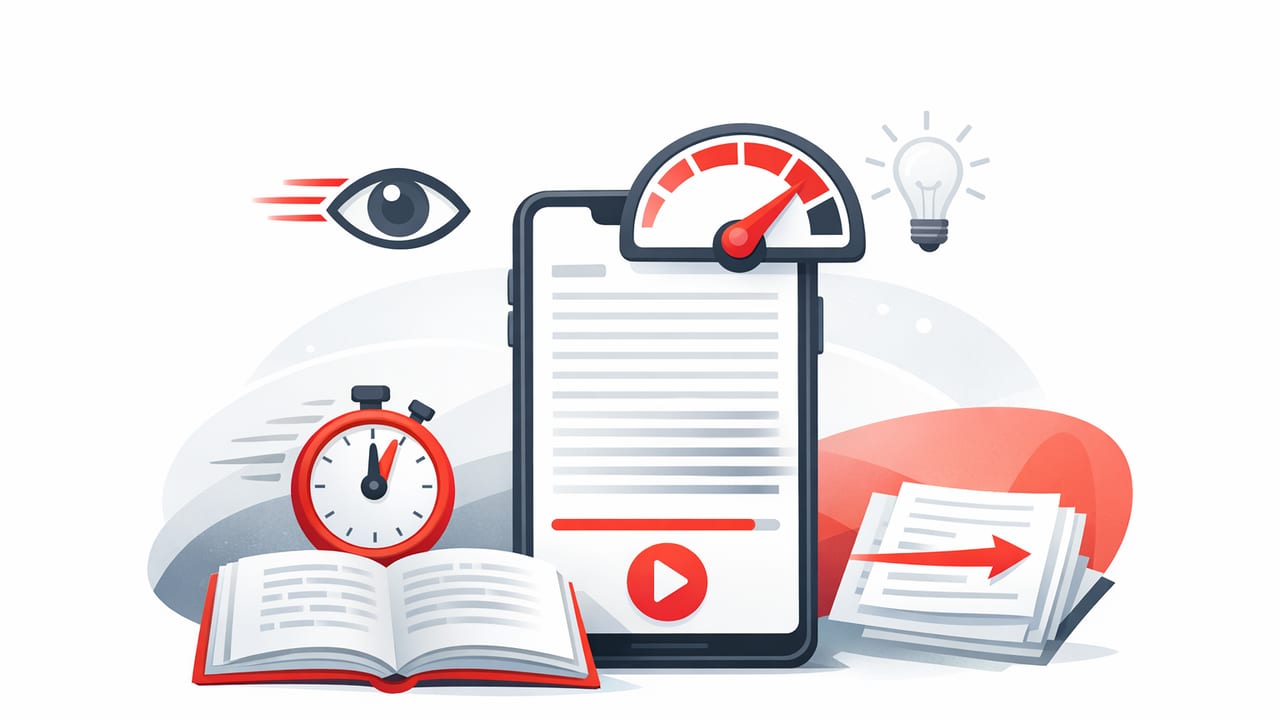
Most people don’t read slowly because they “lack intelligence.” They read slowly because digital reading encourages distractions, inefficient eye movements, and habits like re-reading lines without realizing it. A good speed reading app can help by structuring the text, controlling pacing, and turning reading into a measurable skill you can train—without reducing comprehension to skimming.
This guide explains what actually improves reading speed, how speed reading apps work on iPhone and iPad, and a practical plan you can follow to increase words per minute (WPM) while keeping (or improving) what you remember.
What “speed reading” really means (and what it doesn’t)
Speed reading isn’t about blasting through words and hoping something sticks. It’s about reducing wasted time during reading while protecting comprehension. That usually means:
- Fewer regressions (unintentional backtracking to earlier words/lines)
- Smoother eye movements (less line-hopping and scanning inefficiency)
- Better attention control (reading with sustained focus, not “half-reading”)
- Purpose-driven pacing (adjusting speed to the complexity of the text)
What speed reading is not:
- Skimming everything at the same speed (text difficulty varies)
- Forcing maximum WPM at the expense of comprehension
- A one-time hack; it’s a skill built through repetition and feedback
Key idea: The goal is efficient reading, not just fast reading. Efficiency means “time-to-understanding.”
How a speed reading app helps (especially on iOS)
Reading in a browser or PDF viewer often leads to interruptions: notifications, scrolling fatigue, and constant visual repositioning. A speed reading app addresses these problems by adding structure and constraints that make focused reading easier.
1) Controlled pacing reduces mind-wandering
When text advances at a steady pace (or when you read in short chunks), your brain has fewer opportunities to drift. Apps often provide pacing controls so you can increase speed gradually rather than guessing.
2) Improved visual guidance reduces regressions
Many readers lose time by re-reading. Apps reduce this by presenting text in a way that minimizes line transitions and helps you keep your place.
3) Built-in measurement turns reading into training
If you don’t measure, you can’t improve. WPM tracking plus short practice sessions creates a feedback loop: you try a speed, test comprehension, then adjust.
4) iPhone and iPad are ideal for micro-sessions
Speed gains come from consistency. iOS devices are always available, which makes it easy to practice in 5–10 minute blocks—commute, waiting rooms, between meetings, study breaks.
Core techniques a speed reading app reinforces
Even the best app is a tool; the underlying improvements come from technique. Here are the big ones most apps indirectly train.
Technique A: Reduce subvocalization (without eliminating it)
Subvocalization is the “inner voice” while reading. You don’t need to eliminate it completely (and trying often hurts comprehension). The goal is to stop fully pronouncing every word in your head. Apps help by encouraging slightly faster pacing, which nudges your brain to process words in larger units.
Practical cue: If you feel like you’re “speaking” each word, increase speed by a small step (e.g., +20–30 WPM) until your inner voice becomes lighter and more conceptual.
Technique B: Expand your effective chunk size
Skilled readers take in phrases, not single words. Many speed reading modes present text in a way that encourages chunking (e.g., short bursts or guided segments). Chunking improves speed while protecting meaning, because you’re processing ideas instead of syllables.
Technique C: Use variable speed (not a single WPM)
Reading a legal contract, a novel, and a news article at the same pace is unrealistic. Train with variable speeds:
- Warm-up speed for easy material
- Working speed for normal comprehension
- Study speed for dense, technical content
What to look for in a speed reading app (feature checklist)
If you’re evaluating options, focus on features that support progressive training, not just flashy “read instantly” claims.
- Adjustable WPM with fine increments
- Reading modes that reduce scrolling and help you keep your place
- Session timers (practice is easier when it’s bounded)
- Comprehension-friendly controls (pause, rewind by sentence/paragraph)
- Import options (web articles, pasted text, documents)
- Progress tracking (WPM trends and streaks)
- Distraction controls (clean interface, minimal clutter)
A simple 2-week training plan (10 minutes a day)
This plan is designed for busy students and professionals. The goal is to increase speed and maintain comprehension by using short, repeatable sessions.
| Day Range | Session Structure | Target Outcome |
|---|---|---|
| Days 1–3 | 3 min warm-up + 5 min reading + 2 min recall | Establish baseline WPM and focus |
| Days 4–7 | 2 min warm-up + 6 min reading + 2 min summary | Reduce regressions; build consistency |
| Days 8–11 | 2 min warm-up + 3 min fast burst + 5 min normal pace | Raise comfortable working speed |
| Days 12–14 | 8 min mixed difficulty + 2 min Q&A | Transfer skill to real-world reading |
How to do the “2-minute recall” (the comprehension safeguard)
After each session, write (or speak) answers to three questions:
- What was the main point?
- What are 3 supporting details?
- What’s one thing I disagree with or want to verify?
If you can’t answer these reliably, your speed is too high for that text type. Reduce WPM slightly or switch to a mode that allows easier pausing and re-centering.
Best practices for iPhone and iPad reading (focus setup)
Your environment matters. Small changes to your iOS setup can improve reading quality immediately.
Use a distraction-light reading window
- Turn on Focus (Do Not Disturb) during sessions.
- Put your reading app on the first Home Screen page; remove tempting apps from that page.
- For iPad, consider Stage Manager or split view only if it helps (most readers focus better full-screen).
Fix ergonomics to reduce fatigue
- Increase text size slightly to reduce squinting and re-reading.
- Use a comfortable brightness level; extreme brightness causes fatigue.
- On iPad, try landscape mode for longer lines only if you don’t lose your place; otherwise, portrait often reduces line-skipping.
How to track progress without obsessing over WPM
WPM is useful, but it’s not the only metric. Track a small set of indicators:
- Working WPM: the fastest speed where you can still recall the main point and details
- Comprehension score: your own 1–5 rating after recall (5 = clear and accurate)
- Regression frequency: how often you feel the urge to backtrack
- Time-to-summary: how quickly you can write a 2–3 sentence summary
Here’s a simple note template you can paste into Notes after each session:
Date:
Text type (article/chapter/report):
Mode used:
WPM setting:
Comprehension (1-5):
1-sentence main point:
3 key details:
Confusions / terms to look up:
Next session adjustment (WPM +/-):
Common mistakes that slow you down (even with an app)
1) Increasing speed too aggressively
If you jump from 250 WPM to 450 WPM overnight, you’ll likely panic-read—your eyes move, but meaning doesn’t land. Increase in small steps and confirm with recall.
2) Using only easy content for practice
Easy content is good for warm-ups, but you also need “real” reading: textbooks, work documents, research, long-form essays. Transfer happens when you practice on the material you actually need to read.
3) Ignoring vocabulary and background knowledge
Dense text slows everyone down. If you’re consistently stuck, add a quick pre-read: scan headings, define key terms, and preview any graphs/tables. That often increases speed more than pushing WPM.
4) Treating speed reading as always-on
Sometimes slow reading is correct—contracts, safety instructions, proofs, complex arguments. The skill is choosing the right pace intentionally.
FAQ: speed reading apps and comprehension
Will a speed reading app reduce comprehension?
It can if you chase maximum WPM. Used well—with gradual increases and recall checks—many people maintain or improve comprehension because they read with more attention and fewer regressions.
How long until I see results?
Many readers notice a modest improvement in the first week (better focus and smoother pacing). Larger gains usually come from consistent practice over several weeks, especially when you mix easy and difficult texts.
Is speed reading useful for studying?
Yes, if you separate tasks: use faster reading for initial exposure and structure (headings, main ideas), then slow down for deep understanding, note-making, and problem-solving.
Putting it all together
A speed reading app works best when it’s treated as a training tool: you set a pace, practice briefly, check comprehension, and adjust. Over time, you’ll likely notice fewer regressions, better focus, and a higher comfortable reading speed—especially on iPhone and iPad where short daily sessions are easy to fit in.
If you’re looking for an iOS option to support this kind of structured practice, FocalRead is one example of a speed reading app designed around guided reading and focus-friendly modes.
