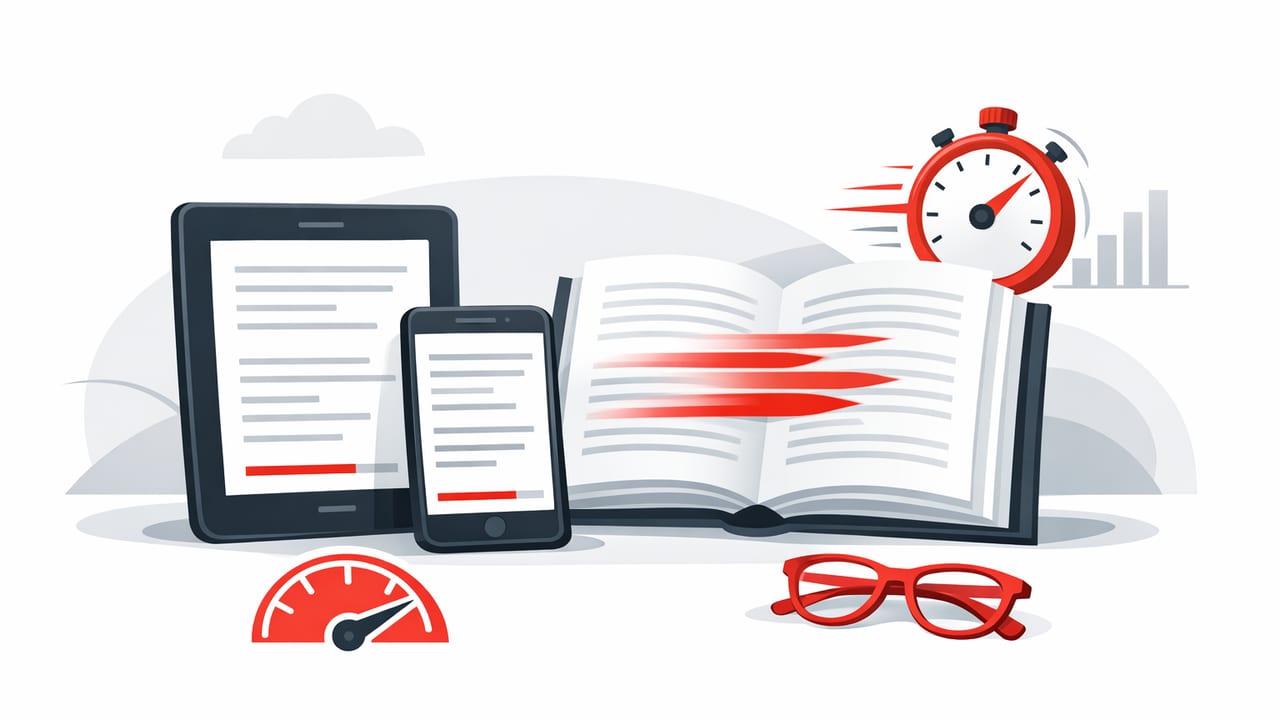
Reading digitally is convenient, but it also invites distractions: notifications, endless tabs, and the temptation to skim without retaining much. An ebook speed reader helps by pairing speed-reading techniques with focused display modes—so you can move through text faster and keep your understanding intact.
This guide explains how ebook speed reading works on iOS, how to choose the right reading mode for different materials, and how to build a training routine that improves both words per minute (WPM) and comprehension.
What an ebook speed reader actually does
Traditional speed reading advice (like “just read faster”) often fails because it ignores the real bottlenecks:
- Eye movements: frequent backtracking and inefficient saccades slow you down.
- Subvocalization: silently “speaking” every word caps speed for many readers.
- Attention drift: you can read a paragraph and realize you absorbed nothing.
An ebook speed reader addresses these by changing how text is presented. Many speed-reading apps and modes use one or more of these techniques:
- RSVP (Rapid Serial Visual Presentation): shows words one at a time to reduce eye movement.
- Guided highlighting: moves a highlight window across lines to discourage regressions.
- Line/column focus: constrains the visual field to improve attention and pace.
- Adjustable pacing: lets you steadily raise WPM while monitoring comprehension.
Speed is only useful when meaning keeps up. The best systems treat comprehension as a first-class metric, not an afterthought.
Choose the right reading mode for the material
Different texts have different “speed limits.” A novel and a legal contract should not be read the same way. Use the table below to match reading mode to content type.
| Mode | Best for | Why it works | Watch out for |
|---|---|---|---|
| RSVP (one word at a time) | Articles, straightforward nonfiction, familiar topics | Minimizes eye movement and backtracking | Harder for dense arguments, math, citations |
| Guided highlight / pacing | Textbooks, reports, long chapters | Keeps context on screen while controlling speed | You may still “zone out” if pace is too high |
| Scrolling with focus tools | Mixed-format documents, headings, tables | Preserves layout and structure | Tempts skimming and regressions without discipline |
Step-by-step: set up an ebook speed reader workflow on iOS
Use this setup once, then reuse it for study sessions, professional reading, or daily articles.
1) Start with clean, selectable text
An ebook speed reader works best when it can access real text (not just images). If you’re reading:
- EPUB: usually ideal—reflowable, clean text.
- PDF: can be great if it’s text-based; scanned PDFs may need OCR.
- Web articles: use a readable view (Reader Mode) to remove clutter.
Tip: If your PDF is scanned, run OCR (optical character recognition) first; otherwise, speed-reading modes may not behave properly.
2) Pick a speed baseline (don’t guess)
Many people overestimate their comfortable speed. Establish a baseline WPM you can sustain with good understanding.
- Choose a 500–800 word sample that matches what you normally read.
- Read at a natural pace for 2–3 minutes.
- Record WPM and answer 3–5 quick comprehension questions (details below).
3) Set the display for low friction reading
Small formatting changes can noticeably increase reading speed and reduce fatigue:
- Font: use a highly legible font and a size that prevents squinting.
- Line spacing: slightly increased spacing helps tracking.
- Margins: moderate margins reduce line jumps and keep focus centered.
- Theme: pick the theme that reduces eye strain (often dark mode in low light, light mode in bright light).
4) Adjust pace in small steps
For most readers, improvements stick when increases are gradual. A practical rule:
- Increase by 10–25 WPM per session for challenging text.
- Increase by 25–50 WPM per session for easy/familiar content.
If your comprehension drops, lower the pace slightly and continue. The goal is steady adaptation, not “max speed at any cost.”
5) Use “speed shifts” to protect comprehension
Not every paragraph deserves the same speed. Combine fast passes with intentional slowdowns:
- Speed up on examples, stories, and familiar explanations.
- Slow down on definitions, arguments, and new frameworks.
- Pause after a key section to restate the point in your own words.
6) Add a simple comprehension checkpoint
A quick check prevents the most common failure mode of speed reading: finishing fast but remembering little. After each section (or every 5–10 minutes), ask:
- Main idea: What is the author’s central claim?
- Support: What are two supporting points?
- Application: How would I use this in a real situation?
If you can’t answer, reduce speed by 10–20% and reread that portion using a guided highlight or slower mode.
7) Capture notes in the smallest possible format
Heavy note-taking can destroy reading flow. Instead, try “micro-notes”:
- Write one sentence per section.
- Capture one quote worth keeping.
- Save one question to revisit later.
A practical training routine (15 minutes/day)
Consistency beats marathon sessions. Here’s a compact routine that works well for students and professionals:
Minutes 0–3: Warm-up
- Set a comfortable pace (your baseline).
- Read easy content to lock in focus.
Minutes 3–12: Progressive speed work
- Increase speed by 10–25 WPM.
- Read one continuous section without backtracking.
- If you get lost, pause and summarize—don’t immediately reread.
Minutes 12–15: Comprehension check
- Answer the 3 checkpoint questions (main idea, support, application).
- Write a micro-note.
Do this daily for two weeks, then reassess baseline WPM with a fresh sample.
Common problems (and fixes) when using an ebook speed reader
“I’m reading faster, but I remember nothing.”
Likely cause: pace is beyond your comprehension threshold, or attention is drifting.
- Fix: reduce speed by 10–20% and add a 10-second summary pause every few minutes.
- Fix: use guided highlight instead of pure RSVP for dense material.
“My eyes feel tired quickly.”
Likely cause: poor contrast, tiny text, or long sessions without breaks.
- Fix: increase font size slightly and adjust brightness/theme.
- Fix: use the 20–20–20 rule: every 20 minutes, look 20 feet away for 20 seconds.
“I keep backtracking.”
Likely cause: anxiety about missing details.
- Fix: commit to a no-regression pass for 3–5 minutes, then allow a short review only if needed.
- Fix: set a purpose before reading: “I’m looking for the core argument and 3 takeaways.”
Measure progress: WPM and comprehension score
Tracking keeps you honest. A simple approach:
- WPM: words read ÷ minutes.
- Comprehension: a short quiz scored out of 5 (or even self-rated clarity).
If you like numbers, here’s a tiny snippet you can use in any Python environment to calculate WPM and a combined “effective WPM” (speed adjusted by comprehension):
# Simple reading metrics
words_read = 1200
minutes = 6
comprehension_correct = 4
comprehension_total = 5

wpm = words_read / minutes
comprehension = comprehension_correct / comprehension_total  # 0.0 to 1.0

effective_wpm = wpm * comprehension

print("WPM:", round(wpm))
print("Comprehension:", round(comprehension * 100), "%")
print("Effective WPM:", round(effective_wpm))
Goal: raise effective WPM over time. If WPM increases but comprehension falls, effective WPM will expose it immediately.
When to slow down on purpose
Speed reading isn’t the right tool for every job. Slow down when:
- You’re learning a brand-new concept with unfamiliar vocabulary.
- You need exact wording (contracts, policies, medical guidance).
- You’re studying material you’ll be tested on, especially proofs and derivations.
A useful split is:
- Fast reading for exposure and structure (what is this about?).
- Slow reading for mastery (can I explain it and use it?).
Best practices for sustainable gains
- Keep sessions short: 10–25 minutes is enough to build the habit.
- Prioritize consistency: daily practice beats occasional long sessions.
- Use speed shifts: your pace should flex with difficulty.
- Protect focus: enable Focus mode, silence notifications, and read in a clean environment.
- Review lightly: a 60-second recap at the end cements retention.
Putting it all together
An ebook speed reader is most effective when you treat it as a system: clean text + the right mode + gradual pacing + comprehension checks. With a small daily routine and honest measurement, many readers find they can move significantly faster through digital text while still remembering what they read.
If you’re experimenting with speed-reading workflows on iPhone or iPad, apps like FocalRead (among others) can be a convenient way to apply RSVP or guided pacing—just remember that the real win is effective speed: reading faster while keeping meaning.
