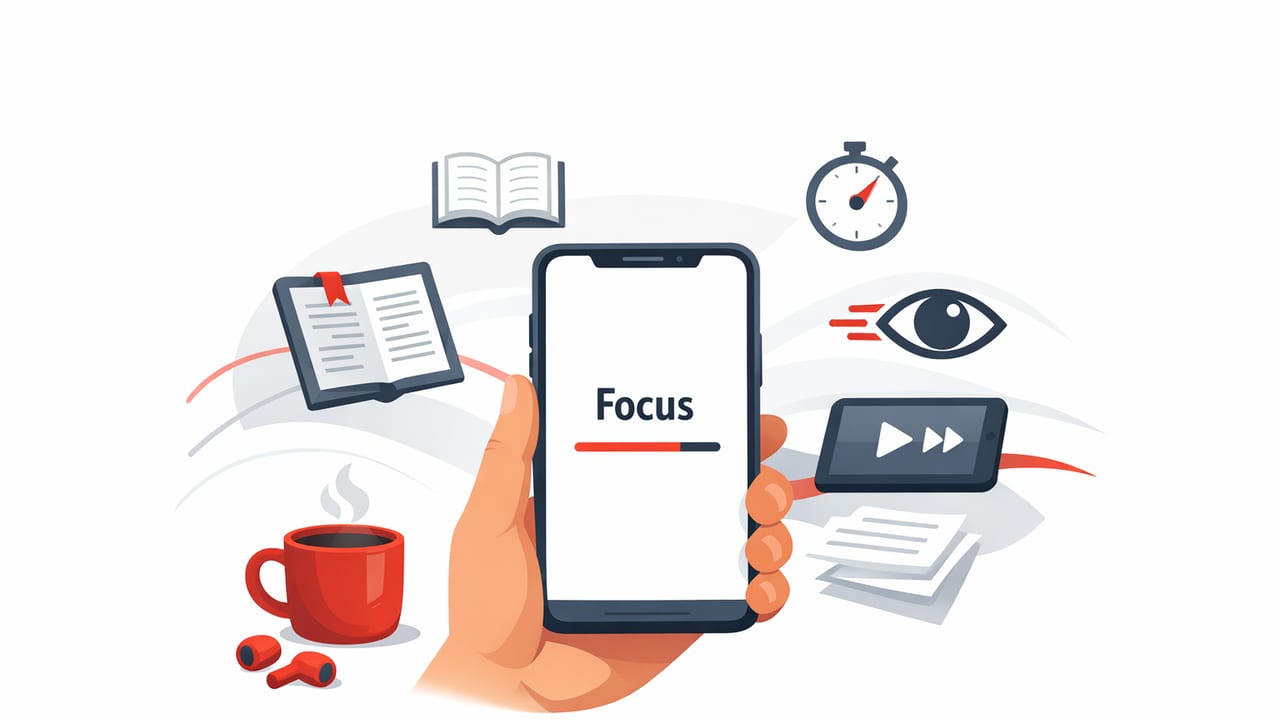
Rapid Serial Visual Presentation (RSVP) is one of the most practical speed-reading methods for screens because it matches how we actually lose time while reading: eye movements. Instead of scanning lines, jumping between words, and re-finding your place, RSVP shows words (or short phrases) one at a time in a fixed position. The result is often faster reading with less visual wandering—especially on iPhone and iPad.
This guide explains how an rsvp reading app works, the settings that matter most, and a workflow you can use for articles, PDFs, notes, and study material—without sacrificing comprehension.
What an RSVP Reading App Actually Does (and Why It Works)
Traditional reading requires constant saccades (quick eye jumps) and fixations (brief stops to process text). On paper, your eyes are trained to do this efficiently—but on small screens, dense PDFs, and long web articles, those jumps become costly. RSVP reduces that cost by:
- Anchoring your gaze in one spot so your eyes don’t travel across lines.
- Reducing regressions (re-reading) that happen when attention drifts.
- Controlling pace with an adjustable words-per-minute (WPM) stream.
RSVP doesn’t magically increase intelligence. It reduces wasted motion and helps you maintain a steady rhythm—so your brain can spend more energy on meaning, not navigation.
When an RSVP Reading App Is the Best Tool (and When It’s Not)
An rsvp reading app is ideal when your goal is to get through clear, linear text efficiently. It shines with:
- News articles and essays
- Nonfiction chapters
- Meeting notes and briefs
- Study summaries and lecture transcripts
It’s less ideal when the content requires frequent visual scanning:
- Math-heavy material and complex proofs
- Code, tables, and diagrams that require spatial reference
- Poetry or highly stylistic prose (where pacing and line breaks matter)
Use RSVP for speed and focus, then switch to normal scrolling or page view for sections that require “looking around.” The best readers combine modes on purpose.
The RSVP Settings That Matter Most
Most people try RSVP once, crank the speed, and conclude it “doesn’t work.” In practice, RSVP works when you tune three things: pace, chunking, and pauses.
1) Words Per Minute (WPM): Build Up, Don’t Leap
Start at a pace where you can keep full comprehension. For many adults, that’s around 250–350 WPM in RSVP mode (which can feel faster than page reading because it’s continuous). Then increase by small steps.
- Pick a comfortable speed (no strain, no panic).
- Read for 2–3 minutes.
- Increase by 25–50 WPM only if comprehension stays strong.
2) Chunking: Single Words vs. Short Phrases
Some RSVP readers allow single-word display; others support short phrases. Phrase chunking can improve meaning because language is processed in groups, not isolated tokens. If your app supports it, start with 1–3 words per frame for easier comprehension.
3) Pauses: Punctuation and Long Words
Good RSVP experiences add subtle delays for punctuation and longer words. Without pauses, everything becomes the same rhythm, which can flatten meaning. If your app includes controls, enable:
- Sentence pause (periods, question marks)
- Clause pause (commas, semicolons)
- Long-word delay (helps with technical vocabulary)
A Practical Workflow for Using an RSVP Reading App on iPhone & iPad
The biggest gains come from using RSVP as part of a repeatable process. Here’s a workflow that works for students and professionals alike.
Step 1: Set Your Intention (Skim Goal vs. Study Goal)
Before you hit play, decide which mode you’re in:
- Skim goal: capture the thesis, key points, and conclusions.
- Study goal: retain definitions, arguments, and structure.
RSVP is excellent for both—but your settings change. Skimming can tolerate faster speeds; studying needs more deliberate pacing and more frequent pauses.
Step 2: Prep the Text (Remove Friction)
RSVP works best when the text is clean. If you’re importing from a webpage or PDF, do a quick cleanup:
- Remove navigation clutter or repeated headers
- Keep headings (they help structure)
- Fix broken hyphenation from PDFs if possible
On iPad especially, consider split view: keep the original document on one side and RSVP mode on the other so you can jump back to figures or tables when needed.
Step 3: Read in “Sprints” (2–8 Minutes)
Long RSVP sessions can cause mental drift. Instead, use short sprints with micro-checkpoints:
- 2–8 minutes of RSVP reading
- 10–20 seconds to summarize out loud or in a note
- Continue, adjusting speed if needed
This sprint pattern keeps your working memory engaged and reduces the “I read it but absorbed nothing” problem.
Step 4: Use Active Recall Every Few Screens
If you want comprehension, don’t rely on recognition (“yeah, I remember seeing that”). Use recall:
- Ask: What was the main claim?
- Ask: What evidence supported it?
- Ask: What’s the implication or next step?
Even a 15-second recall check can dramatically improve retention compared to continuous reading.
Recommended RSVP Settings by Use Case
Use this as a starting point, then adjust based on comfort and accuracy.
| Use case | Suggested speed | Chunking | Pauses |
|---|---|---|---|
| News / blogs | 350–550 WPM | 1–3 words | Sentence + comma pauses |
| Work docs (briefs, reports) | 300–450 WPM | 1–2 words | Sentence pauses + long-word delay |
| Study material (dense concepts) | 250–375 WPM | 1–2 words | More pauses + frequent sprint summaries |
| Light fiction | 300–500 WPM | 1–3 words | Sentence pauses (keep rhythm natural) |
3 Drills to Improve Speed Without Losing Comprehension
RSVP is a skill. The most reliable improvement comes from short, consistent drills that train comfort at higher speeds while keeping meaning intact.
Drill 1: The “+50 / -50” Ladder (6 minutes)
- Read 2 minutes at a comfortable speed.
- Increase speed by 50 WPM for 2 minutes.
- Decrease by 50 WPM for the last 2 minutes and notice how easy it feels.
This builds tolerance without forcing you to live at the edge of comprehension.
Drill 2: Headline-to-Outline (8 minutes)
- RSVP read an article section.
- Stop and write a 3-bullet outline: point, support, takeaway.
- Continue to the next section.
Outlining turns RSVP from passive consumption into structured learning.
Drill 3: “Keyword Catch” for Technical Text (5 minutes)
When the content is dense (medical, legal, academic), set a goal to catch and remember 5–10 keywords per page-equivalent. After each sprint, list the keywords from memory. This keeps attention locked on meaning instead of merely “keeping up.”
Common Problems (and Fixes) When Using an RSVP Reading App
Problem: “I can read fast, but I don’t remember anything.”
- Slow down 10–15% and add sprint summaries.
- Increase punctuation pauses.
- Switch to phrase chunking if available.
Problem: “I feel tense or rushed.”
- Lower speed and increase font size.
- Use shorter sessions (2–5 minutes).
- Read easier material first to build the habit.
Problem: “Numbers and proper nouns keep slipping by.”
- Enable long-word/number delay if the app supports it.
- For critical details, pause and re-run the last sentence.
- Consider temporarily switching to standard view for data-heavy paragraphs.
How to Integrate RSVP Reading Into Your Daily iOS Routine
Most people don’t need hours of practice—just consistency. Here’s a realistic routine:
- Morning (5 minutes): RSVP read one article or section at comfortable speed.
- Midday (5 minutes): One drill (ladder or headline-to-outline).
- Evening (5 minutes): Review: summarize what you read in 3–5 sentences.
On iPhone, RSVP is great for “in-between” time (commute, waiting, breaks). On iPad, it pairs well with deeper work: split view, note-taking, and quick switching between RSVP and the original source.
What to Look for in a Good RSVP Reading App
If you’re choosing an rsvp reading app, prioritize features that support both speed and comprehension:
- Flexible speed controls (fine-grained WPM changes)
- Punctuation-aware pacing (sentence/comma pauses)
- Easy text import (articles, PDFs, clipboard, share sheet)
- Readable typography (font, size, contrast, focus point)
- Quick rewind (jump back a sentence when needed)
Remember: the best app is the one that makes it easy to practice consistently—and easy to slow down when the material is hard.
Conclusion: RSVP Is a Focus Tool First, a Speed Tool Second
RSVP works because it replaces wandering eyes with a steady stream, which can increase focus and reduce friction. But sustainable speed comes from a balanced setup: comfortable WPM, smart pauses, short sprints, and active recall. If you treat RSVP as a comprehension-first workflow, you’ll often find your speed rises naturally over time.
If you’re exploring options on iPhone or iPad, an app like FocalRead can be one way to experiment with RSVP and build a consistent practice—just keep your settings and comprehension checks front and center.
