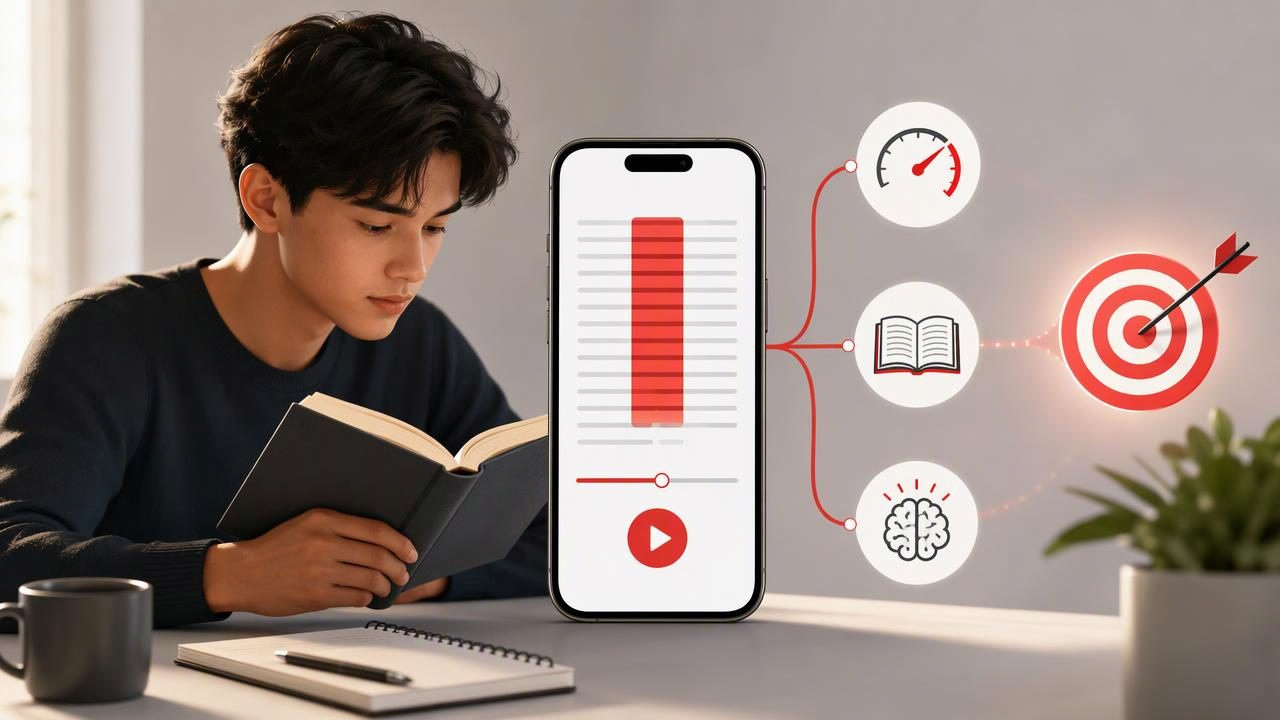
Finding an iPhone reading trainer for better reading focus can be useful when your reading time is repeatedly interrupted by notifications, wandering thoughts, or the temptation to switch between apps. Your iPhone can be a source of distraction, but it can also become a structured reading tool when you use it intentionally.
The goal is not to race through every article, textbook chapter, or report at the highest possible speed. Better reading focus means staying engaged with the text, choosing a pace that fits the difficulty, and remembering enough to use what you read later. A reading trainer can support those habits by giving you a clearer visual reading environment, a controlled pace, and a repeatable practice routine.
This guide explains how to build that routine on an iPhone, including a concrete example for reading a work article, a study chapter, or a long-form piece without losing comprehension.
What Is an iPhone Reading Trainer?
An iPhone reading trainer is an app or reading method that helps you practice focused reading. Depending on the tool, it may present text in a simplified format, reduce visual clutter, let you adjust reading pace, or show words in a timed sequence. Timed word presentation is often called RSVP, short for Rapid Serial Visual Presentation.
Rather than letting your eyes roam across a crowded screen, RSVP-style reading presents one word or a short unit of text at a time in a fixed location. This can reduce some of the eye movement involved in conventional reading. It may also make it easier to notice when your attention has drifted, because the text continues at a chosen pace.
However, an iPhone reading trainer is not a replacement for careful reading. Dense academic material, legal language, technical documentation, poetry, and unfamiliar concepts often require slower pacing, rereading, annotations, or note-taking. The best approach is flexible: use faster modes for suitable material and slow down when the text demands deeper thought.
Why Reading Focus Is Difficult on an iPhone
Reading on a phone asks your attention to compete with many other possible actions. A message banner, a browser tab, a social feed, or a quick search can pull you away before you finish a paragraph. Even without notifications, the habit of checking your phone can make sustained reading feel uncomfortable.
Focus is also affected by the text itself. A familiar news story is easier to follow than a new research concept. A short email may need only a quick scan, while a report that informs a decision needs careful attention. Treating every type of text the same is one reason reading sessions can feel inefficient.
| Reading situation | Useful approach | Focus priority |
|---|---|---|
| News or familiar articles | Moderate pace, brief summary afterward | Maintain attention without overanalyzing |
| Study notes or textbooks | Slower pace, pause at key ideas | Understanding and recall |
| Work reports | Read headings first, then key sections | Find decisions, evidence, and actions |
| Technical or legal text | Slow reading with rereading and notes | Accuracy over speed |
Set Up Your iPhone for a Focused Reading Session
Your reading app matters, but your setup matters first. A focused session is easier when you remove obvious interruptions before you begin.
- Choose one text and one purpose. Decide whether you are reading to understand an argument, prepare for class, find an answer, or simply enjoy the material.
- Use a Focus mode or silence notifications. Give yourself a defined period when messages and alerts will not interrupt your reading.
- Keep the session short at first. Start with 10 to 15 minutes. A realistic routine is more valuable than an ambitious session you avoid repeating.
- Set a comfortable visual environment. Adjust brightness, text contrast, and text size as needed. Eye strain is often mistaken for poor concentration.
- Put a note tool within reach. You may use Notes, paper, or a document. The point is to capture important ideas without opening unrelated apps.
Before starting, make a simple agreement with yourself: if a thought or task appears, write a short reminder rather than leaving the reading session to deal with it. This keeps small distractions from becoming app-switching loops.
Use Pace as a Training Variable, Not a Test
Many readers assume a faster setting always represents improvement. In reality, the best pace is the fastest one that still allows you to follow the meaning of the passage. That pace can change from one text to the next.
Start at a setting that feels slightly challenging but not frantic. After a short section, pause and explain the main point in your own words. If you cannot state what the author was arguing, describing, or asking you to do, lower the pace. If the text feels effortless and your attention begins to wander, raise it a little.
This makes reading speed a feedback loop rather than a score. You are practicing attention, not trying to prove that you can reach a universal words-per-minute target.
A useful pace is one you can understand, not merely one you can tolerate.
A 15-Minute Reading Focus Routine
Use the following routine three or four times per week. It works with articles, imported documents, ebooks, or course materials, provided you can read them in a distraction-reduced format.
Minutes 1–2: Preview
Read the title, headings, opening paragraph, and conclusion if one is available. Ask one question: What do I expect this text to explain or answer? Previewing gives your attention a destination.
Minutes 3–10: Read in one uninterrupted block
Use a pace appropriate for the material. If the text includes a complex definition, statistic, or transition, pause briefly and restate it mentally. Avoid stopping for every sentence; reserve pauses for ideas that change the meaning of the section.
Minutes 11–13: Recall without looking
Put the text aside and write three points:
- The central claim or topic
- One supporting detail or example
- One question you still have
This is your comprehension check. It reveals whether your pace matched the text better than a speed number alone can.
Minutes 14–15: Review and adjust
Look back at the text. Correct anything important you missed, then decide whether the next session should be slower, similar, or slightly faster. Make one adjustment at a time so you can learn what actually helps.
Concrete Example: Reading a Work Article on Your iPhone
Imagine you need to read a 1,200-word industry article before a team meeting. Your goal is not to memorize each sentence; it is to understand the author’s recommendation and identify any action relevant to your work.
First, scan the headline and headings. You notice that the article covers a problem, three possible responses, and a final recommendation. Next, begin reading at a moderate, comfortable pace. When you reach the section describing the three responses, slow down slightly because you will need to compare them.
At the end, write this short note:
Main issue: [state the problem]
Recommended response: [state the author’s recommendation]
Evidence to discuss: [one statistic, example, or reason]
Open question: [what needs verification or team input]
If you cannot fill in those four lines, do not assume you need more speed training. You may need to reread the recommendation section, define an unfamiliar term, or break the article into smaller sections. This is a practical limitation of speed-oriented reading: fast presentation cannot create background knowledge that you do not yet have.
Common Mistakes That Reduce Comprehension
- Increasing pace too quickly: A difficult text can become a stream of words before it becomes meaningful information.
- Skipping the recall step: Feeling focused while reading does not always mean you will remember the material later.
- Using one pace for every document: A simple article and a complex PDF deserve different settings.
- Reading when tired without adapting: Lower the pace, shorten the session, or move important reading to a more alert time of day.
- Confusing completion with learning: Finishing a chapter is useful, but explaining its central idea is a stronger sign of comprehension.
How to Track Better Reading Habits
Track a few practical signals for two weeks instead of obsessing over one speed metric. A simple log can help you identify patterns in focus and retention.
- Type of text read
- Length of the session
- Chosen pace or reading mode
- Whether you completed a recall check
- One sentence about how well you understood it
For example, you may discover that you can read familiar articles at a quicker pace but need a slower mode for PDFs with charts or terminology. That is useful progress. Effective readers adapt their method to the material instead of forcing all reading into one system.
Choose a Tool That Supports Deliberate Practice
Look for a reading tool that lets you control pace and work with the file formats you actually use. If you read ebooks, articles, and documents, flexibility matters. You should also be able to pause, revisit a section, and pair reading sessions with your own comprehension checks.
For iPhone and iPad users who want to explore timed reading with adjustable speed and document imports, FocalRead’s guide to reading faster offers a helpful starting point. Whatever tool you choose, treat it as part of a broader reading habit: protect your attention, adjust pace to difficulty, and regularly check what you understood.
Over time, that combination can make reading on your iPhone feel less fragmented and more purposeful—whether you are studying, preparing for work, or simply making more time for the books and articles you want to finish.
