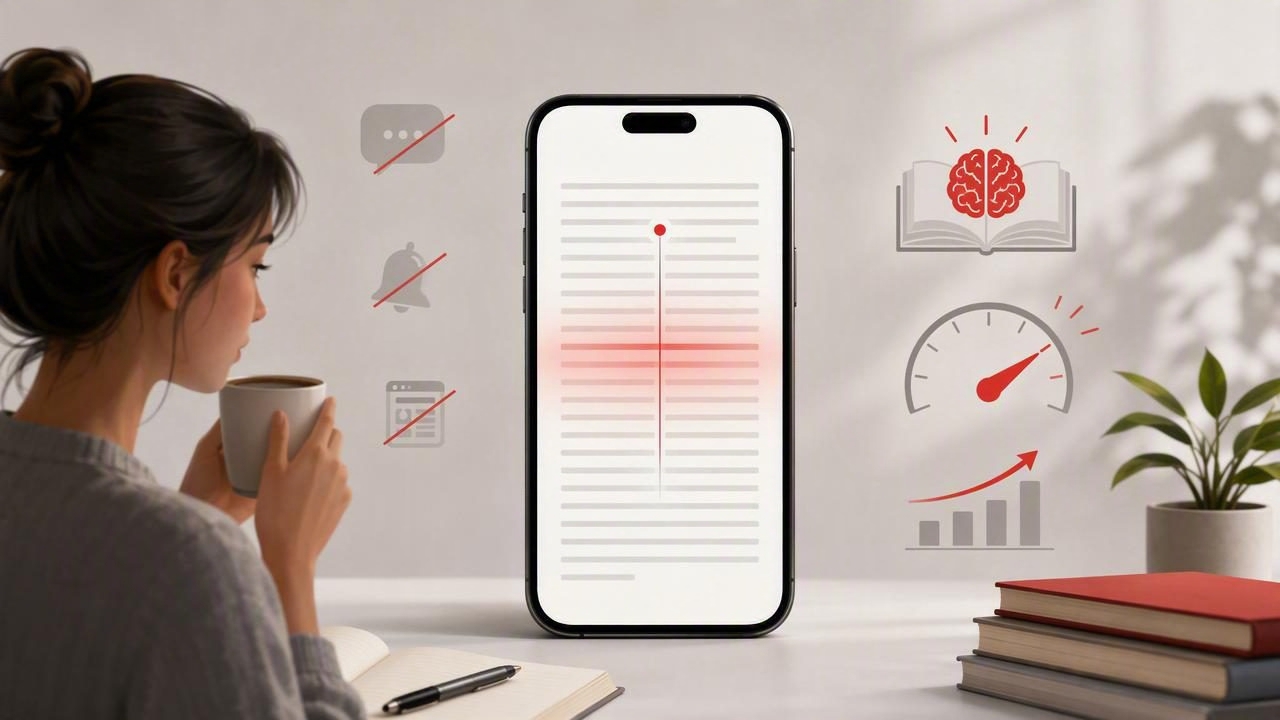
Reading on an iPhone is convenient, but it is not always easy. A small screen, incoming notifications, crowded web pages, menus, ads, and the temptation to switch apps can turn a five-minute article into a distracted twenty-minute task. For students, professionals, and frequent readers, the real challenge is often not reading ability. It is maintaining attention long enough to understand and remember what matters.
An iPhone reading trainer for less visual distraction can help create a more deliberate reading environment. Rather than treating every article like a scrolling feed, you can use focused display settings, pacing tools, and short practice sessions to reduce visual noise and build stronger reading habits.
This guide explains how visual distraction affects digital reading, how to set up a better iPhone reading workflow, and how to train reading speed without sacrificing comprehension.
Why Visual Distraction Slows Down Reading
Visual distraction is anything on screen that competes with the text you are trying to understand. Some distractions are obvious, such as pop-ups or notifications. Others are more subtle: a bright interface, dense navigation bars, links in every paragraph, inconsistent line spacing, or the endless availability of another app just one tap away.
When attention repeatedly moves away from the text, your brain has to reorient itself. This creates a hidden cost called attention switching. Even if each interruption lasts only a few seconds, it can make a reading session feel mentally tiring and reduce recall afterward.
Common sources of visual distraction on an iPhone include:
- Push notifications, banners, and lock-screen alerts.
- Social media tabs, messaging apps, and browser suggestions.
- Busy article layouts with ads, autoplay video, and sidebars.
- Text that is too small, too wide, too tightly spaced, or too low-contrast.
- Constant scrolling that makes it difficult to keep your place.
- Reading while multitasking, commuting, or checking email.
A focused reading setup does not eliminate every interruption. Instead, it removes the interruptions you can control, so more of your mental energy stays with the material.
What a Reading Trainer Should Help You Practice
A reading trainer is not simply a timer that pushes you to read faster. The best training approach helps you manage the relationship between speed, attention, and comprehension. Reading quickly without understanding is not productive, especially when you are studying, reviewing a report, or learning a new topic.
Useful reading-training features and methods typically support one or more of these goals:
- Consistent pacing: Moving through text at a controlled speed instead of repeatedly stopping and restarting.
- Reduced eye movement: Limiting unnecessary scanning across crowded layouts.
- Improved focus: Presenting text in a simpler, more intentional format.
- Short practice intervals: Making reading practice easier to repeat daily.
- Comprehension checks: Confirming that faster reading still produces useful understanding.
Different people benefit from different modes. Some readers prefer a clean, traditional page with better typography. Others find that guided word-by-word or phrase-based presentation helps them stay focused. The most effective option is the one that lets you follow the ideas comfortably and remember the key points afterward.
Set Up Your iPhone for a Calmer Reading Experience
Before changing your reading speed, improve the environment. A few iPhone settings can make digital text easier to follow and reduce the urge to look elsewhere.
1. Use Focus Mode During Reading Sessions
Focus Mode is one of the simplest ways to protect a reading block. Create a dedicated Reading Focus that silences nonessential notifications and hides distracting Home Screen pages. You can allow calls or messages from important people while keeping social and work alerts out of sight.
Try using this setup for a 15- to 25-minute session. A short boundary is easier to maintain than promising yourself that you will stay focused all afternoon.
2. Adjust Text Size, Contrast, and Background
Text that is uncomfortable to look at encourages skimming, rereading, and early fatigue. Adjust font size so you can read without straining or holding the phone unusually close. Choose a background and color scheme that feel calm in your current lighting conditions.
Dark mode can be useful in dim rooms, while a light or warm background may feel clearer during daytime reading. There is no universal best setting. The goal is to reduce strain, not to follow a trend.
3. Remove Browser Clutter
When reading articles in Safari, use a simplified reader view when available. This often removes ads, navigation menus, unrelated recommendations, and animated elements. The result is closer to a page of text than a busy website.
If you frequently save long reads, consider adding them to a dedicated reading list. This gives articles a separate destination instead of leaving them open among dozens of browser tabs.
4. Choose a Stable Physical Position
Visual focus is also physical. Hold the iPhone at a comfortable distance, avoid reading while constantly walking or switching tasks, and use a support or stand when possible. A stable position can reduce the small adjustments that pull your eyes away from the line you are reading.
Compare Common Low-Distraction Reading Modes
| Reading mode | Best for | Possible limitation |
|---|---|---|
| Clean article view | Long-form articles and general reading | Still requires self-paced scrolling |
| Large-text view | Reducing eye strain and improving readability | May require more scrolling |
| Word-by-word pacing | Practicing attention and reducing wandering eyes | Can feel too fast for complex material |
| Phrase-based pacing | Building speed while keeping context | Needs adjustment to find a comfortable pace |
| Read-and-review workflow | Study materials, reports, and learning | Takes a few extra minutes after reading |
Do not assume that the fastest mode is automatically better. For difficult academic text, legal documents, technical instructions, or unfamiliar subjects, a clean page and slower pace may produce better results. Guided pacing is often most useful for easier material, familiar topics, and short drills designed to improve concentration.
A 20-Minute iPhone Reading Training Routine
Consistency matters more than marathon sessions. This routine combines focused reading practice with a quick comprehension review, helping you measure whether your speed is actually useful.
- Minute 1-2: Prepare. Turn on Reading Focus, close unnecessary tabs, and choose one article or document with a clear purpose.
- Minute 3-5: Preview. Read the title, headings, introduction, and conclusion. Ask yourself what you expect to learn.
- Minute 6-13: Read at a steady pace. Use a clean reading view or a paced reading mode. Resist the urge to jump backward for every uncertain word.
- Minute 14-16: Pause and summarize. Write or say the main idea in one or two sentences without looking at the text.
- Minute 17-19: Check key details. Return to the text and identify the evidence, examples, or steps that support the main idea.
- Minute 20: Reflect. Decide whether the pace was too slow, comfortable, or too fast to understand well.
This process makes comprehension visible. If you cannot explain the central point after reading, the issue may be speed, distraction, unfamiliar vocabulary, or simply a lack of a clear purpose. Adjust one variable at a time rather than assuming you need to slow down completely.
How to Increase Speed Without Losing Comprehension
Speed reading works best as gradual training. Your comfortable rate depends on the type of text, your background knowledge, fatigue level, and reading goal. A news article, a novel, and a scientific paper should not be read at the same pace.
Use these practical principles:
- Set a purpose first. Decide whether you are reading for a broad overview, a specific answer, or detailed mastery.
- Increase pace in small steps. Raise speed only after you can accurately summarize what you read.
- Read in meaningful groups. Try to notice short phrases rather than treating every word as a separate task.
- Limit automatic backtracking. Reread only when a passage is important or genuinely unclear.
- Use active recall. Close the screen and name the main point, supporting arguments, and next action.
Useful reading speed is not the highest number you can reach. It is the fastest pace that still lets you understand, recall, and apply the text.
For example, a student might read a familiar history article quickly for an overview, then slow down for dates, quotations, and exam-relevant themes. A professional reviewing a project update might scan headings first, read decisions and deadlines carefully, and skip background details that do not affect their next step.
Measure Progress With More Than Words Per Minute
Words per minute can be motivating, but it is only one metric. A higher number is not meaningful if you forget the content immediately. Track several signals over time to see whether your reading practice is improving your real productivity.
- How long you can read before checking another app.
- How accurately you can summarize a piece of text.
- How often you need to reread paragraphs.
- How quickly you can locate important information afterward.
- How consistently you complete planned reading sessions.
A simple note can help: record the material, session length, estimated pace, and a one-sentence summary. After a few weeks, you may notice that your focus improves even before your reading speed changes dramatically.
Build a Sustainable Digital Reading Habit
The goal of an iPhone reading trainer is not to make every moment faster. It is to give your attention a clearer path through digital text. Start by reducing visual clutter, protect short reading sessions with Focus Mode, and choose a pace that matches the difficulty of the material.
As your habit becomes more consistent, experiment with clean reading views, phrase pacing, and recall exercises. Tools such as FocalRead can be part of that routine when you want a dedicated iPhone or iPad space for focused speed-reading practice. The important part is to keep comprehension at the center: read with purpose, reduce distractions, and make each session count.
