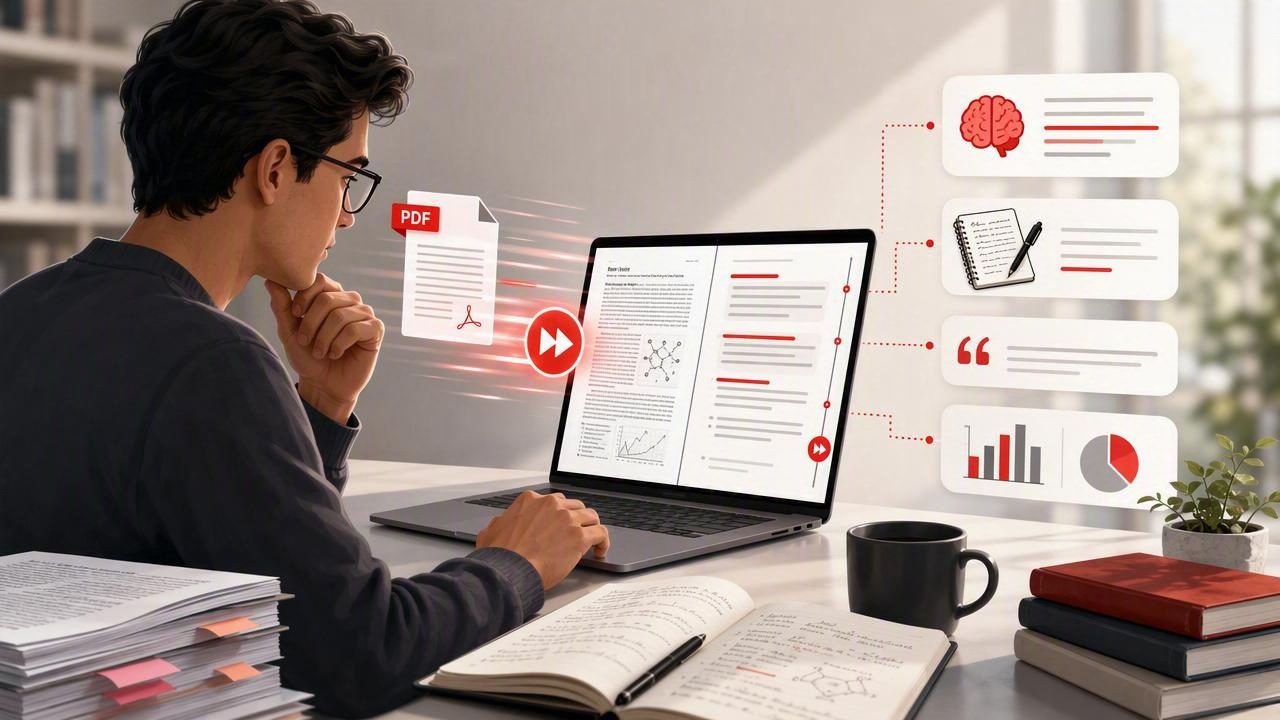
Researchers rarely read PDFs from beginning to end in one uniform way. A literature review may involve dozens of articles, conference papers, reports, and preprints—many of which are only partly relevant to the question at hand. The challenge is not simply reading faster. It is deciding what deserves slow, analytical attention and what can be reviewed efficiently without losing the argument, methods, evidence, or limitations.
A PDF speed reader for researchers can support this process when it is used as part of a deliberate reading workflow. Rather than treating speed reading as a race through every page, use it to accelerate orientation, targeted review, and repeated passes through familiar material. The goal is to reduce avoidable friction while preserving comprehension and critical judgment.
Why research PDFs require a different reading strategy
Academic PDFs are dense by design. They often include specialized vocabulary, tables, figures, equations, citations, methodological details, and cautious claims. Reading every sentence at the same high pace can cause you to miss an exclusion criterion, a small sample size, a qualification in the discussion, or a result that changes the meaning of the abstract.
For that reason, an effective research workflow uses variable speed. You move quickly through predictable or lower-priority sections and slow down when a passage affects your understanding, research design, or evidence base.
| PDF section | Primary purpose | Recommended approach |
|---|---|---|
| Title, abstract, keywords | Assess relevance | Read carefully but efficiently; identify the research question and core finding. |
| Introduction | Understand context and gap | Review claims, definitions, and cited debates; slow down around the stated problem. |
| Methods | Evaluate reliability and fit | Read slowly enough to capture participants, materials, design, measures, and analysis. |
| Results | Inspect the evidence | Pause for figures, tables, effect sizes, and statistical details relevant to your question. |
| Discussion | Interpret implications | Separate authors' conclusions from the data and note acknowledged limitations. |
| References | Find further sources | Scan strategically for foundational, recent, or repeatedly cited work. |
This approach protects the part of research reading that cannot be automated: evaluating whether the evidence actually supports the conclusion.
Start with a purpose before opening the PDF
Before importing or opening a paper, write one sentence that explains why you are reading it. This prevents the common problem of spending twenty minutes on a paper that does not answer your actual question.
Example purpose: “I am reading this study to determine whether its longitudinal design provides evidence relevant to my review of sleep interventions among university students.”
A clear purpose gives you criteria for deciding what to extract. You might need the study population, intervention duration, outcome measure, reported limitations, or a definition used by the authors. With those targets in mind, faster reading becomes selective rather than careless.
A four-pass PDF reading workflow for researchers
The following workflow combines speed with comprehension checks. It works particularly well when you are screening literature, preparing a seminar discussion, or building an annotated bibliography.
Pass 1: Triage the paper
Spend a short first pass identifying the paper's purpose and likely value. Review the title, abstract, publication details, headings, conclusion, and a few key tables or figures. Look for answers to these questions:
- What problem does the paper address?
- What type of study is it: experiment, review, qualitative study, theoretical paper, or meta-analysis?
- Who or what was studied?
- What is the central finding or argument?
- Does it directly inform your research question?
At the end of this pass, assign a simple decision: read deeply, extract selectively, cite for background, or set aside. Not every PDF needs a complete close reading.
Pass 2: Read the argument at a controlled pace
For papers that pass triage, use a reading pace that feels challenging but still allows you to summarize each section in your own words. A paced display can reduce visual wandering through dense blocks of text, but the correct speed differs by subject, familiarity, and document complexity.
After each major section, stop and write a one- or two-sentence summary. If you cannot explain the section without looking back, reduce the pace or reread it conventionally. This simple retrieval step is more useful than assuming that finishing pages equals understanding them.
Research note template
Question: What does this section establish?
Evidence: Which data, examples, or citations support it?
Caveat: What limitation, assumption, or uncertainty matters?
Use: How could this inform my project?
Pass 3: Slow down for methods and evidence
This is the pass that a researcher should not rush. A paper may have a persuasive abstract and a weak design, or a modest conclusion supported by unusually strong evidence. Read the methods, results, and visual data displays with extra care when they are central to your work.
For quantitative research, check the sample, comparison groups, outcome measures, missing-data handling, and whether reported effects match the claims. For qualitative research, examine recruitment, context, analytic approach, researcher position, and the evidence used to support themes. For reviews, identify search criteria, inclusion rules, and how the authors assessed source quality.
Speed-reading tools are less suitable for a table with multiple columns, a complex equation, or a figure whose caption carries essential detail. Switch to the original page view whenever layout matters. Faster text presentation is a reading aid, not a replacement for inspecting the document as designed.
Pass 4: Extract only reusable information
End by capturing the information your future self will need. Avoid copying large passages without context. Instead, save a concise record with the citation, the paper's contribution, a relevant quote or result, page numbers, and your own assessment.
- Claim: What does the paper argue or find?
- Evidence: What supports that claim?
- Boundary: Where might the finding not apply?
- Connection: How does it agree, disagree, or extend other sources?
- Location: Which page, section, table, or figure should you revisit?
These notes make later synthesis faster because you will not need to reread entire PDFs just to recover one important qualification.
Concrete example: screening papers for a literature review
Imagine you are reviewing research on remote work and employee well-being. You have downloaded 30 PDFs from database searches. Begin by creating inclusion criteria: peer-reviewed studies, adult employees, remote or hybrid work conditions, and a measured well-being outcome.
During the first pass, you read titles, abstracts, headings, and conclusion sections. Twelve papers are excluded because they focus on productivity only, use student samples, or discuss remote work without measuring well-being. Ten papers are useful for background, while eight appear directly relevant.
For those eight, the second pass identifies each study's research question and reported conclusion. In the third pass, you slow down to compare sample sizes, measurement instruments, work contexts, and time periods. One paper with a striking conclusion turns out to rely on a small convenience sample. Another has more cautious findings but a stronger longitudinal design. Your final notes preserve that distinction.
This is where a PDF speed reader helps: it can shorten the repetitive orientation work. Your research value still comes from evaluating design quality, comparing evidence, and making defensible decisions about what to cite.
How to protect comprehension when reading faster
Reading pace should be adjusted, not fixed. If a passage introduces an unfamiliar theory, a technical procedure, or a key result, slowing down is efficient because it prevents repeated rereading later.
Use these practical comprehension checks:
- Pause after each section. State the main point without viewing the text.
- Mark uncertainty. Use a question mark in your notes when a concept, result, or causal claim needs verification.
- Compare abstract and results. Check whether the headline conclusion is represented accurately.
- Review visual evidence separately. Read axes, legends, captions, sample labels, and footnotes.
- Schedule a return pass. Revisit your highest-value sources before drafting or submitting work.
A useful signal that you are moving too fast is vague recognition: the paper feels familiar, but you cannot identify its design, finding, or limitation. Lower the pace until you can produce a precise summary.
Limitations of speed reading for academic PDFs
Speed reading is not equally appropriate for all research tasks. Close reading is usually necessary for legal language, protocols, systematic-review methods, highly technical mathematics, unfamiliar terminology, and sources you plan to quote or critique in detail. It may also be less effective when the PDF has poor text extraction, scanned pages, complicated layouts, or substantial visual content.
There is no universal words-per-minute target for researchers. A familiar narrative review can often be reviewed more quickly than a novel methods paper in your field. Prior knowledge, fatigue, screen size, language proficiency, and the stakes of the task all affect the pace that preserves comprehension.
In other words, measure success by the quality of your notes and decisions—not by the number of pages completed.
Build a sustainable research reading habit
Consistency matters more than occasional marathon sessions. Set aside a focused block for triage and another for deep reading. Keep your PDFs, notes, citations, and unanswered questions organized in one repeatable system. Over time, you will recognize common study designs faster, learn which journals are most relevant, and become more selective about what deserves your attention.
If you read academic PDFs on Apple devices, FocalRead’s guide to speed-reading PDFs offers additional context on using paced reading as part of a focused document-reading routine. Whatever tool you choose, keep the workflow researcher-led: scan strategically, verify carefully, and return to the original PDF whenever detail matters.
The best PDF reading process is not the fastest possible one. It is the one that helps you identify relevant evidence sooner while retaining the accuracy and critical thinking that rigorous research requires.
