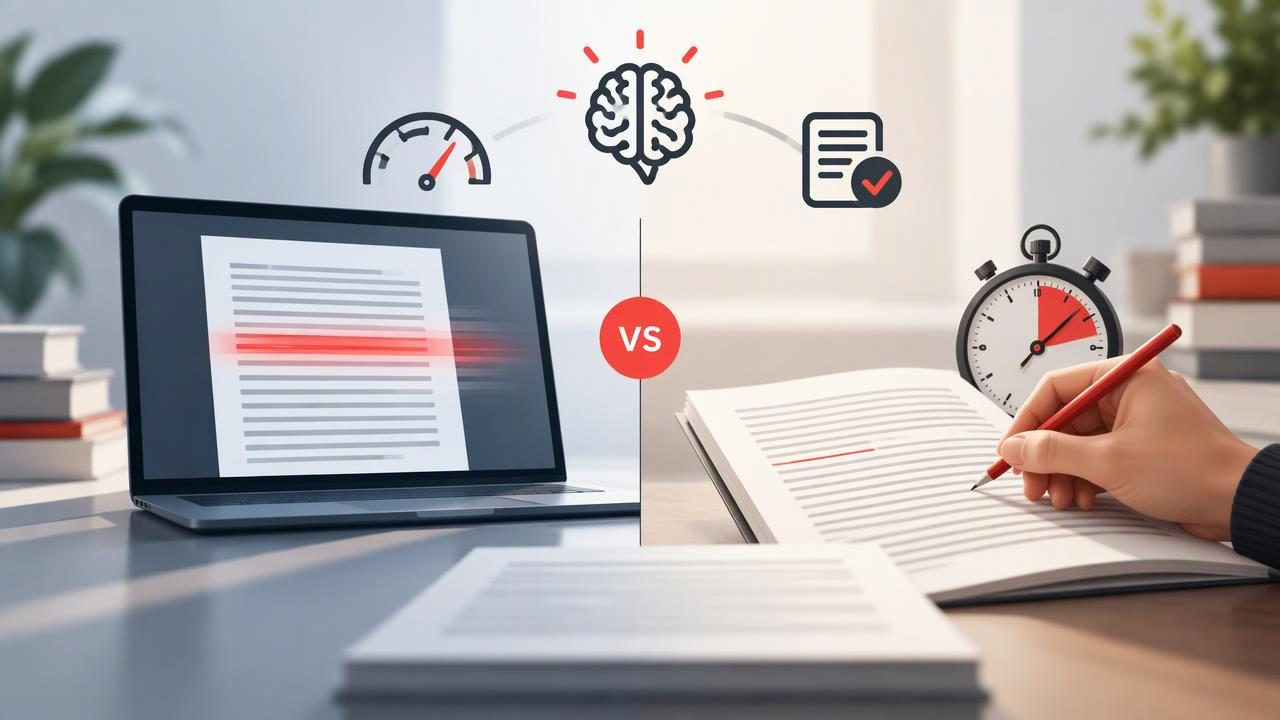
If you want to read PDFs faster, you can use a speed-reading tool or time yourself with a clock and calculate your words per minute (WPM). These methods can both help you understand your reading pace, but they do not measure exactly the same thing. A reader’s displayed speed may be a setting, while a manual WPM result estimates how quickly you read a particular passage from start to finish.
Knowing the difference makes it easier to choose a method, track changes fairly, and avoid mistaking a higher number for better reading. This guide compares PDF speed readers with manual WPM timing and shows how to use both while keeping comprehension in view.
What each method measures
Manual WPM timing is a calculation based on the number of words you read and the time you spend reading them. It gives you an estimate for a specific passage under specific conditions. It does not automatically show whether you understood or remembered the material.
A PDF speed reader presents text in a reading mode intended to make the pace easier to control. Some tools use RSVP (Rapid Serial Visual Presentation), displaying words or short groups of words in sequence rather than keeping the original page layout in view. With an RSVP reader, an adjustable pace can help you experiment with faster or slower presentation. The selected pace is not, by itself, proof of your effective reading speed or comprehension.
| Method | What you get | What to watch for |
|---|---|---|
| Manual timing | An estimated WPM for a defined passage and time period | Word-count accuracy, timing consistency, and interruptions |
| PDF speed reader | A controlled presentation mode and, often, an adjustable reading pace | The chosen pace may not equal comfortable, understood reading |
| Using both | A way to compare a timed baseline with a paced reading session | Keep text difficulty and comprehension checks comparable |
How to calculate manual WPM from a PDF
The basic formula is:
WPM = words read ÷ minutes spent reading
For example, suppose a passage contains 600 words and takes you 5 minutes to read. Your estimated pace is 600 ÷ 5, or 120 WPM. If you read for 4 minutes, the estimate is 150 WPM. These figures describe that reading session; they are not a universal target or a guarantee of how quickly you will read other material.
To get a useful result, define the passage before starting. A PDF may contain headers, captions, footnotes, tables, references, or two-column text. Decide whether these elements count, then use the same counting approach in later tests. If your PDF reader can select and copy the passage, a word-count tool may help. If not, choose a passage with a reliable stated word count or count a clearly defined portion. Do not treat a page count as a word count: pages vary widely in layout and density.
A simple manual timing protocol
- Choose a continuous passage of known or consistently counted length.
- Use material at a difficulty level similar to what you usually read.
- Start a timer when you begin reading and stop when you reach the passage’s end.
- Record the word count, elapsed time, document type, and any interruptions.
- Answer a few questions about the passage before calculating your result as a useful comparison.
For instance, record “600 words, 5 minutes, technical article, 4 of 5 review questions correct.” That is more informative than writing down “120 WPM” alone. It preserves the conditions behind the number and adds a basic check on understanding.
How to compare a PDF speed reader with a manual test
A fair comparison requires more than reading one passage with a timer and another in a speed reader. Differences in vocabulary, topic familiarity, formatting, and complexity can change your pace. Instead, use two passages of similar length and difficulty, or divide a suitable document into comparable sections. Avoid rereading the same section in the second method if familiarity could make it easier.
For a practical example, take two similar 600-word sections from a study reading. Time the first using your usual PDF view. For the second, use a PDF speed reader at a comfortable adjustable pace. After each section, write a one-sentence summary and answer the same number of factual or conceptual questions. Record elapsed time, the reader’s selected pace if applicable, and your comprehension notes. The comparison can show which approach suits that kind of text; it cannot establish that one method will always be faster or better for every document.
When a speed reader displays words sequentially, the configured rate may be expressed in WPM. Treat that number as a presentation setting, not a verified outcome. You may pause, slow down, revisit a passage, or need extra time to make sense of a difficult idea. If the app does not account for those actions in a measured reading-time result, comparing its displayed setting directly with your manual calculation is especially misleading.
Why PDF format can complicate the comparison
PDFs preserve page layout, which is useful for forms, research papers, reports, and documents where tables or visual relationships matter. But a page may not behave like a clean block of prose. Multi-column layouts can make text extraction read across columns in the wrong order. Footnotes and headings may be included in a copied word count, while equations, charts, and scanned pages may not yield a straightforward count.
A speed-reading mode can make running text easier to follow at a chosen pace, but sequential presentation is not automatically suitable for every page. A diagram may need to be viewed alongside its explanation; a table may make little sense when its entries are separated from their headings. For documents with important visual structure, read the relevant page normally or switch between the text and page view when needed. Do not assume every PDF will convert cleanly or that every reading tool supports every document in the same way.
Use comprehension as a check, not an afterthought
Reading faster is only useful when the pace fits your purpose. A quick pass through a familiar newsletter is different from studying an unfamiliar scientific argument. Pair any timing method with a short comprehension check: summarize the main point, list key evidence, explain a term in your own words, or answer a few questions without looking back.
Keep the check simple and consistent. If your pace rises but your summaries become vague or you cannot explain the central idea, slow down and try again. If you are reading for detailed study, annotate or revisit complex passages as needed. A short WPM test cannot establish long-term retention, and results from one passage should not be treated as proof of a lasting improvement.
Useful rule: Compare pace only when the text, timing method, and comprehension check are reasonably similar.
Which method should you use?
- Choose manual timing when you want a straightforward baseline for a clearly counted passage, or when preserving the PDF’s layout is important.
- Try a speed reader when you want to adjust text presentation and explore a controlled pace for suitable running prose.
- Use both when you want to compare ordinary reading with a paced mode. Keep notes so you can interpret the numbers rather than judging by pace alone.
Neither approach is a complete test of reading ability. Manual timing can be affected by word-count and stopwatch errors. A reader’s selected pace can be mistaken for the speed at which you comfortably understand the material. Both are snapshots, not universal measures of how you should read.
Make your results more useful over time
If you track reading sessions, repeat the same basic protocol rather than changing several variables at once. Use passages of comparable difficulty, read in a similar environment, and note whether you were interrupted. A small log can include date, document type, passage length, minutes, calculated WPM, chosen presentation setting, and a brief comprehension result.
Look for patterns across multiple sessions instead of reacting to one unusually high or low number. You may find that a paced mode works well for straightforward prose but not for dense material, or that your manual pace varies with the subject. That is useful information: adjust your method to the task rather than forcing every PDF into one reading style.
If you want a guided overview of practical reading approaches, FocalRead’s guide to speed-reading PDFs offers related context. The best choice is the one that helps you move through suitable material at a comfortable pace while retaining enough understanding for your goal.
