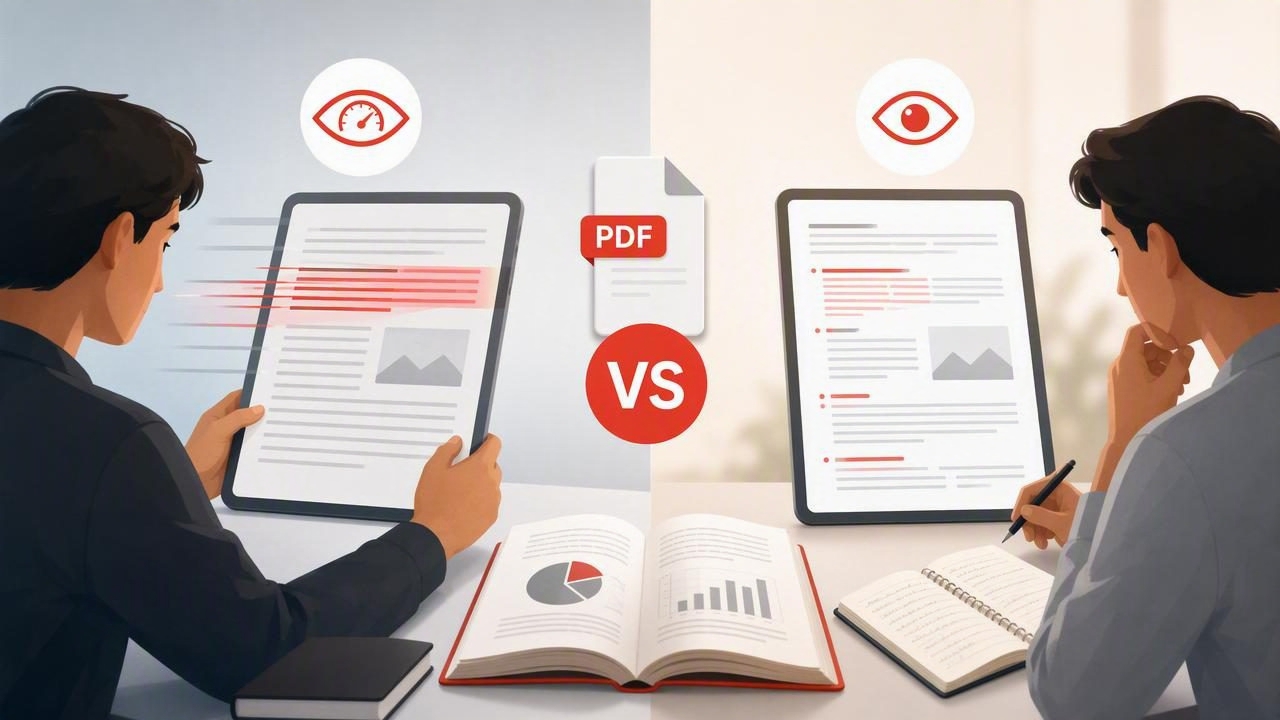
When a long report, research paper, ebook, or work document lands in your inbox, the immediate question is often: Should I skim this, or should I use a PDF speed reader? Both methods can help you get through digital text more efficiently, but they solve different reading problems.
Skimming helps you locate the main ideas quickly. A PDF speed reader is designed to help you move through text at a controlled pace with more sustained attention. Choosing between them depends on what you need from the document: a quick overview, a specific detail, a decision-ready summary, or a deeper understanding.
This guide compares PDF speed reader vs skimming in practical terms, including when each method is useful, where each one falls short, and how to combine both without sacrificing comprehension.
What Is Skimming?
Skimming is a selective reading technique. Instead of reading every sentence, you scan the structure of a document for its most important signals. These signals commonly include:
- Titles, headings, and subheadings
- Introductions and conclusions
- Bold terms, definitions, and callout boxes
- Topic sentences at the start of paragraphs
- Charts, tables, captions, and bullet lists
- Repeated words or phrases
The purpose of skimming is not to absorb every detail. It is to build a fast mental map of what a PDF contains. For example, if you receive a 30-page industry report before a meeting, skimming may help you identify its central recommendation, key statistics, and the sections worth reading in full.
Skimming works best when the document has clear formatting and your goal is exploration. It is especially useful during early research, when deciding whether a source is relevant, or when reviewing material you have already read once.
What Is a PDF Speed Reader?
A PDF speed reader is a reading tool or mode that presents text in a way intended to support faster, more focused reading. Some use RSVP (Rapid Serial Visual Presentation), which displays words one at a time or in small chunks. Others simplify the reading view, reduce visual distractions, or help readers set and adjust a reading pace.
Unlike skimming, speed reading is generally a more continuous process. You aim to read the document in sequence rather than jumping between headings, highlighted phrases, and page elements. This can be helpful when a PDF contains connected reasoning, such as a textbook chapter, policy document, technical explanation, or detailed article.
A PDF speed reader does not automatically make every document easy to read. Dense pages, poor scans, complex formulas, visual charts, footnotes, and multi-column layouts can require a slower, more deliberate approach. The useful goal is not to force a fixed words-per-minute target. It is to find a pace that lets you understand the material well enough for your purpose.
PDF Speed Reader vs Skimming: The Core Differences
| Factor | Skimming | PDF Speed Reader |
|---|---|---|
| Primary goal | Find main ideas and relevant sections | Read continuous text with focused pacing |
| Reading pattern | Selective and non-linear | Mostly sequential |
| Best for | Previewing, triaging, and reviewing | Articles, chapters, and text-heavy PDFs |
| Attention demand | Lower for familiar topics, but requires judgment | Steady attention over a longer passage |
| Detail retention | Often limited unless followed by deeper reading | Can support fuller understanding when paced appropriately |
| Potential weakness | Important nuance can be missed | Fast pacing can outstrip comprehension |
The key distinction is simple: skimming helps you decide what deserves attention, while speed reading helps you give selected text focused attention more efficiently.
When Skimming Is the Better Choice
Skimming is often the smarter first move when you are working with a large number of documents or do not yet know which sections matter. It is not a lesser form of reading; it is a strategic way to allocate limited time.
Use skimming when you need to:
- Assess whether a PDF is relevant to your assignment or project
- Find a date, name, figure, definition, or recommendation
- Prepare questions before a meeting or discussion
- Review familiar material before an exam
- Compare several reports or articles quickly
- Identify chapters that need closer reading later
Consider a student researching renewable energy policy. They may have ten academic PDFs to evaluate. Reading all ten from beginning to end would take considerable time and may not be necessary. By skimming abstracts, headings, conclusion sections, charts, and cited findings, the student can narrow the list to the three most useful sources.
The limitation is that skimming can create an illusion of understanding. Recognizing keywords and conclusions is not the same as understanding the evidence, exceptions, or logic behind them. If you need to explain, apply, critique, or remember the material, return to the important sections for a more complete read.
When a PDF Speed Reader Is the Better Choice
A PDF speed reader makes more sense once you know a document matters and need to process a substantial amount of its text. It can be useful for readers who lose focus while moving across dense digital pages, repeatedly reread lines, or get pulled away by surrounding notifications and browser tabs.
Use a PDF speed reader when you need to:
- Read a selected chapter before class or a study session
- Work through a text-heavy report with a clear beginning-to-end argument
- Read long-form articles during a focused work block
- Review a draft document for flow and overall clarity
- Build a regular reading habit on an iPhone or iPad
- Move through familiar or moderately difficult material at a controlled pace
For example, a project manager may first skim a 45-page proposal to identify the executive summary, budget, timeline, risks, and scope. After confirming that the proposal is relevant, they can use a focused reading mode for the sections that explain the implementation plan and responsibilities. This two-step approach is often more effective than either reading method alone.
Why PDF Format Matters
Not every PDF behaves like a clean digital article. Some PDFs are well-structured text documents, while others are scans of printed pages. Some include columns, equations, diagrams, sidebars, tables, or slide-style layouts. These differences affect whether skimming or paced reading will be more practical.
Skimming is often easier with visually structured PDFs because headings, charts, and page layout provide useful shortcuts. A speed-reading mode may be more comfortable with a linear, text-based document where paragraphs carry most of the meaning.
Slow down or switch methods when you encounter:
- Legal language, contracts, or compliance requirements
- Scientific methods, statistical results, and technical instructions
- Tables where values must be compared carefully
- Equations, code, diagrams, and figure captions
- Scanned pages with unclear or inconsistent text
- Content you must quote, cite, or act on precisely
In these cases, speed should be secondary to accuracy. Read the relevant passage carefully, make notes, and verify the original page when necessary.
A Practical Workflow: Skim First, Then Read With Focus
For many people, the best answer to the PDF speed reader vs skimming question is not choosing one method permanently. It is using each method at the right point in the process.
- Define your reading outcome. Ask whether you need a broad overview, a few facts, or a detailed understanding.
- Spend five to ten minutes skimming. Review the title, table of contents, headings, opening paragraphs, summary, and visuals.
- Mark priority sections. Identify the pages or chapters that directly answer your question.
- Read those sections sequentially. Use a focused reading pace that feels challenging but manageable.
- Pause for a comprehension check. Summarize the section in one or two sentences without looking back.
- Revisit complex material normally. Slow down for details that affect a decision, assignment, or conclusion.
This workflow avoids a common productivity mistake: treating every page as equally important. It also prevents the opposite problem of skimming so aggressively that you miss the reasoning needed to use the information correctly.
How to Protect Comprehension While Reading Faster
Reading faster is only useful when you can still recall and apply what you read. Rather than chasing a universal speed, use small adjustments and frequent feedback.
- Start with easier material. Build confidence on articles or documents you can already follow comfortably.
- Increase pace gradually. A modest increase is easier to evaluate than a dramatic jump.
- Use short sessions. Try a focused 10- to 20-minute block before extending the duration.
- Ask retrieval questions. What was the author’s claim? What evidence supported it? What action follows?
- Take purposeful notes. Capture decisions, questions, and unfamiliar terms instead of copying full paragraphs.
- Adjust for difficulty. A familiar business update and a dense research paper should not be read at the same pace.
A useful reading pace is one that leaves you able to explain the important ideas, not merely reach the final page sooner.
Common Mistakes to Avoid
First, do not skim a document that demands exact interpretation. A contract clause or medication instruction is not a place for selective reading. Second, do not assume a faster display setting will improve understanding by itself. If you cannot summarize a passage, reduce the pace or reread it in context.
Third, avoid treating skimming as random eye movement. Effective skimming is guided by a question, such as “What are the three proposed risks?” or “Which section explains the methodology?” Finally, do not ignore the PDF’s visual information. Charts, captions, and tables may contain the evidence that changes the meaning of the surrounding text.
Final Takeaway
Skimming and PDF speed reading are complementary tools. Skim when you need to sort, preview, search, or prioritize. Use paced reading when you have identified text that deserves sustained attention. For complex or high-stakes content, slow down and verify details.
If you want to practice focused, adjustable RSVP reading with digital documents on iPhone or iPad, FocalRead’s guide to speed reading PDFs explains a practical way to pair pace adjustments with regular comprehension checks.
