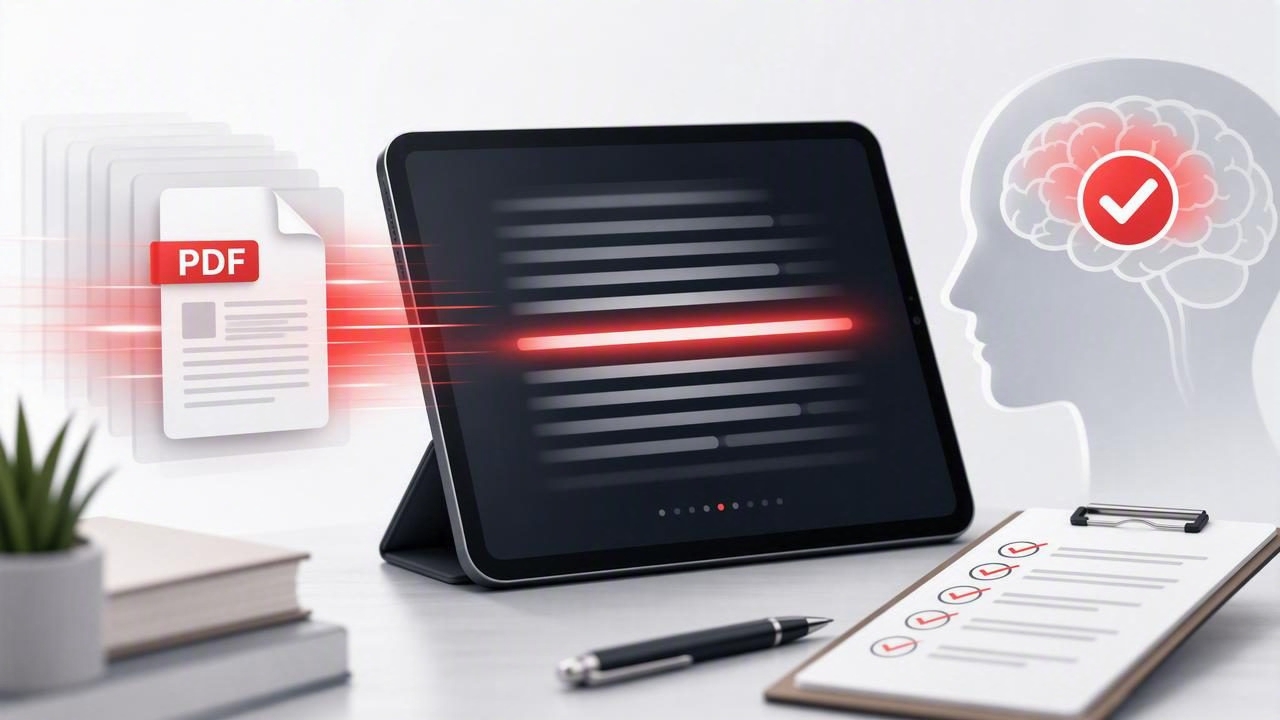
PDFs are essential for study, work, research, and personal learning. They are also easy to postpone. A long report, textbook chapter, presentation export, or policy document can feel more demanding than an ordinary article because the layout is dense, the text may be technical, and the important details are not always obvious at first glance.
The goal is not to rush through every page. The goal is to read PDF documents faster while still understanding the ideas that matter. A speed reading app can support that process by reducing distractions, creating a steady reading pace, and making practice more consistent on an iPhone or iPad.
Use this practical checklist before, during, and after reading. It helps you decide what deserves close attention, what can be scanned, and how to improve both speed and comprehension over time.
Why PDFs Often Feel Slow to Read
A PDF is a fixed-layout document. Unlike a web article, it may contain columns, footnotes, charts, tables, captions, citations, and page breaks that interrupt your natural reading flow. On a smaller screen, frequent zooming and scrolling can also make it harder to maintain focus.
Many readers lose time for reasons that have little to do with their actual reading ability. They reread the same sentence automatically, start at page one without knowing their purpose, or spend equal time on background sections and high-value findings. Before increasing your pace, improve the way you approach the document.
| Common PDF Challenge | Better Reading Response |
|---|---|
| Long, unfamiliar document | Preview headings, summary, and conclusion before reading in detail. |
| Dense academic language | Slow down for definitions and evidence, then increase pace in familiar sections. |
| Charts and tables | Read titles, labels, and takeaways before studying every number. |
| Frequent distractions | Use a focused reading mode and short, timed sessions. |
| Unclear purpose | Write one question the PDF needs to answer for you. |
Before You Start: Set Up a Faster PDF Reading Session
Your preparation determines whether speed becomes useful or careless. Spend two or three minutes setting a purpose and choosing an appropriate pace. This prevents the common mistake of treating every PDF as if it needs the same level of scrutiny.
1. Define the outcome
Ask what you need from the document. Are you trying to find one statistic, prepare for an exam, understand a project brief, compare recommendations, or build a broad overview? Your outcome determines how deeply you should read.
- Reference reading: Find a specific fact, date, requirement, or quote.
- Overview reading: Understand the central claim and major sections.
- Study reading: Learn concepts well enough to explain or apply them later.
- Critical reading: Assess evidence, assumptions, methodology, and conclusions.
Reference and overview reading can often move quickly. Study and critical reading require strategic pauses, especially around key terms, formulas, results, and arguments.
2. Preview the PDF structure
Do not begin with the first full paragraph. First, inspect the title, table of contents, headings, introduction, visual elements, summary, and final conclusion. This preview gives your brain a map of what is coming. When you know where an idea belongs, it is easier to process and remember.
For a research paper, read the abstract and conclusion first. For a business report, check the executive summary, recommendations, and section headings. For a textbook chapter, review learning objectives, key terms, diagrams, and end-of-chapter questions.
3. Create a distraction-light environment
Reading speed drops whenever attention is repeatedly broken. Silence nonessential notifications, close unrelated tabs, and place your phone in a mode that limits interruptions. If you use an iPad, consider full-screen reading and a comfortable orientation that keeps the text large enough to scan without squinting.
A useful starting point is a 15- to 25-minute reading block. Shorter sessions reduce mental fatigue and make it easier to review your comprehension before moving on.
The Read PDF Documents Faster Checklist
Use the following checklist as a repeatable workflow. It is designed for people who want to use a speed reading app without sacrificing understanding.
- Choose one clear reading question. For example: “What are the three recommended actions?” or “What evidence supports the author’s conclusion?”
- Preview the document for two minutes. Scan the title, headings, introduction, conclusion, and visuals.
- Estimate the document’s difficulty. Familiar, simple material can be read faster than technical, unfamiliar, or high-stakes information.
- Set a realistic pace. Start at a speed that feels slightly challenging but still understandable. Do not chase a high words-per-minute number.
- Read in sections, not as one marathon. Finish a logical unit, such as a heading or page range, then pause briefly.
- Mark only high-value ideas. Highlight definitions, decisions, data points, examples, and questions. Avoid highlighting entire paragraphs.
- Pause for visuals. Tables, charts, and diagrams often contain the most important evidence. Read them deliberately.
- Use a quick recall check. At the end of each section, state the main point without looking back.
- Adjust speed when comprehension slips. Slow down immediately if you cannot summarize what you just read.
- Finish with a one-minute review. Write or say the document’s purpose, main findings, and next action.
How to Use Speed Reading Features Wisely
Speed reading tools can make digital reading feel more intentional, but they work best when matched to the material. Common features include guided pacing, RSVP-style word presentation, focus modes, adjustable text settings, and progress tracking.
Guided pacing can help reduce regression, which is the habit of repeatedly jumping backward in the text without a clear reason. Some regression is valuable when a sentence is complex. The issue is automatic rereading caused by uncertainty or distraction.
RSVP, or rapid serial visual presentation, displays words one at a time in a fixed location. It can be useful for linear, text-heavy sections such as introductions, summaries, emails, and general articles. However, it is not always ideal for PDFs with equations, multi-column layouts, footnotes, or data-heavy visuals. In those cases, use a more conventional reading view and reserve RSVP for prose sections.
Match your settings to the document
| Document Type | Recommended Approach |
|---|---|
| Meeting brief or proposal | Use a faster pace, scan headings, and flag decisions and deadlines. |
| Academic paper | Preview first; slow down for methods, results, and limitations. |
| Textbook chapter | Read by section, pause for examples, and test recall frequently. |
| Legal or compliance PDF | Read carefully; speed is secondary to accuracy and context. |
| Research report with charts | Read narrative quickly, then study figures and captions separately. |
Text size matters, too. Tiny text increases eye strain and can encourage inefficient backtracking. Choose a size that lets you recognize phrases comfortably. If your reading tool allows it, experiment with a clean typeface, suitable contrast, and line spacing that makes each line easy to follow.
Protect Comprehension While Increasing Speed
Reading faster is only beneficial if you can use what you read. The simplest way to protect comprehension is to include active recall. Instead of asking, “Did I finish the pages?” ask, “Can I explain the point?”
Fast reading is not about seeing more words. It is about spending less time on low-value text and more attention on meaningful ideas.
Try the three-question check after each major section:
- What was the main claim or idea?
- What evidence or example supported it?
- Why does it matter for my task, class, or decision?
If you cannot answer these questions, reduce the pace for the next section. If you can answer them easily, increase your speed slightly. Small adjustments are more sustainable than making a dramatic jump from one session to the next.
A 20-Minute PDF Reading Routine
A short routine is easier to repeat than a complicated system. Use this example when you need to process a PDF efficiently on an iPhone or iPad.
- Minutes 1–3: Set your purpose and preview headings, summary, and conclusion.
- Minutes 4–12: Read the first priority section at a steady, comfortable pace.
- Minutes 13–15: Review highlights and summarize the section from memory.
- Minutes 16–19: Read the next priority section or inspect relevant charts and tables.
- Minute 20: Write one takeaway and one next step.
For longer documents, repeat the cycle after a short break. This structure supports focus while preventing the tired, passive reading that often leads to poor recall.
Track Progress Without Obsessing Over Words Per Minute
Words per minute can be a useful metric, but it is not the only one. A better measure of progress combines pace with understanding. Track the type of PDF, your approximate reading speed, your recall score, and whether you completed your intended task.
For example, rate your recall from one to five after a session. A score of five means you could clearly explain the main points; a score of three means you understood the general direction but need a review; a score of one means the pace or material was too difficult for the method you used.
Over several weeks, you may notice that you read familiar reports rapidly, while technical papers require a slower pace. That is not failure. It is good judgment. Skilled readers vary their speed based on purpose and complexity.
Build a Better PDF Reading Habit
To read PDF documents faster consistently, make the checklist a habit rather than a one-time experiment. Start with a few sessions each week. Choose documents that are moderately challenging, practice previewing before detailed reading, and use recall checks to keep your attention active.
The best speed reading app is one that helps you maintain a sustainable pace, reduce distractions, and stay aware of comprehension. If you want a focused iPhone and iPad option for building that routine, FocalRead offers reading modes designed to support faster, more attentive digital reading.
