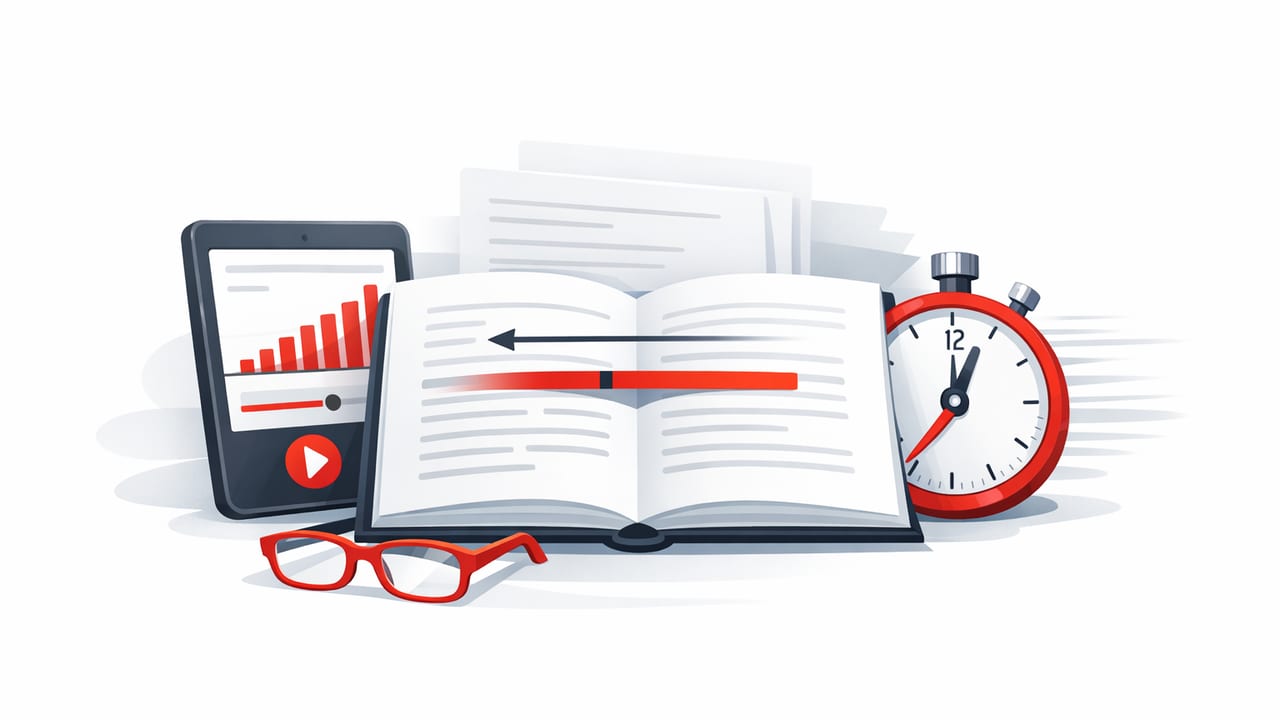
A good reading speed trainer does two jobs at once: it increases your words-per-minute (WPM) and keeps comprehension stable. Many people try to read faster by “pushing it,” only to discover they’re skimming, rereading, and retaining less—so the total time saved disappears.
This guide gives you a structured way to train reading speed like a skill. You’ll learn how to measure your baseline, which drills actually move the needle, how to avoid the most common speed-reading traps, and how to build a simple routine on iPhone or iPad that fits real life.
What speed reading training really improves (and what it doesn’t)
Reading speed isn’t just a raw “go faster” lever. Training works because it improves several sub-skills:
- Eye guidance: smoother scanning and fewer regressions (unnecessary backtracking).
- Chunking: perceiving groups of words instead of single-word decoding.
- Attention control: staying locked in through paragraphs, not drifting.
- Working memory: holding ideas long enough to connect them.
What it generally doesn’t do: magically make dense material effortless. Technical papers, legal documents, and unfamiliar topics still demand slower passes at times. The goal is adaptive speed: fast when the text allows, controlled when it doesn’t.
Step 1: Establish a baseline (speed + comprehension)
Before you train, measure your current performance. Otherwise you can’t tell whether you’re improving or just “feeling faster.”
Baseline test (10 minutes)
- Pick a text you haven’t read (800–1,200 words). A news analysis, long blog post, or chapter excerpt works well.
- Read normally for 5 minutes (no special technique).
- Mark where you stopped and count the words read (many apps/sites show word count; otherwise estimate by words per line × lines).
- Compute WPM: WPM = words read ÷ 5.
- Do a quick comprehension check: write 3 bullet points summarizing what you read and 1 sentence explaining the author’s main claim.
Rule for training: never chase WPM at the expense of the summary. If your summary quality drops, your training intensity is too high.
Step 2: Use the “70–90% rule” to set training speed
Most effective speed gains come from a narrow zone: challenging but not overwhelming. A simple guideline:
- 70–80% comprehension: best for short drills (you’re stretching).
- 80–90% comprehension: best for practical reading (you’re learning/working).
If you can’t explain the gist afterward, you’re not training—you’re guessing.
Step 3: The core drills of a reading speed trainer
Below are drills that reliably reduce regressions, improve focus, and raise sustainable WPM. You don’t need to do all of them every day—pick 2–3 and rotate.
Drill A: Pacer reading (2–4 minutes)
A “pacer” is a visual guide that keeps your eyes moving forward. On paper, it’s your finger. On a screen, it can be a stylus, a cursor, or a moving highlight.
- How: Move the pacer smoothly under the line at a slightly faster pace than comfortable.
- Goal: Reduce backtracking and increase rhythm.
- Common mistake: Moving the pacer too fast and losing the thread. Slow it down until you can summarize.
Drill B: Chunking practice (3 minutes)
Chunking trains you to read in meaningful phrases instead of single words.
- Choose a paragraph.
- Draw mental “slashes” into 2–5 word chunks (don’t actually mark the text unless you want to).
- Read chunk-by-chunk, aiming for fewer eye stops per line.
Example chunking:
When you train reading speed / you’re training attention / not just faster eyes.
Drill C: Controlled skimming (5 minutes)
Skimming can be a skill, not a compromise—if you skim with a structure.
- Read the first sentence of each paragraph.
- Then read the last sentence of each paragraph.
- Only dive into full paragraphs where you detect a key claim, example, or turning point.
This trains you to spot organization quickly, which is essential for faster reading without losing meaning.
Drill D: RSVP bursts (1 minute on, 1 minute off)
RSVP (rapid serial visual presentation) shows words one at a time at a controlled speed. Used correctly, it’s not “how you should read everything,” but it’s a powerful focus and pace drill.
- 1 minute at a challenging WPM.
- 1 minute normal reading to integrate meaning.
- Repeat 2–3 cycles.
Why it works: it reduces eye wandering and forces a steady cadence. The “off” minute prevents comprehension collapse.
Drill E: Regression prevention (2 minutes)
Many readers lose time not because they read slowly, but because they reread lines unconsciously.
- During a short passage, commit to no backtracking unless you hit a true breakdown.
- If you do break down, jump back only to the start of the sentence—not multiple lines.
Over time, your brain learns to pay attention the first time through.
A simple 15-minute daily routine (the “trainer session”)
If you want consistency, make the routine small enough that you’ll do it on busy days.
- 2 min: Warm-up (easy text, relaxed pace).
- 4 min: Pacer reading drill.
- 4 min: RSVP bursts (1 on/1 off × 2 cycles).
- 3 min: Controlled skimming on a new section.
- 2 min: Comprehension recap (3 bullets + main claim).
Do this 5 days per week for two weeks and re-test your baseline. Most improvements show up first as less rereading, then as higher WPM.
How to track progress (without obsessing)
Tracking should guide decisions, not become a second job. Use a quick log with three numbers: WPM, comprehension score, and notes.
| Session | WPM Target | Comprehension (1–5) | Notes |
|---|---|---|---|
| Baseline | — | — | Normal reading test |
| Training Day | Baseline + 10–20% | 3–4 | What caused drift? Where did you regress? |
| Retest | — | — | New WPM + summary quality |
You can score comprehension quickly like this:
- 5: Clear summary + can explain reasoning and examples.
- 4: Good gist + minor missing details.
- 3: Partial gist, fuzzy structure.
- 2: Fragments, you missed the main claim.
- 1: You can’t explain what you read.
iPhone/iPad setup tips that improve focus
Your environment affects speed more than people expect. A few practical adjustments can reduce fatigue and wandering attention.
Make text easier to process
- Increase font size slightly to reduce squinting (especially on iPhone).
- Use comfortable line spacing; cramped lines encourage regressions.
- Prefer distraction-free views (reader mode when available).
Use timed reading blocks
Many readers drift because sessions are open-ended. Try 10–20 minute blocks with a clear finish line.
Focus Block Template
- 10 minutes: read + pacer
- 2 minutes: recap (3 bullets)
- 1 minute: decide next action (continue / save / share)
Reduce “input switching”
If you frequently jump between messages, articles, and tabs, your brain pays a switching tax. Consider a simple rule: one reading target per session. Save everything else to read later.
Common problems (and fixes)
“I read faster, but I forget everything.”
Add a forced retrieval step: after each section, write a one-sentence “because” statement.
Because statement: “The author’s main point is ___ because ___.”
“I get to the end of a page and realize I was daydreaming.”
This is attention drift, not a speed limit. Fix it by shortening intervals and adding a physical cue:
- Read in 3-minute sprints.
- Use a pacer or RSVP for the first minute to “lock in.”
- Stop and recap before continuing.
“RSVP feels fast, but normal reading doesn’t improve.”
That usually means you’re missing the transfer step. RSVP is best used in bursts followed by normal reading where you apply the same steady cadence and reduced regressions.
How to choose the right material for training
Your reading speed trainer plan will work better when the text difficulty matches the goal.
- For speed drills: familiar topics, clean writing, low jargon.
- For comprehension training: medium difficulty—articles with arguments, not just narratives.
- For work/study performance: your real documents, but at an adaptive pace (slow down when needed).
A practical approach is to do drills on “easy-to-medium” text, then apply the skill to your actual reading immediately afterward.
When to slow down (the mark of a skilled fast reader)
Speed is a tool. Slow down intentionally when you hit:
- Definitions (terms that everything else depends on)
- Dense logic (cause-effect chains, proofs, multi-step arguments)
- High-stakes details (deadlines, requirements, numbers)
Then speed up again on examples, repetition, and transitions. This “gear shifting” is often where the biggest time savings live.
Putting it all together
To train effectively:
- Measure baseline WPM and keep a quick comprehension check.
- Train in the 70–90% comprehension zone.
- Rotate drills that target regressions, chunking, and sustained focus.
- Track progress lightly and re-test every 1–2 weeks.
- Use iPhone/iPad settings and timed blocks to reduce drift.
If you prefer practicing with a dedicated iOS tool that supports focused reading modes and controlled pacing, apps like FocalRead can make it easier to run these drills consistently on iPhone and iPad.
