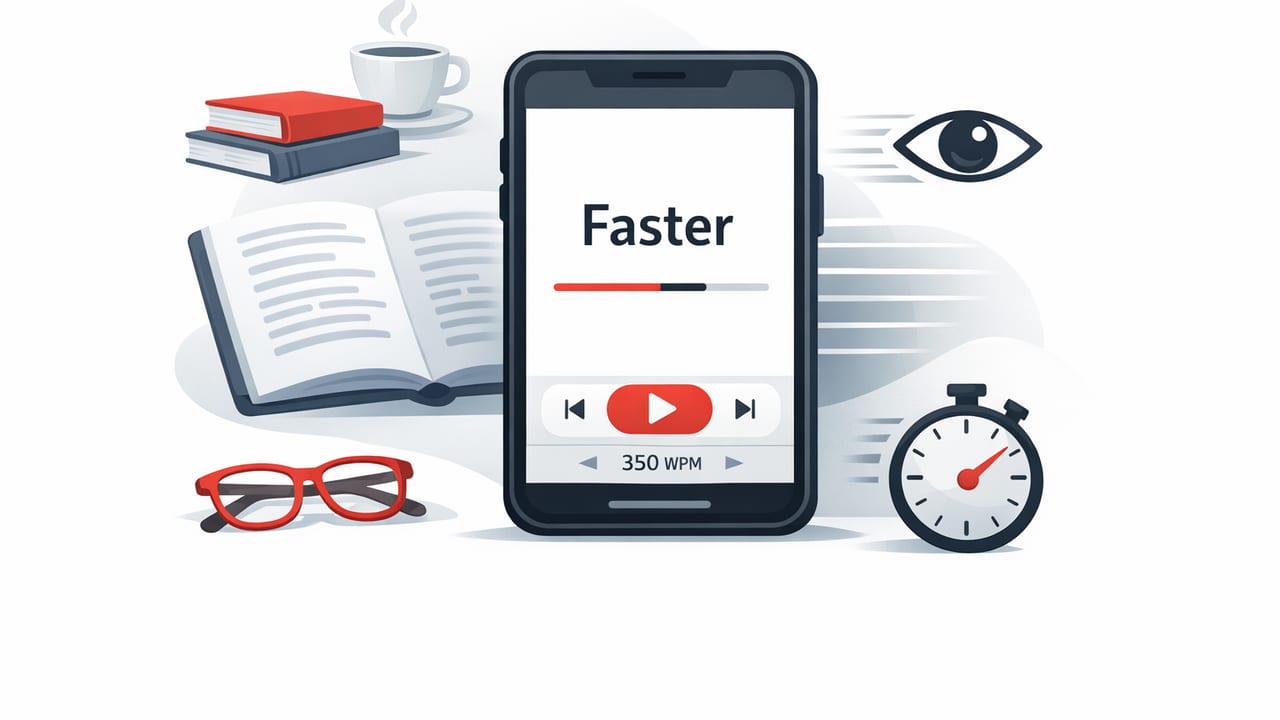
If you’ve ever wished you could move through articles, PDFs, and study notes faster without skimming, an rsvp reading app might be the most practical “speed reading” tool on iPhone and iPad. RSVP (Rapid Serial Visual Presentation) changes how text is displayed: instead of scanning lines, you see words (or short chunks) presented sequentially at a controlled pace. This reduces time lost to eye movements and helps you stay on a consistent rhythm.
This guide explains how RSVP reading works, why it’s effective on iOS, how to set it up for real-world reading, and how to protect comprehension while you increase speed.
What RSVP Reading Is (and Why It’s Different from Normal Reading)
Traditional reading relies on saccades (quick eye jumps) and fixations (brief pauses). Your eyes move across lines, backtrack when you lose your place, and spend extra time re-finding where you were—especially on small screens.
RSVP displays text one word at a time (or in small groups) in a fixed position. Because your eyes stay mostly still, RSVP can:
- Reduce saccades (less scanning across the screen).
- Lower regressions (less accidental re-reading).
- Improve pacing (a steady words-per-minute rate).
- Increase focus (fewer chances to drift mid-paragraph).
Key idea: RSVP doesn’t magically “download” meaning into your brain. It simply removes some mechanical friction (eye movement and re-finding your place), letting you spend more attention on understanding.
Who Benefits Most from an RSVP Reading App?
RSVP can help many readers, but it shines in specific use cases:
- Students reviewing lecture notes, research summaries, or assigned readings.
- Professionals processing long articles, emails copied into notes, or reports.
- Avid readers who want to move through digital nonfiction more efficiently.
- Readers with attention challenges who benefit from a guided pace and minimal visual clutter.
It’s less ideal for text that requires heavy spatial navigation (like code reviews or math proofs), where you often need to glance back and compare lines.
How RSVP Reading Apps Work on iOS
Most RSVP tools share the same core controls. Understanding them helps you get better results quickly.
1) Speed (Words Per Minute)
Speed is usually set in WPM. Many people start around 200–300 WPM for comfortable comprehension. With practice, 400–600 WPM is achievable for easier nonfiction, but the “right” speed depends on the text complexity.
2) Chunking (Single Word vs. Groups)
Some apps show one word at a time; others present short phrases. Chunking can improve comprehension because meaning often lives in phrases, not isolated words.
3) Pause Logic (Punctuation Delays)
Good RSVP reading includes micro-pauses for commas, semicolons, and sentence endings. This preserves natural language rhythm and reduces the “run-on treadmill” feeling.
4) Highlighting the Optimal Recognition Point (ORP)
Many speed reading tools highlight a letter near the center of a word to stabilize recognition. This can reduce fatigue and help your eyes stay anchored.
Setting Up RSVP for Better Comprehension (Not Just Speed)
A common mistake is to crank WPM up too quickly. RSVP is most effective when you treat speed as a training variable—like increasing weight at the gym—while monitoring understanding.
Step-by-step setup
- Pick a baseline speed where comprehension feels easy (often 250–300 WPM).
- Enable punctuation pauses if available, especially for dense material.
- Start with short sessions (5–10 minutes) to avoid mental fatigue.
- Use chunking for narrative or explanatory text; stick to single words for highly technical content if chunking feels overwhelming.
- Keep line length and distractions low: turn on Focus mode/Do Not Disturb during sessions.
A quick “comprehension check” rule
After each section, ask yourself:
- What was the main claim?
- What evidence or example supported it?
- What would I tell a friend in one sentence?
If you can’t answer, reduce speed by 10–15% or add stronger punctuation pauses.
RSVP vs. Traditional Speed Reading Techniques
Speed reading advice often includes skimming, finger pacing, and reducing subvocalization. RSVP overlaps with some of these goals (especially pacing), but it is a distinct approach.
| Approach | What it changes | Best for | Watch-outs |
|---|---|---|---|
| RSVP reading app | Displays text sequentially at a set pace | Articles, notes, many nonfiction reads on iPhone/iPad | Harder to jump around; needs good pause settings |
| Skimming | Selective attention to headings, topic sentences | Previewing, deciding what to read deeply | Can miss nuance and supporting details |
| Pointer/finger pacing | Guides eye movement across lines | Paper books, long web pages | Less effective on small screens; still lots of saccades |
| Chunking (visual span training) | Trains seeing multiple words per fixation | Readers practicing long-term speed gains | Requires consistent practice; may reduce accuracy early |
A Practical 10-Minute RSVP Practice Routine
Consistency beats intensity. Here’s a daily routine that fits into a commute, study break, or pre-meeting window.
Minute 0–2: Warm up
- Set speed to a comfortable baseline (e.g., 280 WPM).
- Read a simpler paragraph to lock in rhythm.
Minute 2–7: Controlled push
- Increase speed by 10–20% for one section.
- If comprehension drops, step back slightly rather than forcing it.
Minute 7–9: Comprehension lap
- Return to baseline speed.
- Read something more technical or detail-heavy.
Minute 9–10: Recall
Write (or speak) a 2–3 sentence summary. If you can’t summarize, you were likely going too fast or reading material that needs a different approach (like note-taking or active annotation).
Common Problems (and Fixes) When Using an RSVP Reading App
“It feels stressful and I’m missing words.”
Fix: Reduce WPM, enable stronger punctuation delays, and try chunking. Also shorten sessions: 5 minutes done daily can outperform 30 minutes done once.
“I understand the sentences but can’t remember anything later.”
Fix: RSVP is a display method; retention still needs encoding. Add one of these after each section:
- One-sentence summary
- 3 bullet key points
- A question you can answer later
“Technical material is impossible at higher speeds.”
Fix: Use RSVP for the overview pass (definitions, structure, headings). Then slow down and switch to deep reading for proofs, formulas, or complex arguments.
“I need to jump back and reread.”
Fix: Choose an app that supports quick rewind (by sentence/paragraph) and bookmarking. RSVP works best when navigation is frictionless.
Accessibility and Comfort Tips on iPhone and iPad
- Reduce eye strain: use dark mode at night and avoid max brightness for long sessions.
- Pick a readable font: prioritize clarity over style; consistent letter shapes reduce fatigue.
- Adjust word spacing and ORP settings: small tweaks can make RSVP feel dramatically smoother.
- Use Focus modes: RSVP helps attention, but notifications can still break comprehension.
- Consider iPad for longer sessions: the larger screen can feel calmer even with fixed-position words.
What to Look for in an RSVP Reading App
If you’re comparing tools, prioritize features that protect comprehension and reduce friction:
- Reliable text import (web articles, pasted text, documents).
- Punctuation-aware pacing (customizable pauses).
- Easy navigation (rewind, skip, bookmarks, progress tracking).
- Chunking options (single word to short phrase).
- Comprehension-friendly UI (clear typography, ORP highlighting, minimal clutter).
Optional: A Simple iOS Shortcut Idea for RSVP Sessions
If you like routines, you can use the Shortcuts app to reduce setup time. Conceptually, you want a one-tap workflow: enable Focus mode, open your reading app, start a timer, then prompt a summary.
// Pseudocode for an iOS Shortcut-style routine
1. Set Focus mode: "Reading" (on)
2. Open App: RSVP reader
3. Start Timer: 10 minutes
4. After Timer: Show Notification "Write a 2-sentence summary"
5. Open Notes: "Reading Summaries"
This kind of ritual makes speed practice easier to maintain—especially for students juggling multiple tasks.
FAQ: RSVP Reading and Comprehension
Is RSVP “cheating” compared to learning speed reading skills?
No. It’s a different interface for text. You’re still reading, still comprehending, and still building attention control—just with fewer mechanical inefficiencies.
Can an RSVP reading app really help me read 3x faster?
Sometimes for easier content and short bursts, yes. For dense or technical material, sustainable improvement is usually smaller. The best target is faster with accurate recall, not a headline number.
Does RSVP reduce subvocalization?
It can, because pacing discourages inner “speaking” at a slow rate. But eliminating subvocalization entirely isn’t required for faster reading; comprehension is the priority.
Putting It All Together
An rsvp reading app can be a powerful way to read faster on iPhone and iPad because it keeps your eyes anchored, sets a steady pace, and reduces the friction of scrolling and line tracking. The best results come from (1) sensible WPM increases, (2) punctuation-aware pacing, and (3) a tiny daily practice routine paired with quick summaries.
If you’re exploring RSVP readers on iOS, you can test these ideas with many tools; for a subtle option designed specifically around iPhone and iPad speed reading workflows, FocalRead is one example to consider.
