Skimming familiar material can be one of the most useful ways to save time when you already understand a topic, project, or class. You may not need to read every sentence slowly when reviewing meeting notes, revisiting a chapter, checking a document draft, or scanning an article you partially read before.
An RSVP reader can support this process by presenting words sequentially at a chosen pace. RSVP, short for Rapid Serial Visual Presentation, reduces eye movement across a page and can make it easier to maintain momentum through text. However, fast presentation is not a substitute for understanding. The best approach is to use RSVP strategically: skim what is familiar, slow down when information becomes important or unclear, and verify what you retained.
This checklist explains how to skim familiar material with an RSVP reader without turning a quick review into a comprehension problem.
What Counts as Familiar Material?
Familiar material is not simply text that looks easy. It is content for which you already have enough background knowledge to predict the structure, vocabulary, and main ideas. Because you have an existing mental framework, you can often recognize what is new and what can be reviewed quickly.
Good candidates for fast skimming include:
- Notes from a meeting you attended.
- A chapter you have already studied before an exam.
- A revised version of your own report or essay.
- Project documentation for a workflow you know well.
- News updates in a field you follow closely.
- Articles you saved and partially read earlier.
Material is less suitable for an aggressive skim when it contains unfamiliar terminology, detailed instructions, legal or financial commitments, technical calculations, or information you must quote accurately. In those cases, use an RSVP reader at a more conservative pace or switch to conventional reading so you can inspect formatting, diagrams, tables, footnotes, and context.
Why Use an RSVP Reader for a Familiar-Content Skim?
Traditional skimming usually involves moving your eyes down headings, paragraphs, bold text, and opening sentences. That works well when page layout provides useful cues. But on a phone, dense text, notifications, and small screens can interrupt that rhythm. RSVP reading offers a different workflow: text appears in a fixed focal area, helping you keep attention on one stream of words.
For familiar material, that structure can be helpful because your goal is usually not to analyze every line. Your goal is to identify changes, refresh key ideas, and locate sections that deserve another look. Rather than treating RSVP as a race, treat it as a controlled first pass.
| Reading goal | Best approach | What to do when confused |
|---|---|---|
| Refresh known concepts | Use a moderately faster RSVP pace | Pause and replay the last sentence or section |
| Find updates in a revised document | Skim headings, then use RSVP for body text | Mark changed details for standard reading |
| Study for recall | Read in short RSVP intervals with checks | Lower speed and summarize from memory |
| Review an important decision | Use standard reading for critical sections | Inspect the original layout and supporting details |
The Skim Familiar Material Checklist
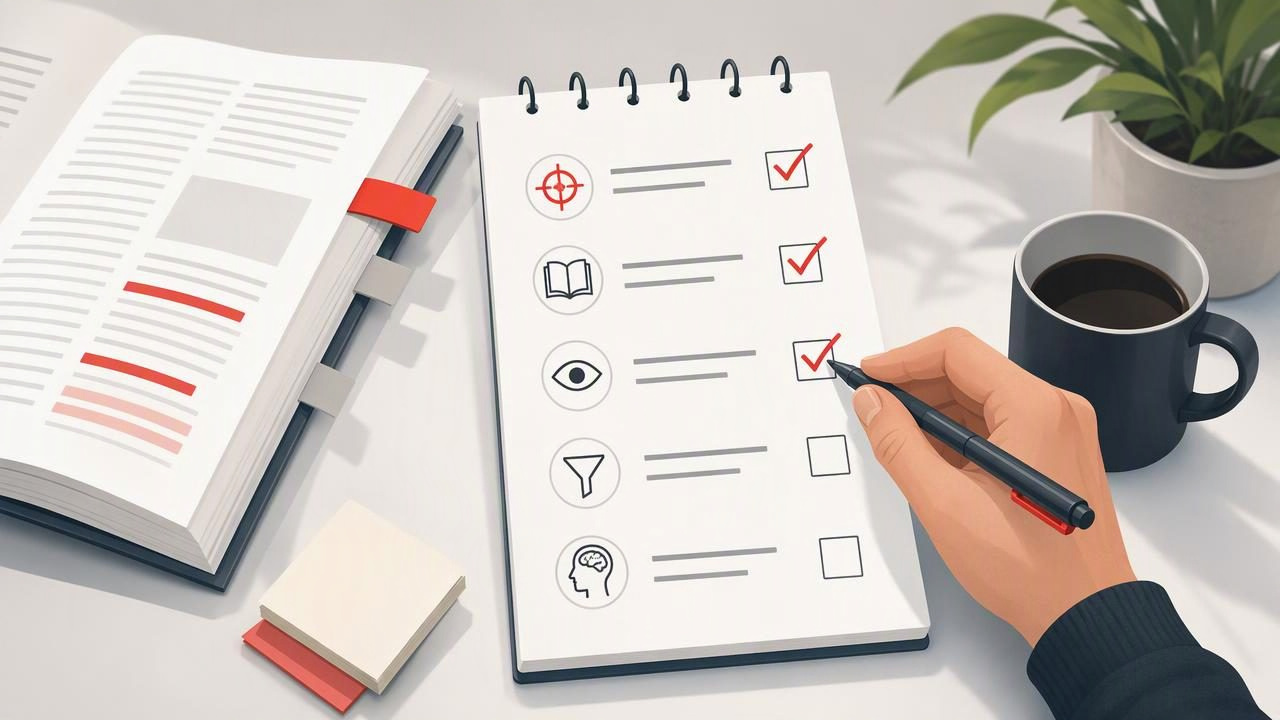
Use the following checklist before, during, and after an RSVP reading session. It is designed for practical review, not for pushing toward a universal words-per-minute target.
1. Define one narrow purpose
Before opening the text, complete this sentence: “I am skimming this to find or refresh ______.” A narrow purpose makes it easier to decide which details matter.
For example, a student rereading familiar biology notes might set the purpose: “I am skimming this to refresh the stages of cellular respiration before answering practice questions.” A professional reviewing a project update might use: “I am looking for deadline changes, owners, and unresolved risks.”
If you cannot name the purpose, you are more likely to speed through material without knowing what to retain.
2. Preview the structure first
Do not begin with RSVP mode immediately. Spend one or two minutes looking at the document’s title, headings, subheadings, lists, summary, and conclusion. This quick preview activates what you already know and gives incoming text a structure.
For a PDF or study document, note where charts, tables, equations, citations, or diagrams appear. RSVP is useful for running text, but visual information often needs direct inspection. A preview also helps you decide where a fast skim is appropriate and where conventional reading is safer.
3. Choose a starting speed you can monitor
Start at a pace that feels slightly challenging but not frantic. The right setting differs by reader, text difficulty, screen size, fatigue level, and familiarity with the subject. A familiar email update may allow a faster pace than familiar academic notes with dense terminology.
Use a simple rule: if you repeatedly realize that you missed the previous sentence, reduce the speed. If you are waiting impatiently for each word and can accurately recount the content, increase it slightly. Change one setting at a time so you can notice whether the adjustment helps.
4. Read in short blocks
Set a manageable reading block, such as one section, one page-equivalent, or a few minutes. Short blocks reduce the temptation to continue at an unsuitable pace just because the session has started. They also create natural moments for checking comprehension.
After each block, pause and ask:
- What was the main point?
- What was new, changed, or surprising?
- Which term, name, date, or instruction needs a closer look?
- Could I explain this section without seeing the text?
If you cannot answer at least the first two questions, treat that as useful feedback rather than failure. Replay the section at a lower pace or read it in normal layout.
5. Flag friction instead of forcing speed
Friction is any point where your understanding breaks: an unfamiliar word, a complicated transition, a number that matters, a claim that seems unsupported, or a sentence whose meaning is uncertain. When friction appears, do not try to compensate by concentrating harder while the text continues moving. Pause.
Flag the section, make a brief note, or return to it after the skim. This keeps the fast pass useful while protecting important details. Skimming familiar material works because you know what can move quickly; it fails when you ignore signals that the material is no longer familiar.
6. Use a recall check after the session
Comprehension checks are essential when using speed reading tools. At the end of a session, close or look away from the text and write three to five bullets from memory. Keep them specific enough to reveal gaps.
For example, after skimming a familiar project brief, your recall check might be:
- The launch date moved from Thursday to the following Monday.
- The design review is still waiting for approval.
- The analytics task now belongs to the product team.
- The main risk is incomplete customer testing.
Then compare your notes with the source. If you missed a central point or mixed up an important detail, revisit that section slowly. This small habit turns an RSVP session into a learning tool rather than a fast exposure exercise.
A Concrete Example: Reviewing Familiar Lecture Notes
Imagine that you are preparing for an exam and have already attended a lecture on supply and demand. You have 20 minutes to review your notes before completing practice questions.
First, preview the headings: demand shifts, supply shifts, equilibrium, price ceilings, and elasticity. Because these concepts are familiar, you decide to use an RSVP reader for the explanatory paragraphs. You keep the graphs open in the original document because the visual relationship between curves matters.
During the RSVP pass, you move steadily through definitions and examples. When you reach a paragraph about elasticity, you notice you cannot remember the distinction between elastic and inelastic demand. Instead of pushing through, you pause, mark that passage, and lower the speed for the next few sentences. After the section, you state the difference aloud in your own words and check it against the notes.
By the end, you have refreshed the familiar concepts quickly, identified one weak area, and preserved time for practice questions. The value did not come from reading at the highest possible speed. It came from matching the method to material you already knew and slowing down where understanding weakened.
Common Mistakes When Skimming With RSVP
- Using fast mode for brand-new material: New concepts usually require more pauses, connections, and review.
- Ignoring document layout: Tables, figures, code, formulas, and footnotes may carry essential meaning outside the text stream.
- Equating speed with learning: Finishing a document quickly does not prove you can recall or apply it.
- Never changing pace: A useful reading speed should vary with the difficulty and importance of the section.
- Skipping review completely: A one-minute recall check can reveal whether the skim was genuinely productive.
Build a Repeatable Reading Habit
Use this compact routine whenever you want to skim familiar material:
- Set a specific review goal.
- Preview headings and visual elements.
- Start RSVP at a controllable pace.
- Pause after short sections.
- Flag confusion, numbers, and new information.
- Test recall before moving on.
- Re-read critical or unclear passages normally.
Over time, this process can help you distinguish between text that is safe to skim and text that deserves deeper attention. It also prevents a common productivity trap: mistaking rapid consumption for useful learning.
If you want to explore an iPhone or iPad workflow for this method, FocalRead’s guide to reading faster offers additional context on pairing reading speed with focus and comprehension.
