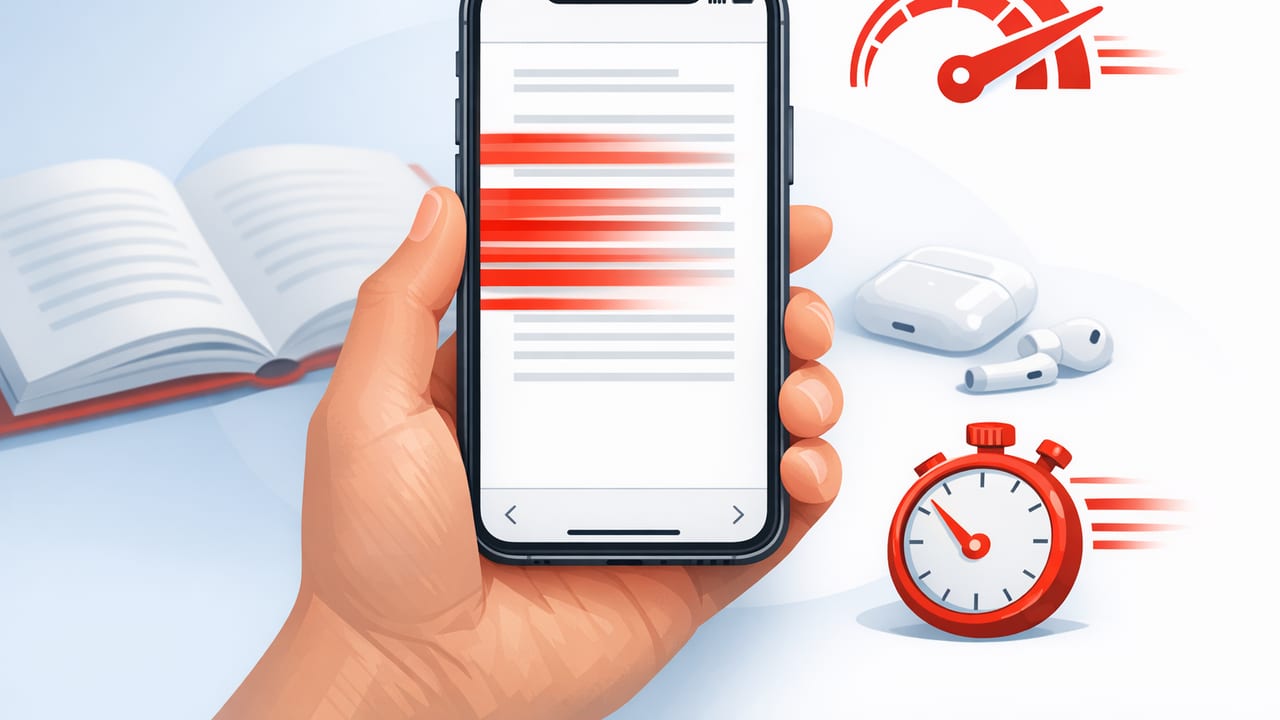
Speed reading on a phone used to sound like a contradiction: small screen, constant notifications, and endless scrolling. But a modern speed reading iPhone workflow can be surprisingly effective because your iPhone is always with you, your reading material is already digital, and iOS includes tools that make focused reading easier than many people realize.
This guide is an educational, technique-first approach to reading faster on iPhone while protecting comprehension. You’ll learn how to set up your device, prepare text, choose the right reading mode for the situation, and build a repeatable daily routine that actually sticks.
Why iPhone is a strong platform for speed reading
Speed reading is mostly about attention management and visual efficiency. The iPhone helps with both when used intentionally:
- Always-available practice: short sessions (3–10 minutes) add up quickly.
- Consistent posture and distance: similar viewing conditions make progress easier to measure.
- Instant text capture: articles, PDFs, emails, notes—everything can become practice material.
- Focus controls: iOS Focus modes and notification settings reduce “attention switching costs.”
Step 1: Set up your iPhone for focused reading
Use Focus mode like a “reading room”
Create a Focus mode (or customize an existing one) specifically for reading:
- Open Settings → Focus.
- Create a Reading Focus (or customize an existing profile).
- Allow only essentials (e.g., calls from favorites) and silence everything else.
- Optionally set a home screen page with only reading-related apps/widgets.
Reduce visual friction
- Brightness: keep it stable during sessions to avoid eye strain.
- Text size: choose a comfortable size that supports fewer regressions (back-skips).
- True Tone / Night Shift: helpful for comfort, but keep consistent during practice so speed metrics aren’t skewed.
Rule of thumb: if your eyes feel tired, you’ll reread more—your speed drops even if you “try harder.” Comfort supports speed.
Step 2: Pick the right speed reading mode for the material
“Speed reading” isn’t one technique. On iPhone, you’ll usually rotate between two broad modes depending on the goal:
Mode A: Continuous reading (natural scrolling)
Best for:
- Deep comprehension
- Complex arguments (research, technical writing)
- Reading where you’ll take notes or highlight
How to go faster here: reduce regressions and improve line-to-line movement.
Mode B: Guided/rapid presentation (paced words or chunks)
Best for:
- News, blog posts, lighter nonfiction
- First-pass reading before deeper review
- Training your pace and reducing subvocalization
How to go faster here: maintain rhythm, keep comprehension checks, and adjust speed in small steps.
Step 3: The core techniques that work well on iPhone
1) Stop “hunting” lines: use a visual pacer
When reading on a phone, the biggest hidden slowdown is losing your place. Use a pacer to guide your eyes:
- Your thumb moving down the screen at a steady pace
- A pen/stylus for PDFs
- A reading app’s built-in highlight or guided mode
The pacer isn’t about rushing—it’s about minimizing random eye movement.
2) Reduce subvocalization strategically (don’t “mute” your brain)
Subvocalization (silently pronouncing words) limits many readers to ~200–300 WPM. On iPhone, try this progression:
- Start with content you can summarize easily.
- Increase speed slightly until you notice inner speech lagging.
- Keep meaning, drop the voice: aim to recognize phrases instead of “hearing” each word.
Important: for technical or dense text, it’s normal to subvocalize more. Speed reading is about control, not eliminating one behavior forever.
3) Read in phrases (chunking)
Instead of fixating on individual words, train yourself to capture 2–5 word chunks per fixation. On iPhone, chunking improves quickly when you:
- Use slightly larger line spacing (less “crowding”)
- Practice with short paragraphs and re-tell the idea
- Intentionally look for phrase units (e.g., “in order to”, “as a result”, “the main point is”)
4) Preview before you sprint
Previewing increases comprehension at higher speeds because you give your brain a map:
- Read the title and subheads
- Scan the first sentence of each section
- Ask: What question is this trying to answer?
This takes 20–40 seconds and often saves minutes of rereading.
5) Use “comprehension checkpoints” (fast, objective)
Every few screens (or every 2–3 minutes), pause and do one of these:
- One-sentence summary: “This section argues that…”
- Key terms list: 3–5 nouns/phrases
- Prediction: “Next, they’ll probably explain…”
If you can’t do a checkpoint, slow down for the next segment. This keeps speed and understanding aligned.
Step 4: A repeatable speed reading iPhone workflow (capture → read → retain)
Capture
Turn random reading into intentional practice by capturing text into a consistent place:
- Safari: use Reader view when available to remove clutter.
- Share Sheet: send articles/PDFs to your reading app or notes app.
- Files: store PDFs in a dedicated “Reading” folder for quick access.
Read (10-minute session template)
- 1 minute: preview headings and first lines.
- 7 minutes: paced reading (guided mode or steady thumb pacer).
- 2 minutes: checkpoint summary + capture 1–3 takeaways.
Retain
Retention doesn’t require long notes. You need a minimal “memory hook”:
- Write a 3-bullet takeaway in Notes
- Save one quote + why it matters
- Create a simple flashcard prompt (Q/A) for anything you must remember
How fast should you go? Use this simple progression
Many readers jump from 250 WPM to 500 WPM overnight and then wonder why nothing sticks. A better strategy is incremental increases with frequent comprehension checks.
| Goal | Suggested pace | Session length | Best for |
|---|---|---|---|
| Baseline + control | 200–300 WPM | 10–15 min | Dense text, study reading |
| Build speed safely | 300–450 WPM | 8–12 min | Most articles, business reading |
| Skim + structure | 450–650 WPM | 5–10 min | First pass, familiar topics |
| High-speed drill | 650+ WPM | 2–5 min | Training rhythm (not final comprehension) |
Practical target: increase pace by 25–50 WPM every few sessions only if your checkpoints stay solid.
Common mistakes that sabotage speed reading on iPhone
Mistake 1: Measuring speed without measuring understanding
If you can’t summarize, your “speed” is just page-turning. Always pair speed with a checkpoint.
Mistake 2: Reading notifications between paragraphs
Each interruption forces your brain to reload context. Use a Reading Focus and keep sessions short so it feels easy to stay offline.
Mistake 3: Treating every text like it deserves the same speed
Contracts, textbooks, and research papers often require slower passes. Use fast reading for the preview and structure, then slow down where precision matters.
Mistake 4: Skipping the preview
Previewing is the cheat code for comprehension at higher speeds. Without it, you’ll regress and reread—negating the speed gain.
Optional: An iOS Shortcut idea to reduce friction
If you frequently read web articles, a Shortcut can help you standardize the process (open Reader view, copy clean text, and send it to your preferred reading location). Here’s a conceptual outline you can recreate in the Shortcuts app:
// Pseudo-Shortcut steps (conceptual)
1. Receive input: URL from Share Sheet
2. Get Article from Web (extract main content)
3. Make Markdown from Rich Text (optional)
4. Append to Note: "Reading Inbox" (or save to a file)
5. Open the note (start reading session)
This isn’t about automation for its own sake—it's about removing the tiny barriers that stop you from practicing consistently.
A simple weekly routine that fits real life
- Mon–Thu (10 minutes/day): one article + one checkpoint summary.
- Fri (10 minutes): reread your four summaries; refine to one sentence each.
- Sat (15 minutes): one longer piece at comfortable speed; take 5 bullet notes.
- Sun (5 minutes): choose next week’s reading topics so you don’t waste time deciding.
Consistency is what trains your eyes and attention. Your iPhone makes that consistency realistic—if your workflow is simple.
Putting it all together
A strong speed reading iPhone practice isn’t about chasing the highest WPM number. It’s about building a repeatable system: reduce distractions, preview for structure, read with a steady pace, and confirm comprehension with quick checkpoints. Do that for a few weeks and you’ll usually notice you’re reading faster and retaining more—because you’re reading with intention.
If you prefer guided modes built for mobile, an iOS speed reading app such as FocalRead can make pacing and practice sessions easier to maintain.
