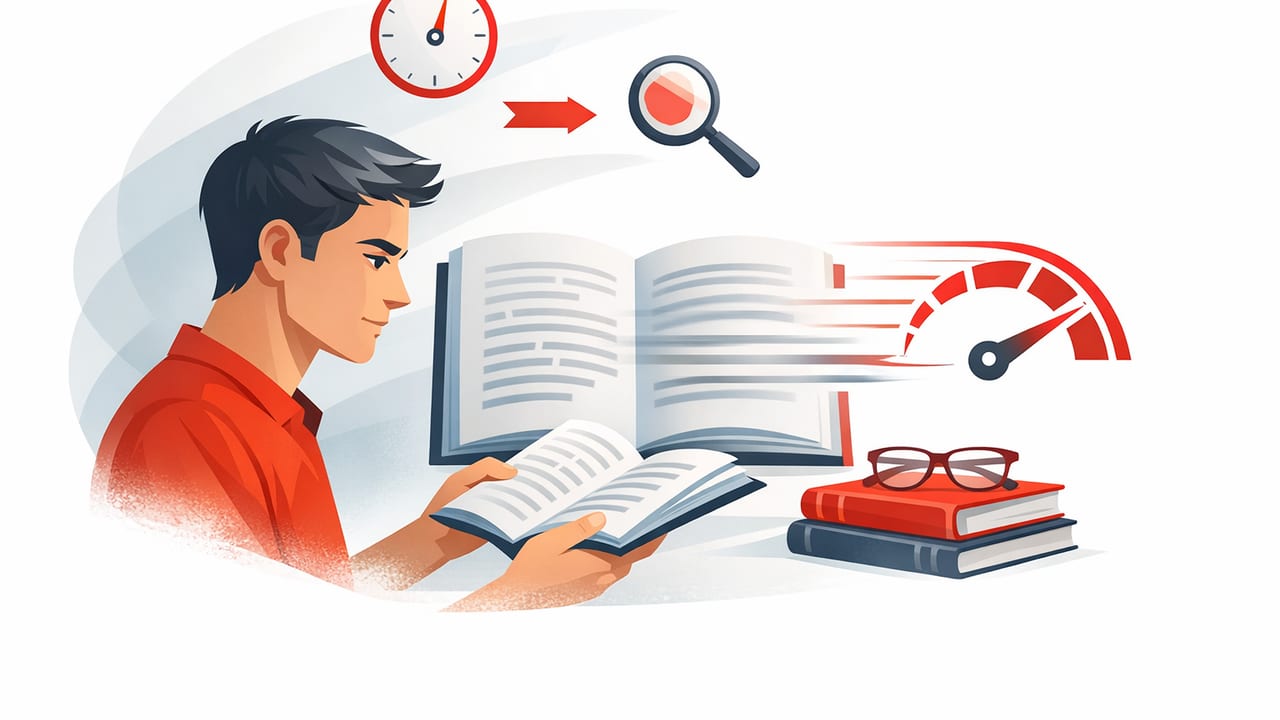
Speed reading isn’t about racing your eyes across a page and hoping your brain keeps up. Done well, it’s a set of trainable skills that reduce wasted eye movement, improve attention, and help you extract meaning more efficiently—especially on digital text where scrolling, notifications, and multitasking can quietly destroy focus.
If you read articles, study notes, reports, or PDFs on an iPhone or iPad, you have a big advantage: you can control the reading environment, pacing, and distractions with precision. This guide breaks down the most effective speed reading techniques, how to practice them, and how to adapt them for iOS reading so you can read faster and remember more.
What speed reading really improves (and what it can’t)
Most people can increase reading speed by addressing three common bottlenecks:
- Subvocalization: silently pronouncing every word in your head.
- Regression: re-reading words and lines unnecessarily.
- Low visual efficiency: reading one word at a time instead of in chunks.
Speed reading can work extremely well for non-fiction, articles, professional reading, and study review. It’s less suitable for dense technical proofs, poetry, or anything where your goal is to savor language. A good target is “faster with control,” not “fast at any cost.”
Rule of thumb: If you can’t summarize what you read in two or three sentences, you didn’t read it—you scanned it.
Baseline first: measure your current WPM and comprehension
Before changing your habits, get a starting point. Choose a text you’d normally read (800–1,200 words is ideal), set a timer, and read naturally. Then calculate words per minute (WPM) and do a quick comprehension check.
Quick WPM formula
Use this simple formula:
WPM = (Total words / Minutes)
Example: 1000 words / 5 minutes = 200 WPM
Comprehension check (2 minutes)
- Write down 5 key points you remember.
- Write a 1–2 sentence summary.
- Note any terms you couldn’t explain simply.
Track both WPM and comprehension. Speed without understanding is just moving your eyes.
Core speed reading techniques (that translate well to iOS)
1) Use a pacer to prevent regression
A “pacer” guides your eyes so you don’t backtrack. On paper, it’s a finger or pen. On iPhone or iPad, it can be:
- Following the line with your thumb while scrolling slowly
- Using a highlight/reading guide feature (in some reading tools)
- Reading in a mode that reveals text in a controlled way (more on that below)
Regression often feels like “being careful,” but it’s frequently a habit triggered by distraction. A pacer keeps you moving forward.
2) Expand your visual span (chunking)
Many readers fixate on individual words. Speed readers train themselves to recognize groups of words per fixation. You can practice chunking on iOS by:
- Increasing text size slightly to reduce line length (shorter lines often improve chunking)
- Keeping the device at a consistent distance (reduces refocusing effort)
- Using bold headings and paragraph structure to anticipate meaning
Try this: instead of reading “one word, one word, one word,” aim for “two-to-four words at a time.” Your brain already chunks familiar patterns; you’re just making it deliberate.
3) Reduce subvocalization (without eliminating it)
Subvocalization sets a natural speed limit—often close to speaking speed. You don’t need to eliminate it completely. Instead, reduce it when the material is straightforward by:
- Lightly tapping your finger or foot while reading to occupy the “inner voice”
- Increasing pacing slightly (a small push often quiets word-by-word narration)
- Focusing on meaning per phrase, not pronunciation per word
For complex material, subvocalization can be useful. The goal is flexibility: fast when you can, careful when you must.
4) Preview, then read (the 30-second pre-read)
Previewing builds a mental map so your brain knows what to look for. On iPhone and iPad, you can preview extremely quickly because headings, bullets, and formatting stand out.
- Read the title and subheadings.
- Scan the first sentence of each paragraph.
- Identify 2–3 questions you want the text to answer.
This typically increases comprehension while also improving speed because you waste less effort deciding what matters.
5) Use RSVP-style reading selectively
RSVP (Rapid Serial Visual Presentation) shows words or short phrases one at a time at a controlled pace. It can reduce eye movement and help you maintain rhythm, especially for articles and emails.
However, RSVP can be less effective for diagrams, code, dense academic material, or anything that requires frequent back-referencing. Think of it as one tool in your kit, not the only way to read.
Which technique should you use? (Quick comparison)
| Technique | Best for | Main benefit | Watch out for |
|---|---|---|---|
| Pacer | Almost all reading | Less regression, steadier speed | Going too fast without checking meaning |
| Chunking | Articles, reports, non-fiction | Fewer fixations, higher WPM | Harder with unfamiliar vocabulary |
| Previewing | Study, research, long reads | Better comprehension and recall | Skipping it when you’re in a hurry |
| RSVP | Short/medium digital text | Less eye movement, strong focus | Not great for visuals or reference-heavy text |
Set up iPhone/iPad for focused reading
Your reading speed is often limited by attention, not eyesight. These iOS-friendly adjustments make speed reading practice far easier:
Use a distraction-free environment
- Focus mode: silence notifications during reading sprints.
- Full-screen reading: use Reader view in the browser when available.
- Reduce visual clutter: close extra tabs and apps to avoid context switching.
Optimize typography for speed
- Increase font size slightly to reduce strain, but avoid comically large text that forces constant scrolling.
- Prefer comfortable line length: on iPad, narrower columns can be faster than wide lines.
- Use consistent spacing and a clean font if the app offers it.
Create a simple “reading sprint” timer
Speed reading improves quickly when you practice in short bursts. If you use the Shortcuts app, you can set up a basic routine like this:
Shortcut: Reading Sprint (10 minutes)
1) Turn on Focus: Reading
2) Start timer: 10 minutes
3) Open your reading app or saved article
4) When timer ends: show prompt
   - Write 3 bullet points you learned
This turns reading into a repeatable habit: focus → read → recall.
A 14-day speed reading training plan (15 minutes/day)
Consistency beats intensity. Use the plan below with any material you regularly read (news, textbooks, professional docs).
Days 1–3: Baseline + regression control
- Measure your WPM and comprehension once.
- Do two 5-minute reading sprints per day with a pacer.
- After each sprint, write a 1–2 sentence summary.
Days 4–7: Chunking practice
- Before each sprint, preview headings and first sentences (30 seconds).
- During reading, aim for 2–4 word chunks per fixation.
- Keep pace just slightly uncomfortable (about 10–20% faster than normal).
Days 8–11: Controlled speed increases
- Alternate days: one normal-comprehension sprint, one faster sprint.
- After the faster sprint, re-read only the hardest paragraph slowly.
- Track: WPM, plus one note on what caused confusion.
Days 12–14: Mixed-mode reading (real life)
- Use speed reading for easy sections.
- Slow down for definitions, arguments, and key examples.
- End with a 5-bullet outline from memory (no peeking).
After two weeks, re-test WPM and comprehension using a similar difficulty text. Many readers see meaningful gains simply from reducing regression and practicing chunking consistently.
Common speed reading mistakes (and fixes)
Mistake: chasing WPM numbers
Fix: Track comprehension alongside WPM. If your summary quality drops, slow down slightly and focus on previewing.
Mistake: never slowing down
Fix: Use “gears.” Skim or speed-read for structure, then slow down for high-value paragraphs.
Mistake: practicing with the wrong material
Fix: Train with content you actually read. If you’re a student, use textbook chapters and lecture notes. If you’re a professional, use memos, briefs, and articles in your field.
Mistake: reading while constantly switching apps
Fix: Do 10-minute sprints with Focus mode on. Multitasking feels productive but usually causes regression and lower retention.
How to tell if you’re improving
Beyond WPM, watch for these signals:
- You re-read less, even when tired.
- You can summarize faster and with more structure.
- You notice headings and argument flow automatically.
- You feel less mental resistance starting a reading session.
Speed reading is ultimately a focus skill. The more your attention stabilizes, the more your speed and comprehension rise together.
Putting it all together
If you want one simple starting routine for speed reading on iPhone or iPad, use this:
- Preview for 30 seconds (headings + first sentences).
- Read for 10 minutes with a pacer and gentle speed pressure.
- Recall with 3–5 bullets from memory.
- Review one confusing paragraph slowly.
Once this habit is stable, tools that provide pacing or RSVP-style modes can make practice even easier. If you’re looking for an iOS option built specifically around faster digital reading, you can explore a dedicated speed reading app like FocalRead and see whether its reading modes fit your workflow.
