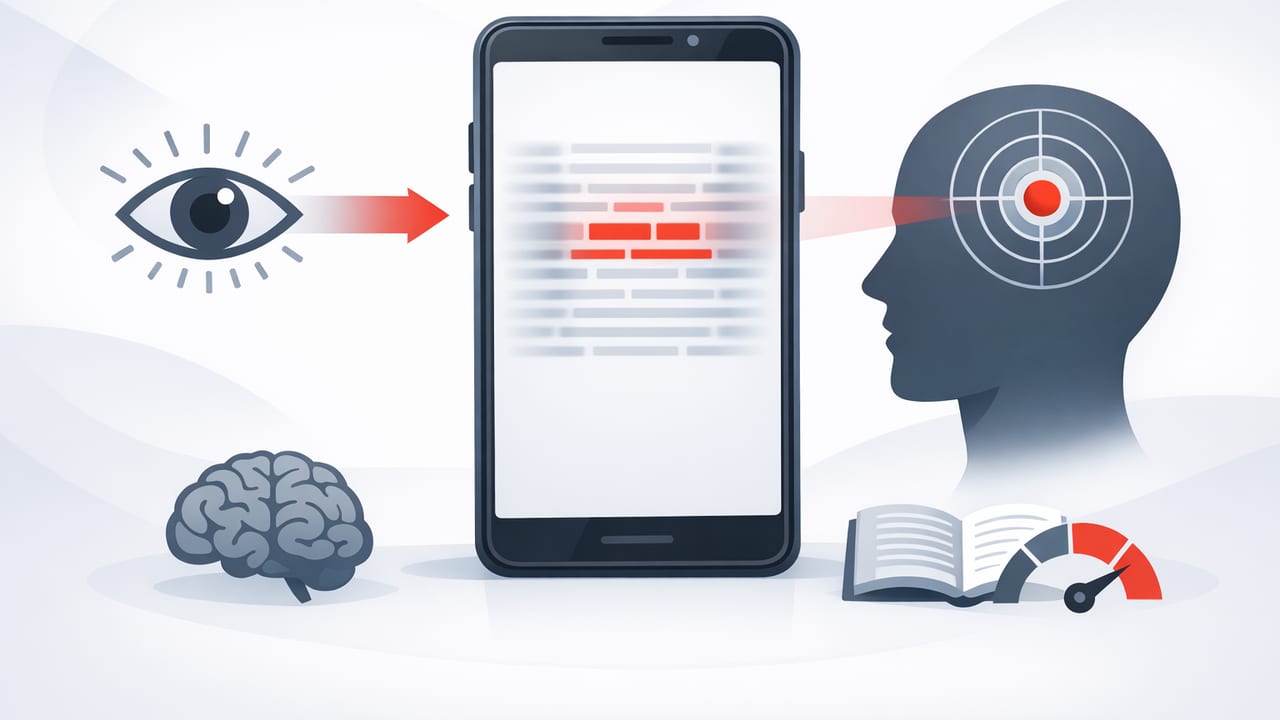
If you’ve ever felt like your eyes “hop” from word to word, you’re not alone. Many readers rely on narrow fixation—looking directly at nearly every word—when the brain is capable of processing more text per glance. That’s where peripheral vision training comes in. In this guide, you’ll learn how to train peripheral vision for reading using practical drills you can do with a reading app (especially on iPhone and iPad), plus how to measure progress without sacrificing comprehension.
The goal isn’t to “speed through” text blindly. It’s to expand what you can reliably take in during each fixation, reduce unnecessary regressions (backtracking), and build a steadier reading rhythm—great for students, professionals, and anyone who reads on screens.
What peripheral vision does in reading (and what it doesn’t)
Peripheral vision is everything you can see outside your central point of focus (your foveal vision). In reading, you don’t actually “read” entire sentences in the periphery with perfect clarity. Instead, you:
- Preview upcoming text (shapes, word length, punctuation, line breaks)
- Reduce surprise for the next fixation so your eyes move more smoothly
- Chunk more efficiently (taking in 2–5 words per fixation instead of 1–2)
When people talk about training peripheral vision for reading speed, what they’re often improving is visual span (how many characters/words you can process per fixation) and oculomotor control (how consistently your eyes move forward).
Key idea: You’re not trying to read everything in your periphery perfectly. You’re training your brain to use peripheral cues to support faster, cleaner fixations.
Why a “train peripheral vision reading app” approach works
Training on paper can work, but an app-based approach has advantages for modern digital reading habits:
- Consistent presentation: controlled line width, font size, spacing, and pacing
- Built-in constraints: reduces distractions and helps you stay on-task
- Repeatable drills: the same exercise, same duration, easy tracking
- Short sessions: 5–12 minutes fits into commutes or study breaks
Whether you’re using guided pacing, focus modes, or rapid word/phrase presentation, a reading app can create the structure needed to practice peripheral awareness without constantly self-correcting.
Foundations: set up your screen for wider visual span
Before drills, make the text easier to process per glance. On iPhone and iPad, small layout changes can immediately support peripheral training:
- Increase font size slightly so words are clear without squinting.
- Use comfortable line spacing to reduce line-jumping errors.
- Limit line length (ideal: ~45–75 characters). Very wide lines make it harder to use peripheral preview effectively.
- Reduce visual noise: turn off banners/notifications during sessions.
- Prefer high contrast: avoid low-contrast themes for speed work.
Quick check: are you fighting your layout?
If you lose your place often, reread lines, or feel eye strain quickly, it’s usually not a “discipline” problem—your display settings may be working against your visual system.
5 drills to train peripheral vision for reading (using an app)
Below are practical drills you can do with most digital reading tools. Choose two to start and rotate weekly.
1) The “two-word window” drill (chunk expansion)
Goal: Increase how many words you can process per fixation.
- Open a passage at an easy difficulty (familiar topic or light nonfiction).
- Place your focus on the space between two words, not directly on a word.
- Try to identify both adjacent words without shifting your gaze.
- Move forward one “window” at a time.
App tip: Use a reading mode that highlights a phrase or keeps your place stable so you can focus on chunking rather than navigation.
2) Soft focus sweep (peripheral preview)
Goal: Reduce regressions by previewing upcoming text.
- Read normally, but keep your attention slightly ahead of your fixation point.
- Let your eyes land on a word, while your mind “checks” the next 2–4 words in the periphery.
- If you feel the urge to backtrack, pause for half a second and continue forward instead.
This drill teaches your brain that forward motion is safe because you’re already gathering cues from what’s coming next.
3) Margin anchor drill (line control on iPad)
Goal: Improve line transitions and reduce losing your place—especially on larger screens.
- Set a comfortable column width (avoid edge-to-edge full width).
- At the end of each line, use your peripheral vision to locate the start of the next line before moving.
- Try to land near the first word (not the margin), reducing “search time.”
Why it works: You’re training peripheral awareness to guide saccades (quick eye jumps) more accurately.
4) Guided pacing with under-reading (tempo training)
Goal: Read slightly faster than comfortable while maintaining meaning.
- Use a pace guide (auto-scroll, highlight, or timed phrase display).
- Set speed so you feel mild pressure (about 10–20% faster than baseline).
- Accept that you won’t consciously “hear” every word—focus on extracting meaning.
This builds trust in your peripheral support and reduces subvocalization (silent speech), which often limits speed.
5) The “center lock” drill (fixation stability)
Goal: Keep fixations stable so peripheral intake improves.
- Choose a paragraph.
- Place a finger (or on-screen cursor/guide) under the center of each line.
- Try to keep your gaze near the center while capturing words to the left and right.
Over time, you’ll notice fewer micro-fixations and smoother forward movement.
A simple 10-minute routine (repeat 4–5 days/week)
Consistency beats intensity. Here’s a short plan that fits into a study break or morning commute.
| Minute | What to do | What you’re training |
|---|---|---|
| 1 | Warm-up: easy text, normal speed | Comfort + rhythm |
| 3 | Two-word window drill | Chunk size / visual span |
| 3 | Guided pacing (10–20% faster) | Forward momentum, reduced subvocalization |
| 2 | Soft focus sweep on the same text | Peripheral preview + fewer regressions |
| 1 | Quick recap: write 2–3 bullet points | Comprehension reinforcement |
If you only have 5 minutes, do: two-word window (2 min) + guided pacing (2 min) + recap (1 min).
How to measure progress (without fooling yourself)
Peripheral vision training should improve effective reading speed, not just skimming speed. Use these checks:
1) Words per minute (WPM) with a comprehension gate
Track WPM, but always pair it with a quick test:
- After reading, summarize the main idea in 1–2 sentences.
- List 3 details you recall.
- Answer one “why/how” question about the passage.
If WPM rises but your summaries get vague, reduce speed or choose easier text until accuracy recovers.
2) Regression rate (how often you reread)
A hidden win is backtracking less. If you notice fewer “Wait—what did that say?” moments, your peripheral preview and chunking are improving.
3) Eye strain and fatigue
Better visual span usually feels easier, not harder. If fatigue spikes, check brightness, font, and session length before blaming your technique.
Common mistakes when training peripheral vision
- Jumping to hard material too soon: Train mechanics on easier text first, then transfer to dense PDFs or technical writing.
- Over-fixating on speed numbers: Speed is a byproduct. Aim for smoother reading and stable comprehension.
- Forcing your eyes to “see” words in the far periphery: Real gains come from modest expansion and better guidance, not superhero vision.
- Ignoring line length: Extremely wide lines can sabotage peripheral preview and line transitions.
Optional: a tiny “reading drill timer” you can reuse
If you like structure, you can run a simple interval timer during your sessions. Here’s a small example you could adapt (conceptually) in any scripting or automation tool:
// 10-minute peripheral reading routine (seconds)
const blocks = [
  { name: "Warm-up", secs: 60 },
  { name: "Two-word window", secs: 180 },
  { name: "Guided pacing", secs: 180 },
  { name: "Soft focus sweep", secs: 120 },
  { name: "Recap", secs: 60 }
];

for (const b of blocks) {
  startTimer(b.secs);
  notify("Now: " + b.name);
  waitUntilDone();
}
notify("Session complete");
You don’t need code to benefit—just a stopwatch and a repeatable sequence.
Putting it together: what to expect after a few weeks
With 4–5 short sessions per week, many readers notice:
- Smoother forward motion (less stop-start reading)
- Fewer regressions (less rereading)
- Better phrase-level chunking (processing groups of words)
- Higher practical speed on emails, articles, and study material
When you’re ready to apply these skills to real workloads, practice on the kinds of content you actually consume (lecture notes, research articles, reports), but keep the drill mindset: short, focused, measurable.
Gentle tool note: If you’re looking for an iPhone/iPad option that supports structured practice for faster, more focused digital reading, you can explore apps like FocalRead to run these drills with consistent pacing and layout.
